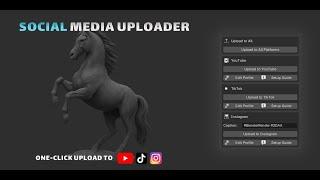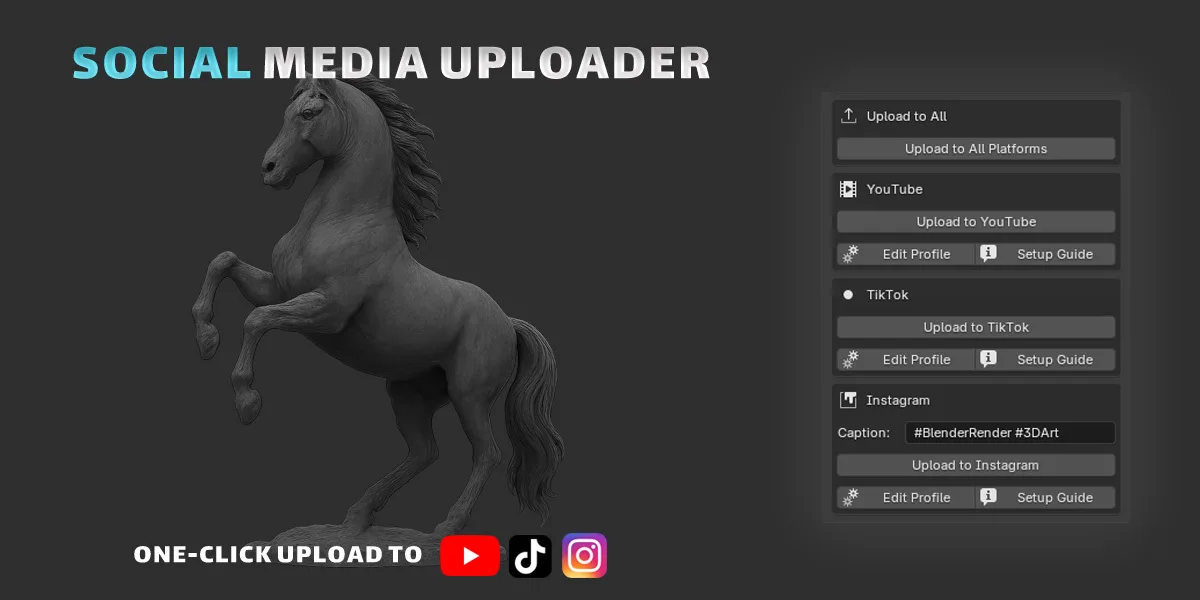
Social Media Uploader is a Blender add-on by ZibadMend for preparing rendered videos for upload from Blender. It puts video metadata, render controls, and upload progress in the Output Properties panel. The Superhive product listing describes its features, and its documentation explains setup.
Render and prepare videos in Blender
The add-on checks whether a video has already been rendered and can start a render when needed. Its listing says it can detect files in Blender’s default output paths, including //tmp/. You can enter a title, multiline description, multiline tags, and privacy status in the Output Properties panel. A unified progress bar shows upload progress by platform.
Separate render profiles let you set resolution, frame rate, file format, video and audio codecs, and CRF quality for each destination. When you start an upload, the saved profile is applied before rendering. The listing says the add-on restores your original Blender render settings afterward.
Check which platform integrations work
The listing and documentation say TikTok and Instagram uploads are simulated while their API integrations remain unimplemented. The YouTube workflow requires API access configured using the instructions in the add-on panel and documentation. Treat the “Upload to All Platforms” option accordingly: it does not mean that all three destinations currently receive a real upload.
Setup requirements and Blender versions
The add-on lists Windows, Linux, and macOS support. It requires these Python libraries to be installed in Blender’s Python environment: requests, google-api-python-client, and google-auth-oauthlib; installation scripts are provided in its install folder. The YouTube setup guide covers enabling YouTube Data API v3, creating desktop OAuth credentials, and placing client_secrets.json in the add-on folder.
There is a version-range discrepancy in the Superhive listing: its description says Blender 3.0 and newer, while the Details panel lists Blender 3.6 through 4.5. It recommends Blender 4.5 or newer for optimal icon display. Confirm compatibility on the current product page before installing, especially if you use an earlier Blender release.
This add-on may suit Blender creators who want to manage render profiles and prepare YouTube uploads without leaving Blender.