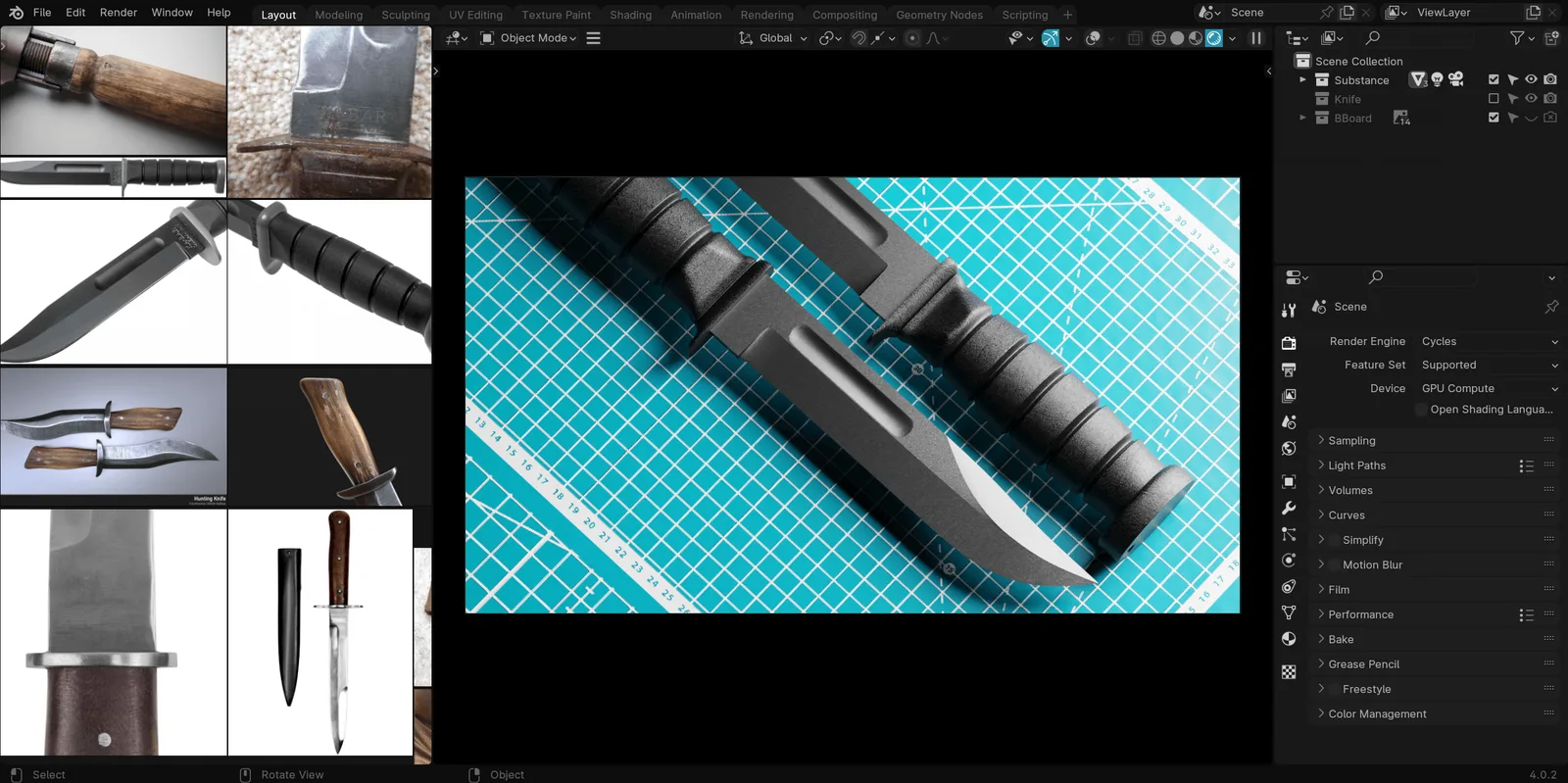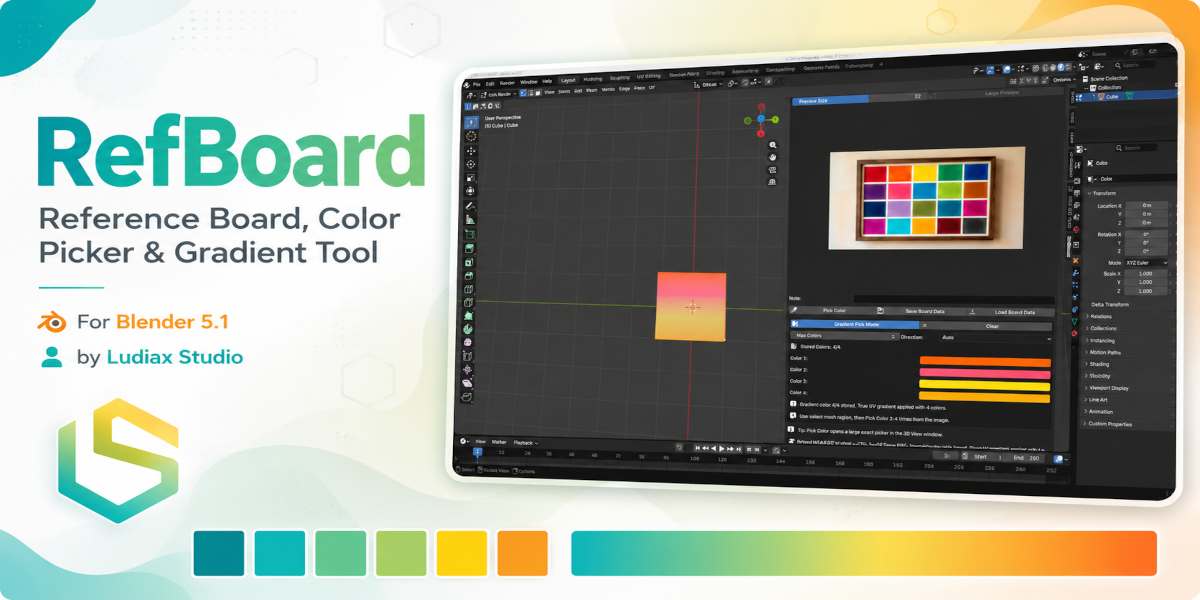
Refboard is a Blender 5.1 add-on for keeping reference images, color sampling, and mesh coloring in the same workspace. Its board sits in the 3D View sidebar. You can preview an image, sample a color, then apply it to a chosen mesh area. This suits palette studies and quick color blocking while you work on a model.
Keep reference images in Blender
Add images from your computer or use a supported direct image URL. Refboard previews images in its panel and can open a larger view before you sample a color. Some websites block direct image downloads, so a local image is the more reliable choice when a URL does not load. You can save board data and reload it later to continue working with the same set of references.
Apply a sampled color to part of a mesh
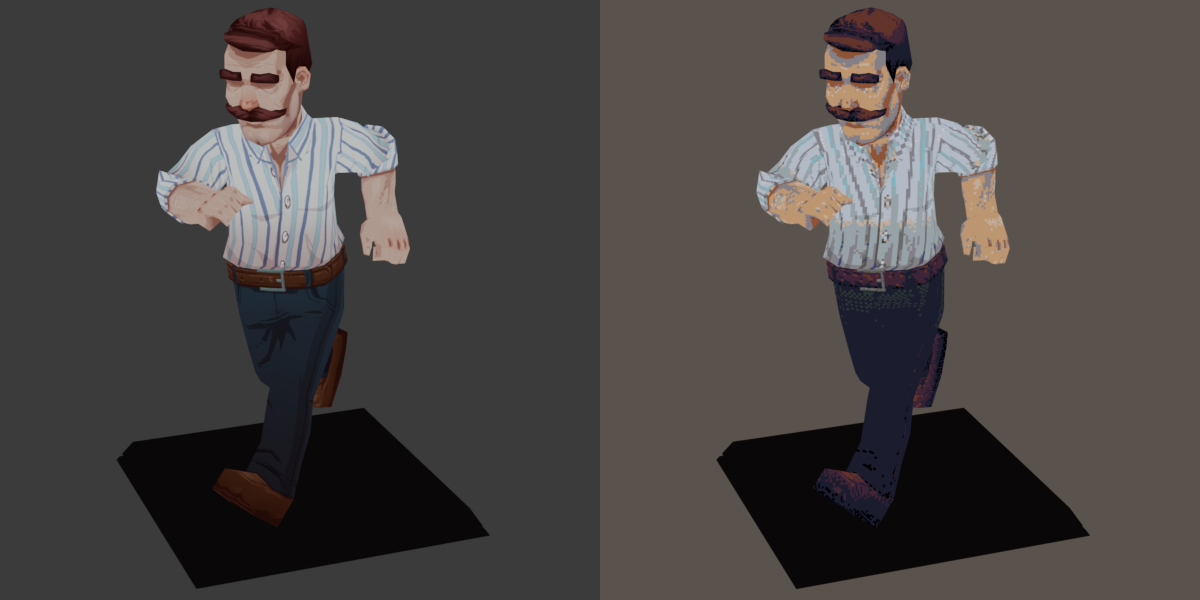
Select a mesh object, enter Edit Mode, and choose a face, edge, vertex, or region. Click Pick Color, then click the desired color on the selected reference image's large overlay. Refboard applies the sampled color to the selected mesh area through Blender's material workflow; if no mesh region is selected, it applies the color to the active material. This lets you test colors on parts of an object, such as separate faces or regions, without applying the picked color to the whole object.
Make gradients from a reference palette
Gradient Pick Mode lets you sample two to four colors from an image and apply them as a gradient across the selected mesh region. Choose Auto or a local X, Y, or Z direction to control how the transition runs. This can help with stylized color transitions and simple material exploration.
Check gradient results in Material Preview or Rendered View. In Solid View, some material and texture-based results may look simplified or flat. That appearance is expected viewport behavior and does not mean the gradient was not applied.
Who may find Refboard useful
Refboard is aimed at Blender users who make color decisions from visual references, including stylized asset artists, game artists, environment artists, and concept-driven modelers. It brings image viewing and color sampling into the modeling workspace for palette matching, color blocking, and trying object variations.
Compatibility and license details
Ludiax Studio's Superhive listing identifies Blender 5.1 compatibility and marks Refboard as Blender Extension compatible. It also lists Cycles and Eevee, GPL, and Personal, Team, and Studio license variants. The listing describes Personal for one individual user, Team for three to four users, and Studio for unlimited internal users within one organization. Check the included license file for the terms that apply to your variant.