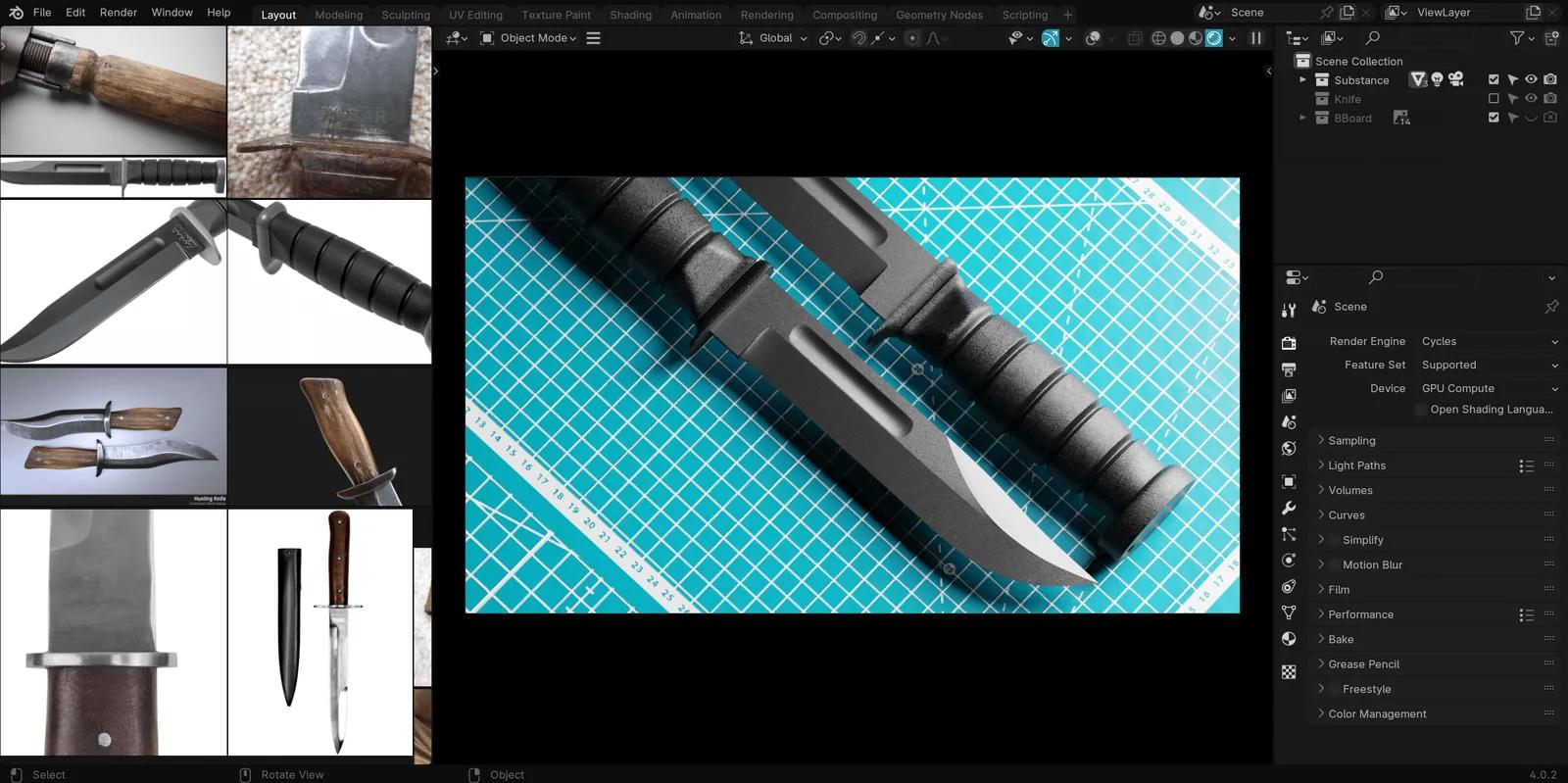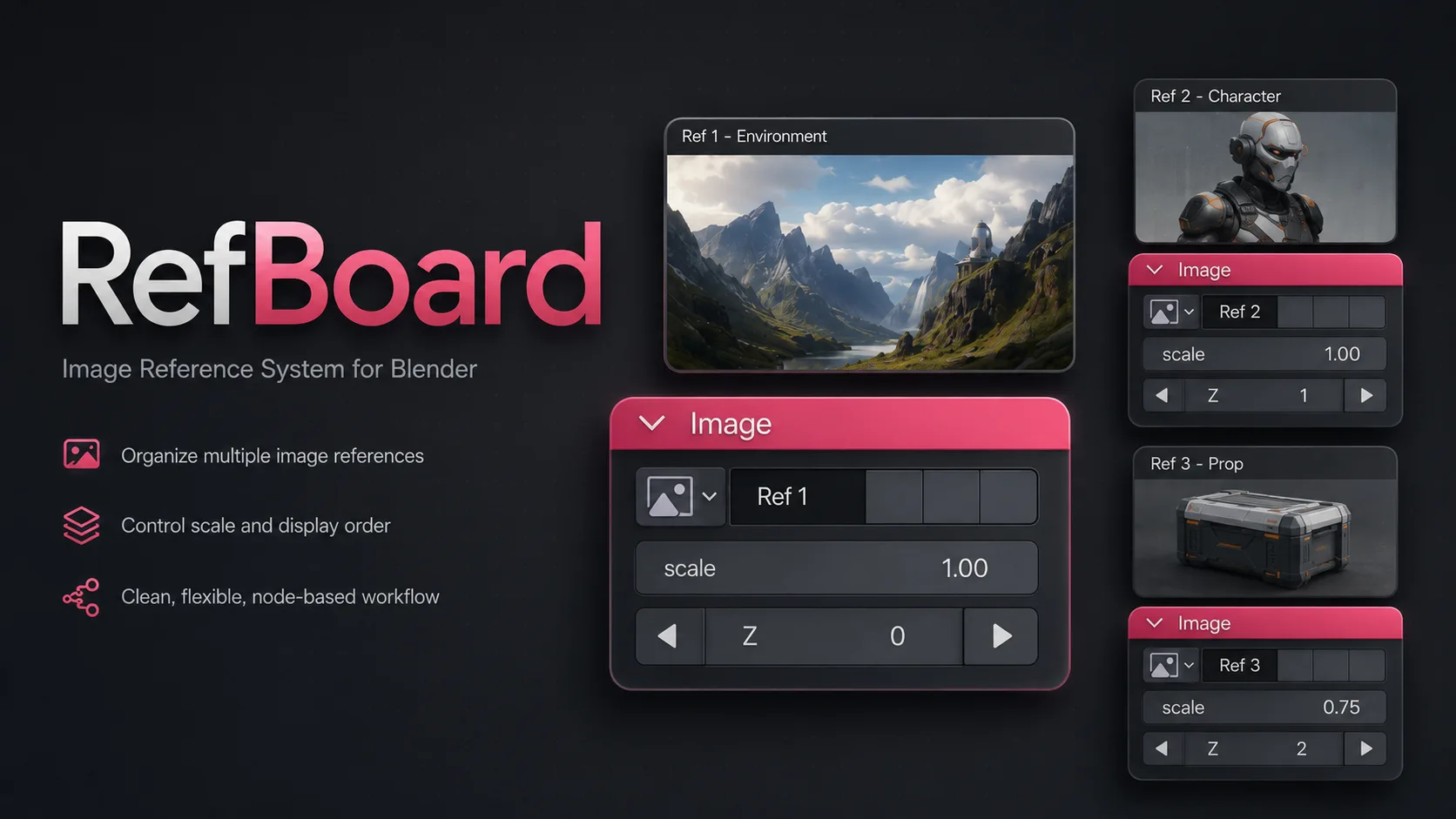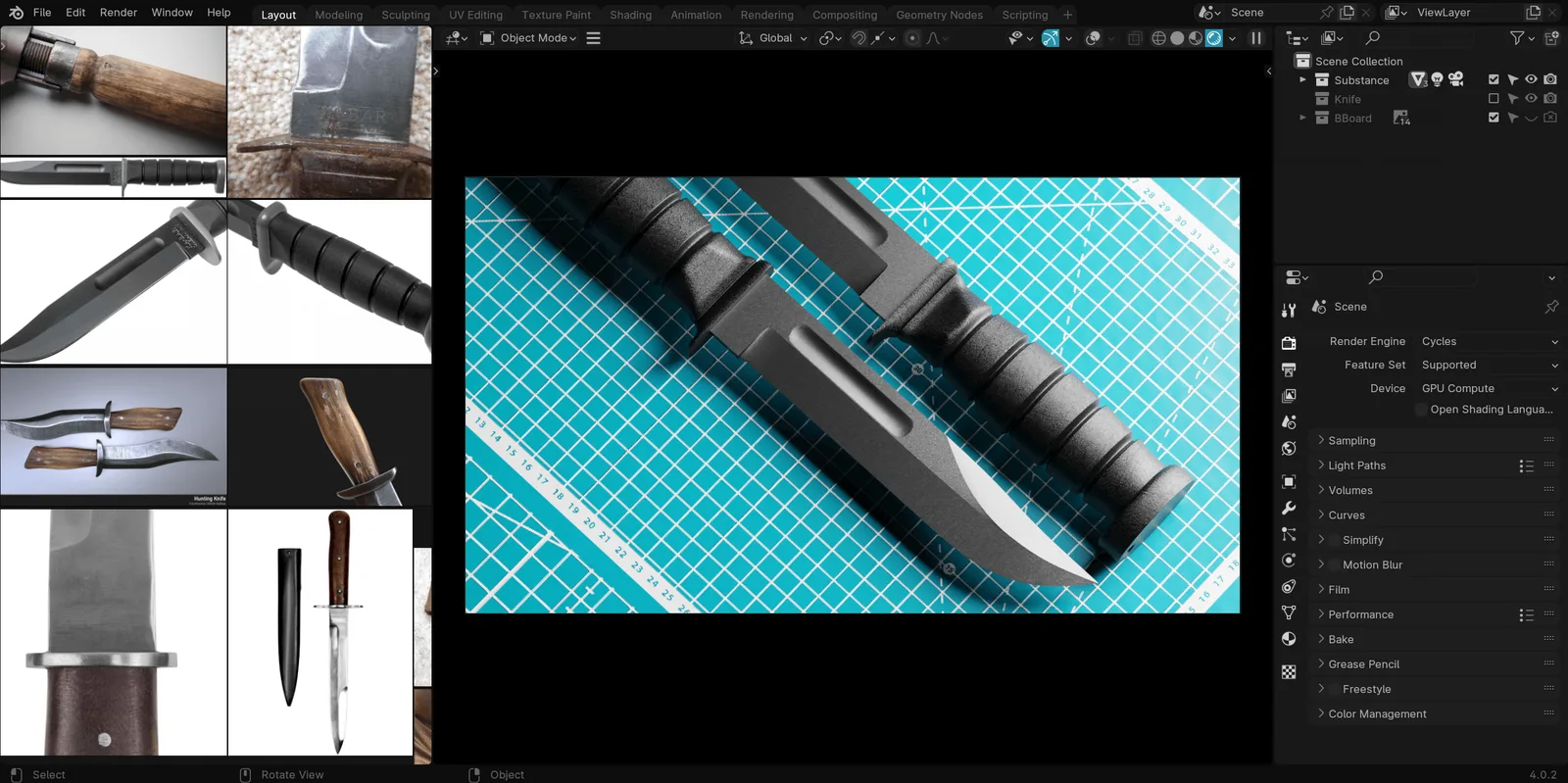
Blender Board is a reference-board add-on from Second Cube Software that puts a board inside a Blender project. The publisher says references can be used as textures or modelling blueprints, and references and textures can be packaged in a single .blend file.
Keep reference material with the project
Its in-project board avoids the need for separate reference software, according to the publisher's product listing. The listing also says the add-on uses familiar Blender shortcuts.
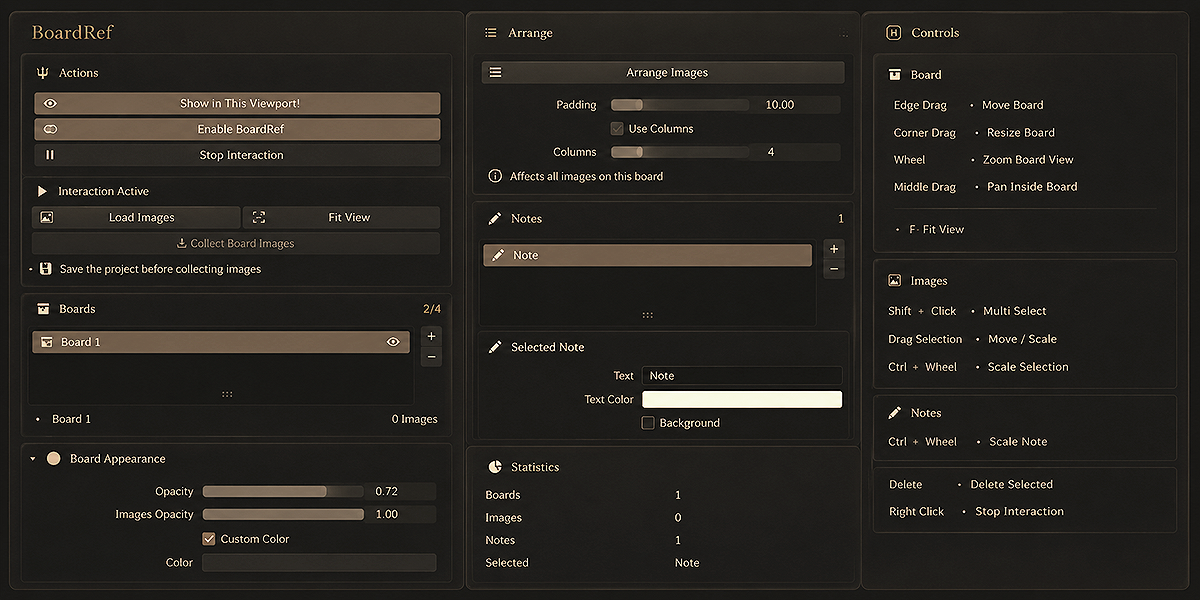
Create a board and open its menu
The published documentation gives these controls:
- Click Create Board.
- Click Import Images.
- Press
Ctrl+Alt+Wto open the board menu.
Check compatibility and license details
The Superhive listing names Blender 4.0 and 4.1 and labels the license Creative Commons. The supplied listing does not identify a Creative Commons subtype, so check its current license details before relying on particular reuse or redistribution rights. Compatibility with Blender releases outside 4.0 and 4.1 is not confirmed in the supplied product information.