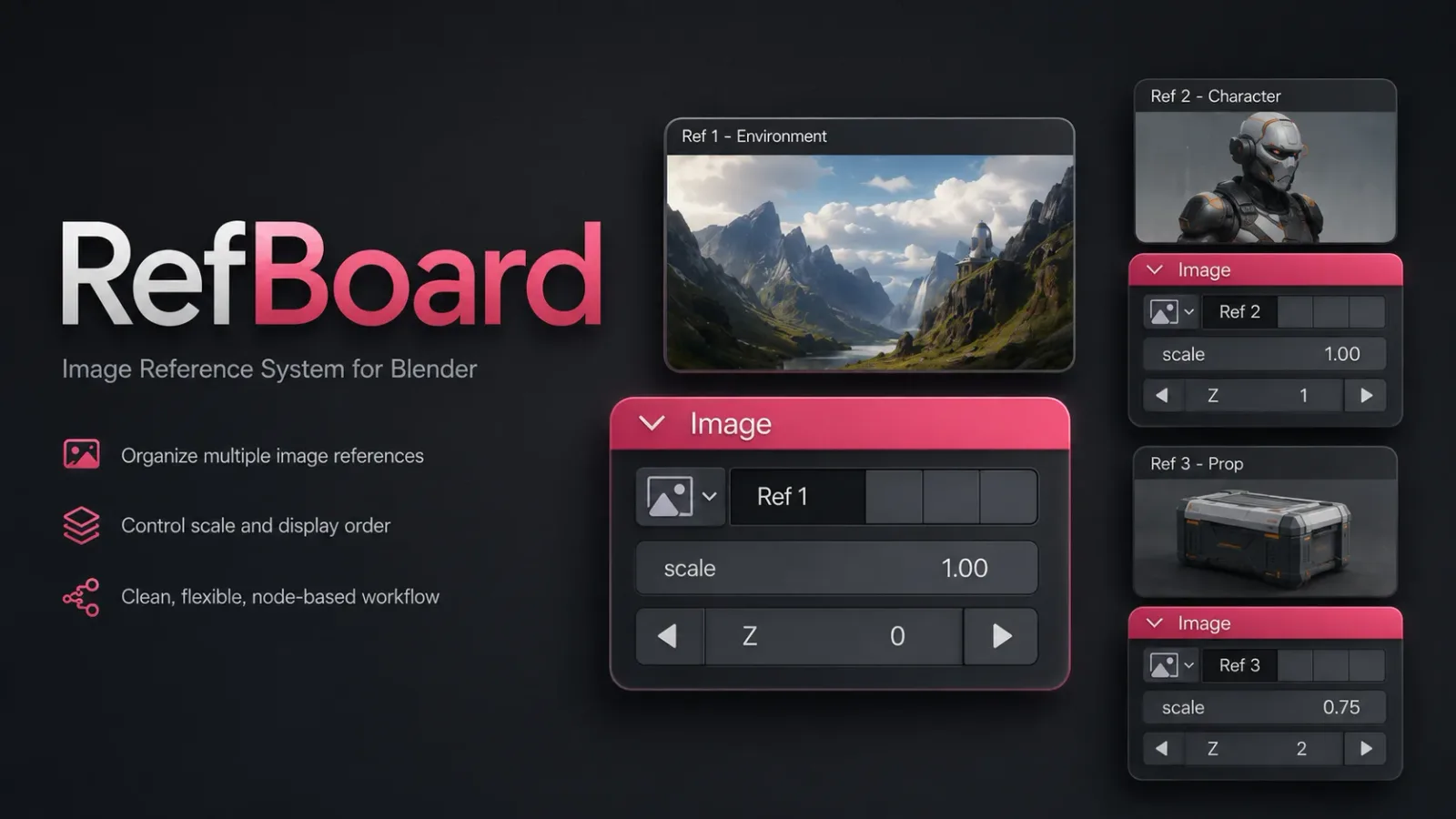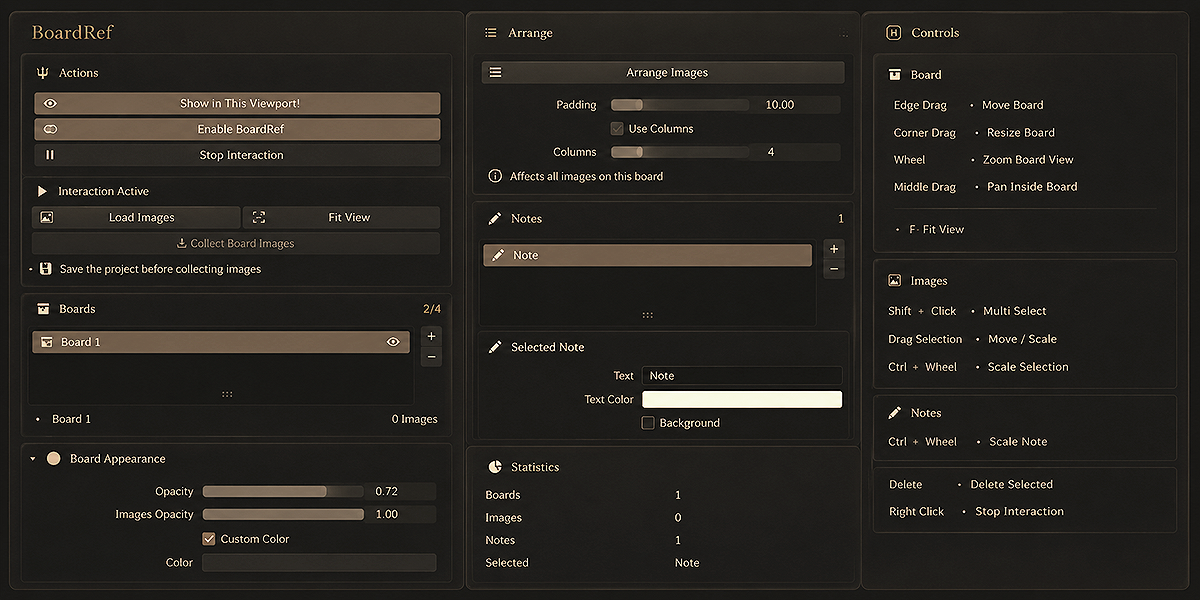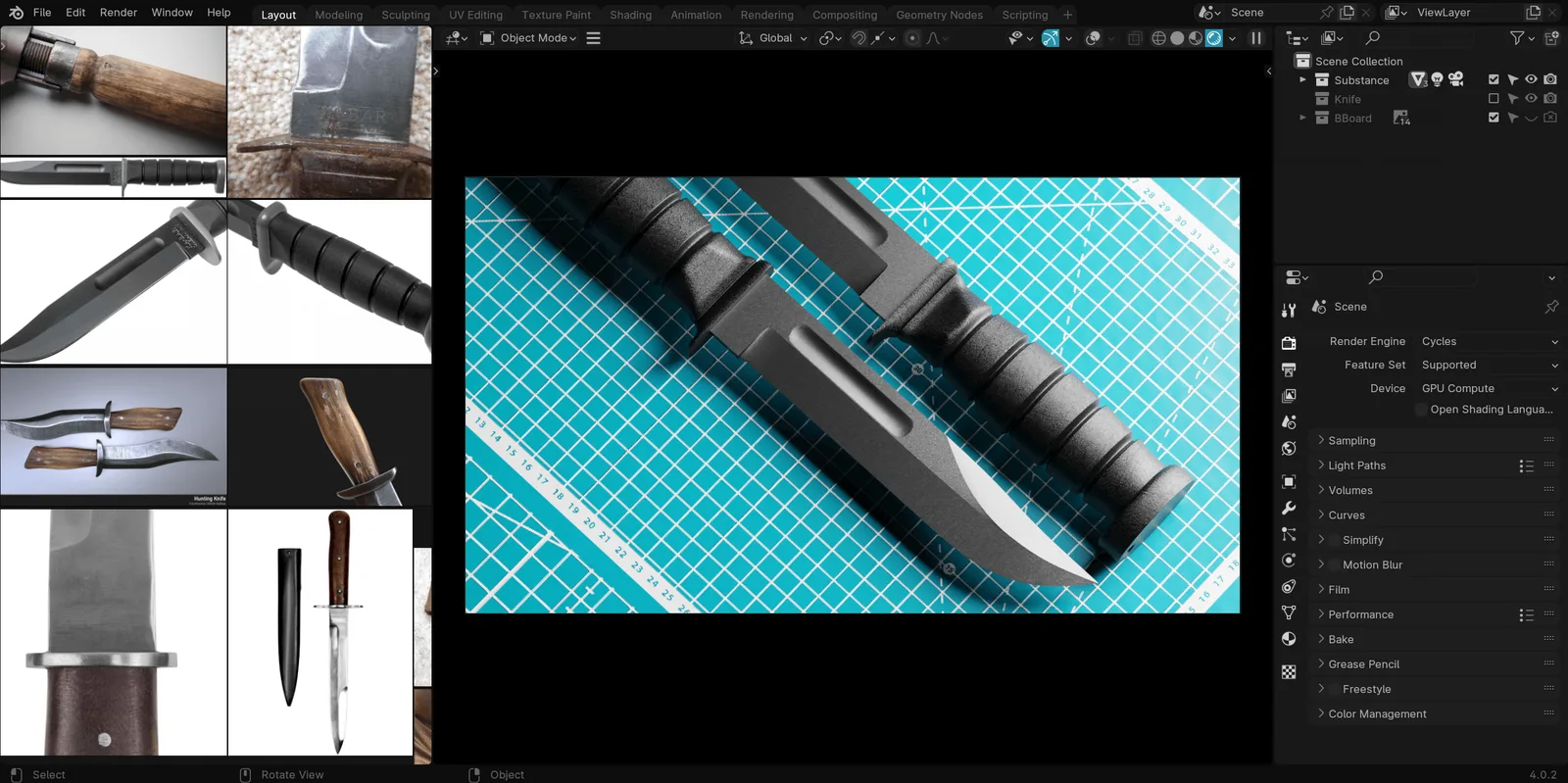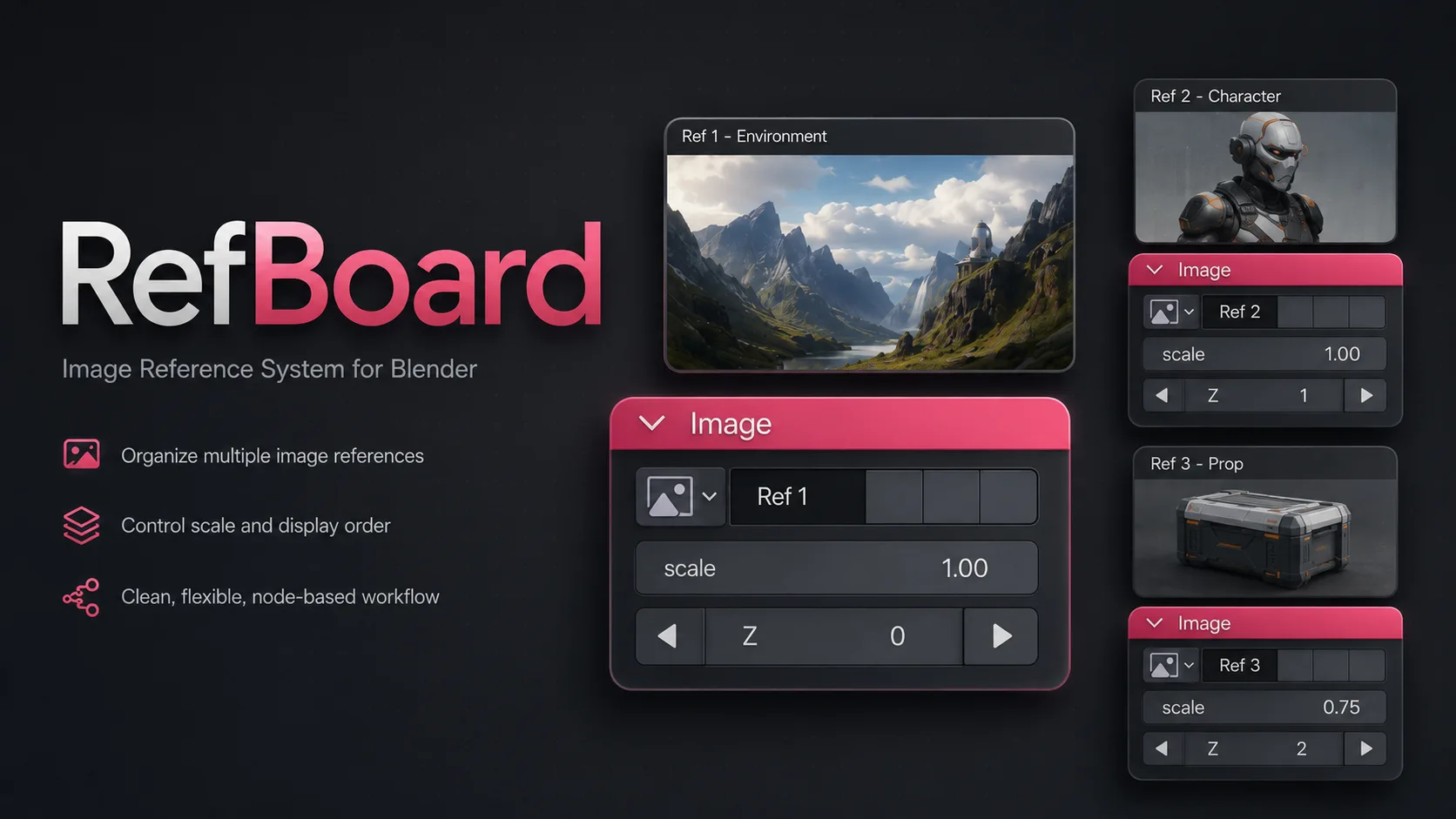
RefBoard is a Blender add-on for keeping image references in a dedicated node editor. Choose RefBoard from the editor type list, select New, and name your board. Add images by dragging them into the node tree, pasting from the clipboard with Ctrl+V, using Add Image, or pressing Shift+A. Blender Extensions lists RefBoard as an image-reference node editor; the RefBoard feature listing describes its import and board tools.
Arrange and adjust references
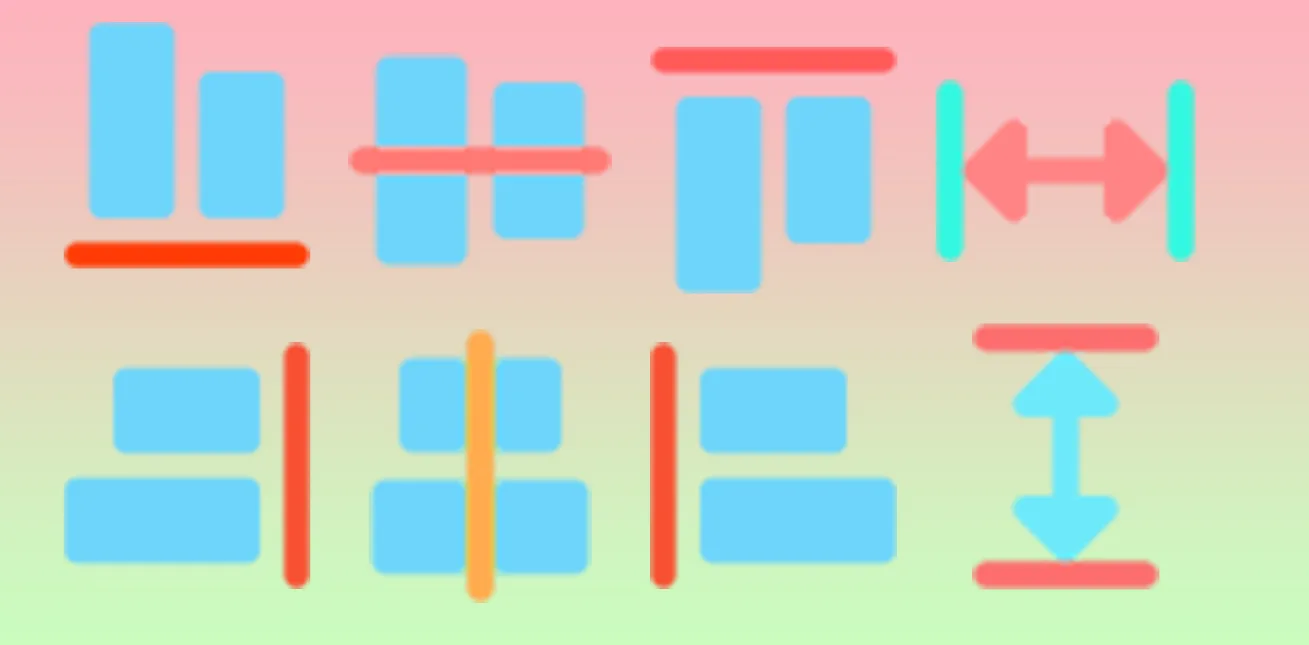
The N-panel sidebar can arrange selected images in rows, columns, or an automatic grid. It can align images to the active one and match their width or height. Individual image nodes can be rotated or mirrored from their controls, and clicking an image area selects its node. RefBoard draws images behind nodes with Blender-style outlines.
Import documents and share boards
RefBoard supports PNG, JPG, JPEG, TGA, BMP, EXR, and WEBP images. It can also import PDFs, creating one image node for each page. Export or import a board as a portable .refbmd file to move it between Blender projects or share it with its images packed together. Pasted clipboard bitmaps can also be packed into a .blend file.
Version and file access
For version 1.5.2, the stated minimum is Blender 4.2.0, and the listed package platform is Windows x64. The maintainer is MoseenkowAndrew. The add-on uses the GPL-3.0-or-later license and requests file access to load selected, dropped, or pasted images, according to the Blender Extensions listing.
If grid dots are distracting, set Preferences > Themes > Node Editor > Grid Levels to 0.