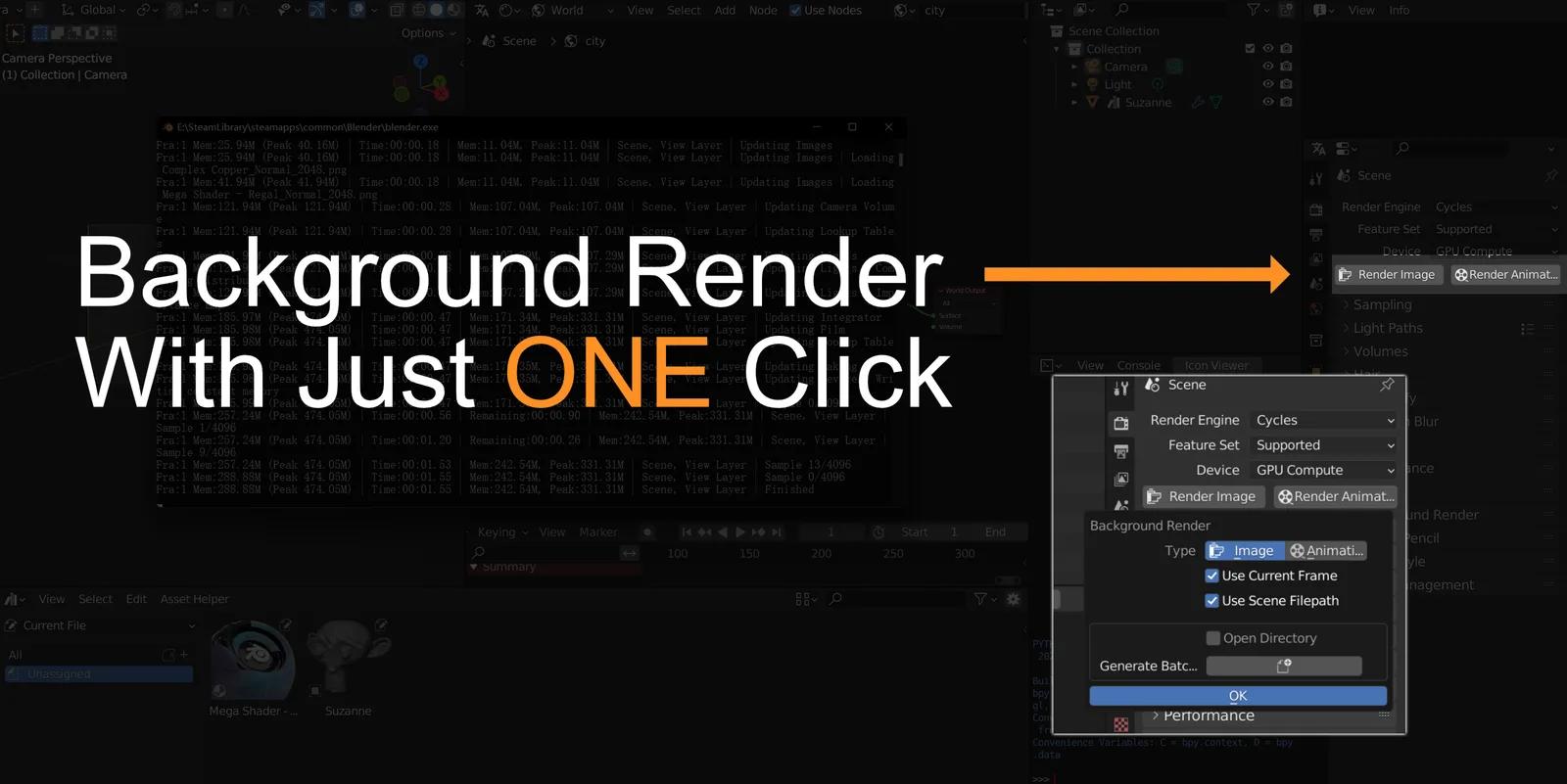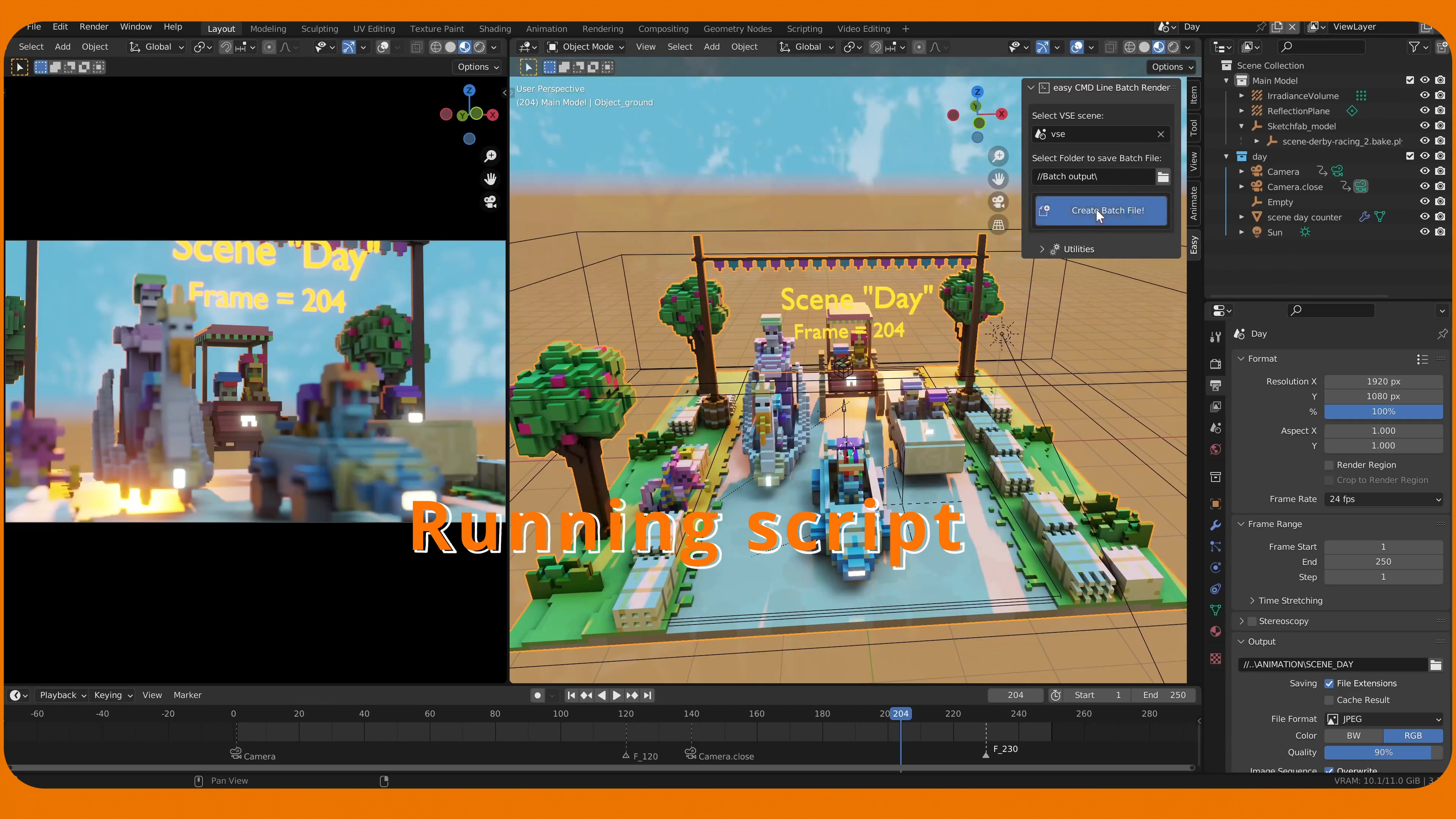
Render Back 2.6 is a Windows-only Blender add-on for command-line rendering, also called console or batch rendering. It creates a batch file from options in Blender’s Output Properties, so you can render a single image or an animation without writing a script for each project. The product listing describes console rendering as potentially faster and less likely to crash, especially on systems with limited hardware resources; those results are not guaranteed.
What Render Back automates
Choose a render type and project in Blender, then start the job from the Render Back panel. When rendering finishes, the add-on can open the output directory and use the completion-action setting, which offers None, Hibernate, Sleep, or Shutdown. Version 2.6 also adds a Keep Terminal Open option, which lets you review render time and messages after the job ends. The product listing also describes a pop-up completion notification.
Render from a saved Blender project
- Save the project first. The documentation says saving is mandatory and the render uses the last saved version.
- Open Blender’s Output Properties and find the Render Back panel.
- Choose Animation or Image. Leave the Project File field empty to use the current active project, or select a file manually.
- Set any completion options you need, then click RenderBack to start the job.
The Blender Location field defaults to the Blender program used by the current instance. The documentation says you can close Blender after starting the job if you want to free up resources; rendering continues through the command system.
Check Blender and operating system support
Render Back is developed and tested for Windows. The version 2.6 listing says the add-on was tested in Blender 4.1 and the extension in Blender 4.4.1. For Blender 4.4.1, install the render_back_2_6_extension extension rather than the add-on. The documentation warns that API changes may mean releases older than Blender 4.1 need an earlier add-on version, such as v2.1. The marketplace compatibility panel lists a wider range of older Blender releases, so check the version-specific documentation for your setup. macOS and Linux are not supported.
Who may find it useful
Render Back may suit Blender users on Windows who regularly render saved projects and want to manage the job from Blender’s Output Properties. The terminal option can help when you need to inspect completion messages, while the output-folder and system-action options reduce follow-up steps after a long render. If you need macOS or Linux support, this add-on does not currently fit that setup. See the Render Back product listing for current details.