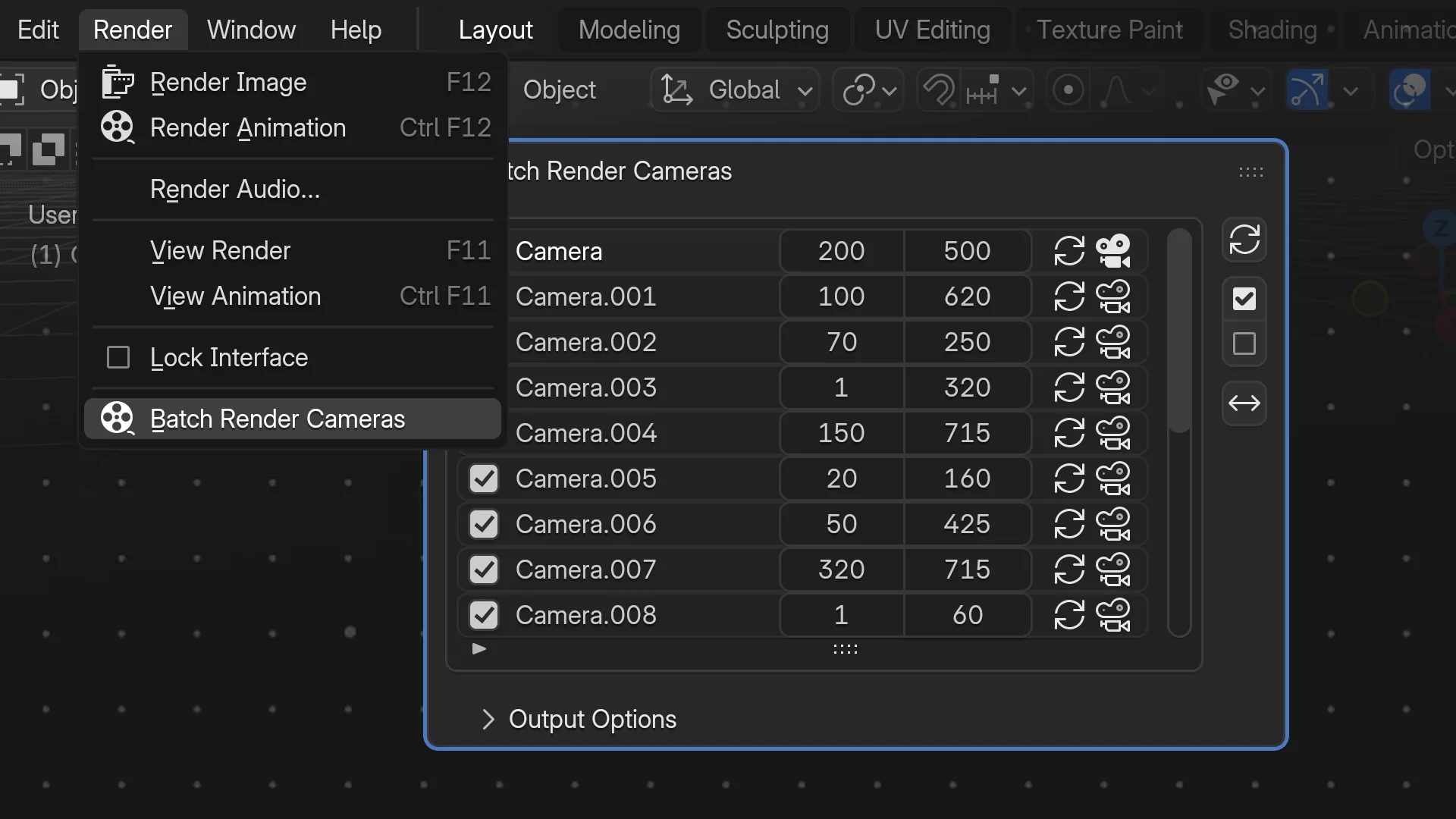
Render Markers is a Blender add-on for rendering frames marked on the timeline. It appears in the Render Panel and saves each marker render to Blender’s Output directory. Frames without markers are skipped, which can help keep storyboard and other selected-frame renders focused.
How Render Markers works
Place markers on the frames you want to render and set an Output directory. Run the add-on from the Render Panel, or use a customizable shortcut.
Workflows it supports
The product description identifies storyboarding, Grease Pencil, and comics as suitable workflows. Markers let you identify moments in a scene for rendering, which is useful when you need selected frames during those workflows.
Blender version and license
The Superhive listing names Shawn Blanch as the creator, lists Blender Version 3.3, and gives the license as GPL. Check the listing for current Blender compatibility before installing.