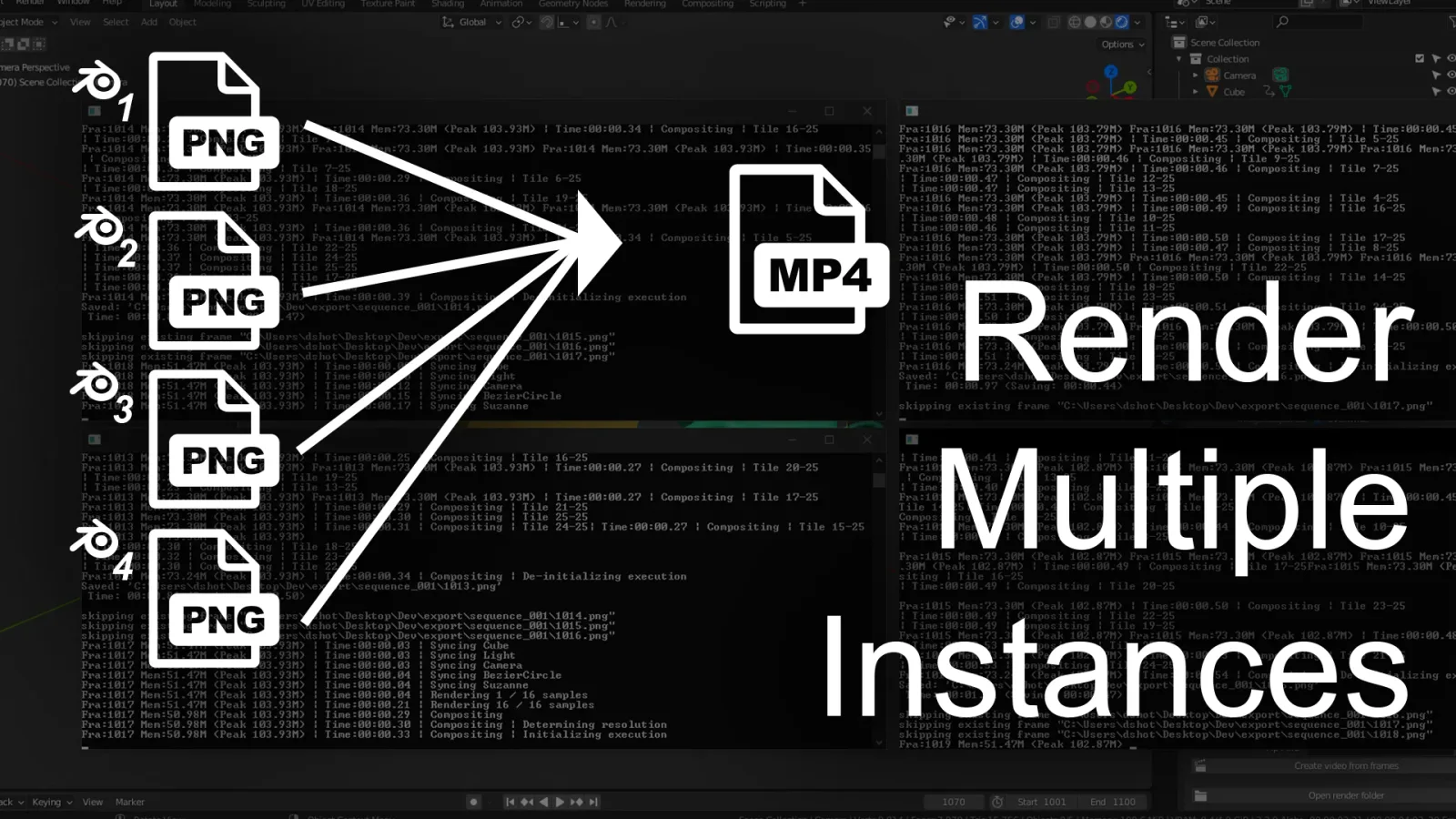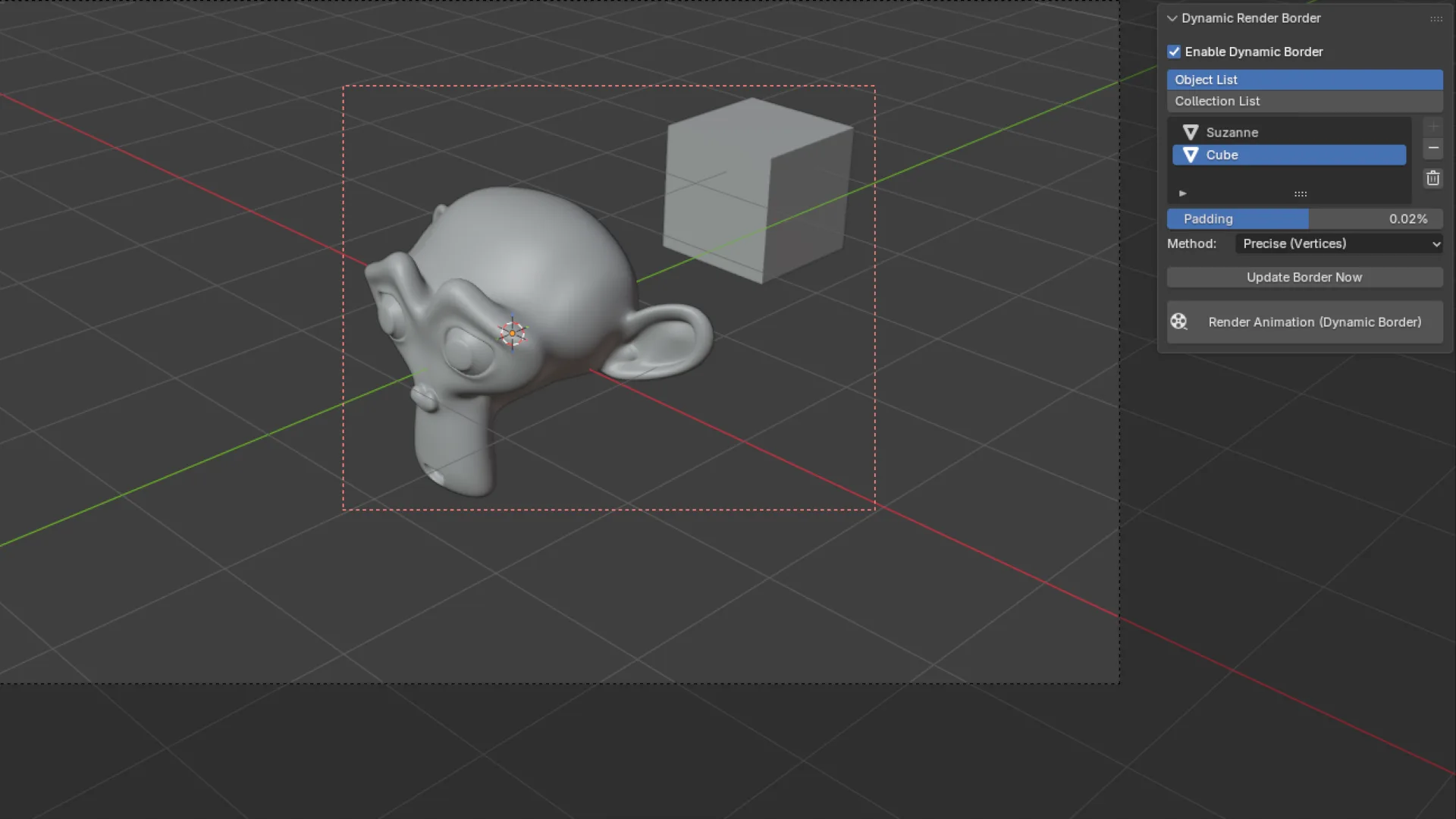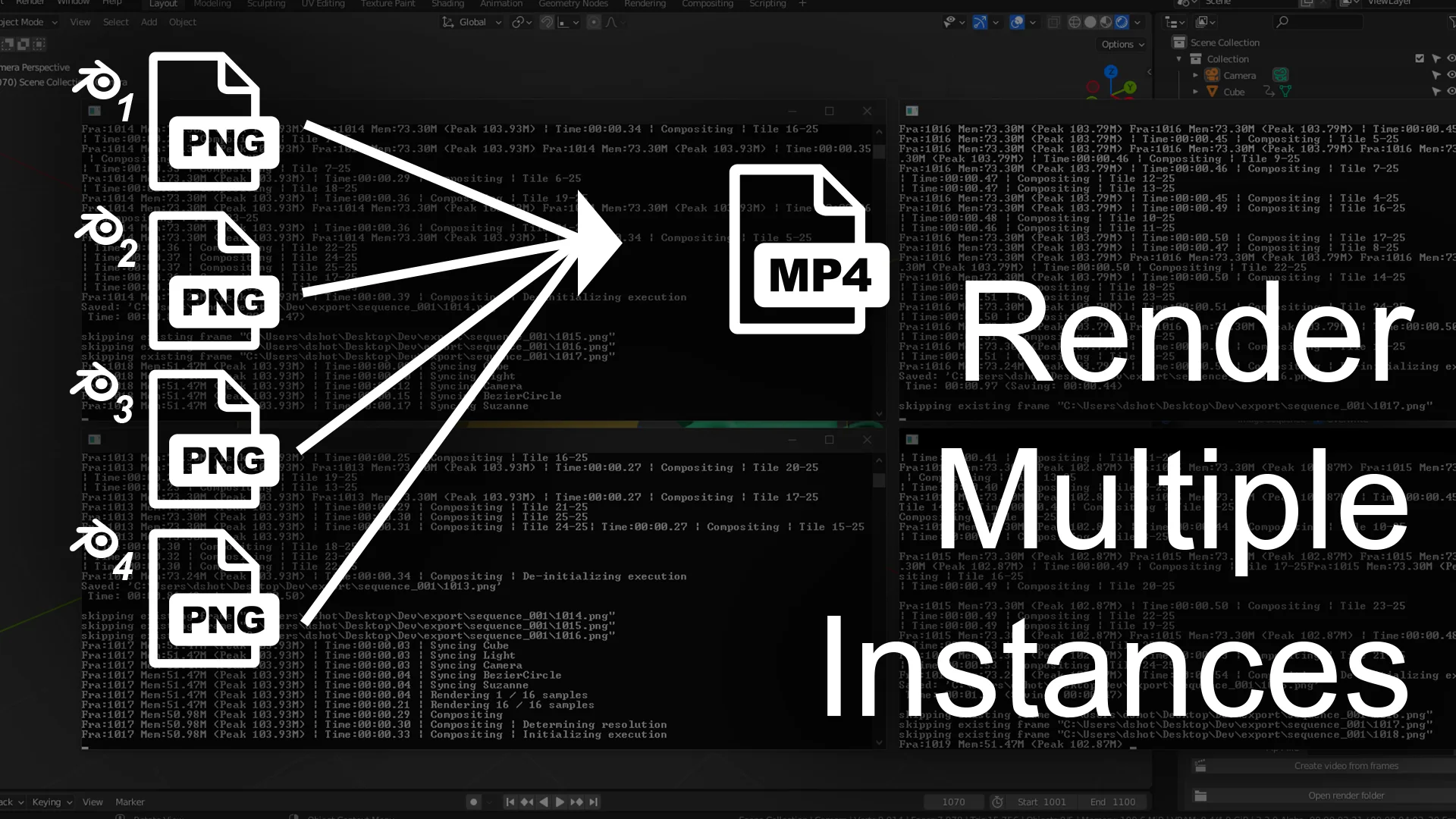
Render Multiple Instances (RMI) is a Blender add-on by DShot92 for rendering animation sequences and flipbooks through background Blender instances. The Blender Extensions catalog record lists version 3.2.1 and Blender 4.2.0 as its minimum version. Its catalog tagline describes faster rendering, but actual throughput should be checked on the scene you plan to render.
Animation rendering in the background
RMI uses the scene’s render output settings and lets you choose how many background instances to run. The feature summary says it also runs in the background with a single instance, so you can continue working in Blender while the job runs. The panel is in Output Properties under Render Multiple Instances, with controls for instance count, encoder and quality.
Flipbook previews
The add-on can render flipbooks in the viewport or through multiple instances. Its flipbook options include a frame range override and resolution percentage adjustment. Flipbook renders use an incrementing directory based on the add-on settings, and a panel button opens that directory.
Output formats and performance
When PNG or JPG output is selected, RMI can encode the rendered frames into an MP4 using FFmpeg. FFmpeg must be installed for encoding. Flipbook renders are also automatically encoded to MP4.
A review on the Blender Extensions listing reports slower per-image rendering with multiple instances and says placeholders did not prevent overwriting in that reviewer’s setup. This is one user’s report, not a controlled benchmark. Try a short frame range first, compare total render time, and check the output files before running a full sequence.
Compatibility and license
The Blender Extensions catalog record identifies version 3.2.1, a Blender minimum of 4.2.0, maintainer DShot92 and the GPL-3.0-or-later license. AnyPlugins describes RMI's animation and flipbook rendering.