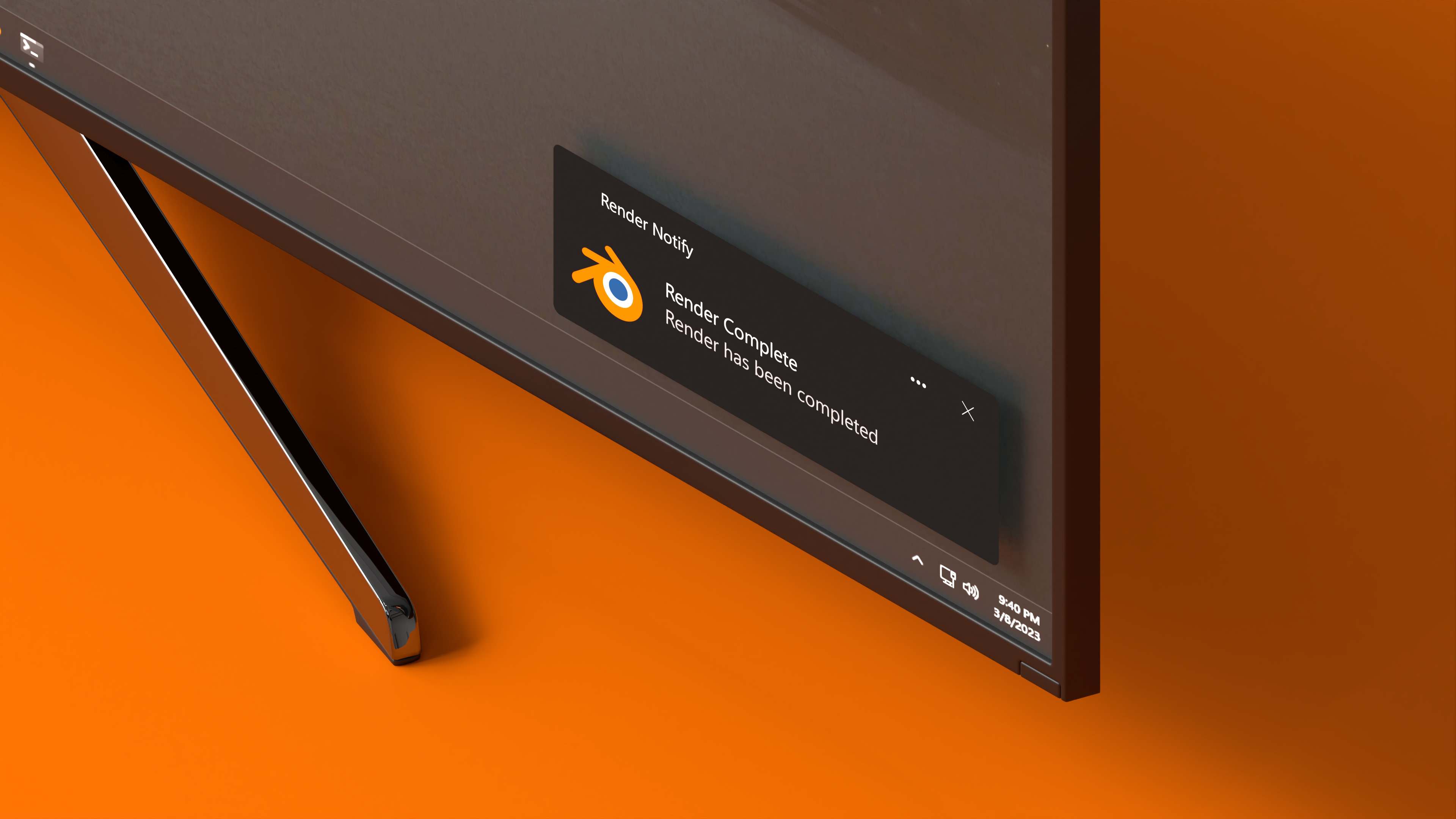
Render Notify is a Blender add-on that sends an alert when a render finishes, so you can step away while it runs. The Superhive listing describes two editions: Lite provides desktop notifications, while Full adds Discord and Pushbullet notifications and a Fun mode.
What each edition includes
- Lite: desktop notifications when a render completes.
- Full: desktop, Discord, and Pushbullet notifications, plus Fun mode.
Install and configure notifications
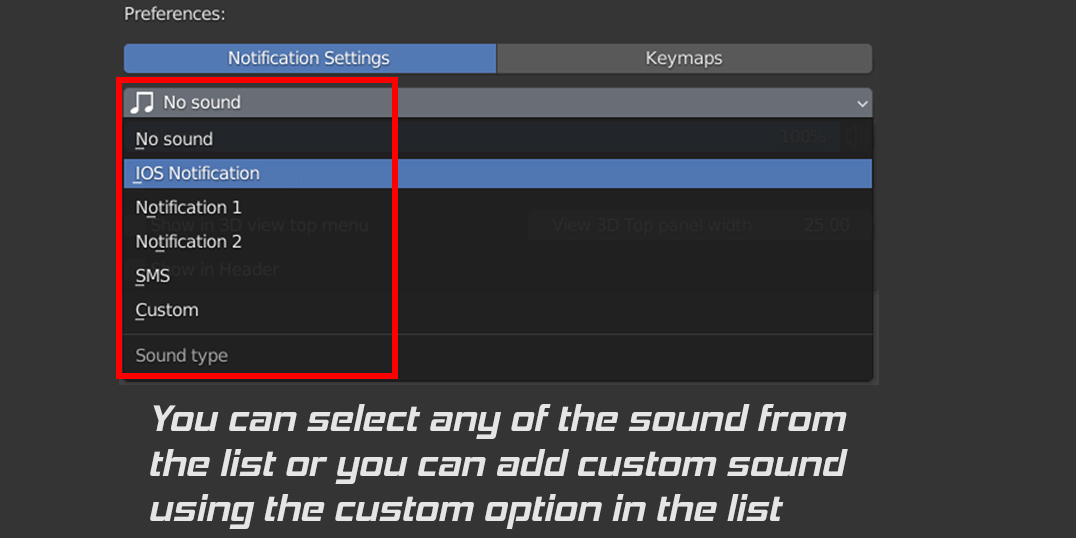
Install the add-on from its ZIP file in Blender under Edit > Preferences > Add-ons, using the Install button. In the add-on preferences, enable the notification methods you want. Discord setup uses a Discord ID and webhook URL; Pushbullet setup uses an access token.
Compatibility and Mac support
The Superhive listing names Blender 2.8, 2.81, 2.82, 2.83, 2.9, 2.91, 2.92, 2.93, and 3.0 through 3.4. Check the listing for current compatibility before installing with a newer Blender release.
The listing says Render Notify was not developed for Mac. On Mac, the Full edition's Discord webhook and Pushbullet notifications work, but desktop notifications do not.
Price and license
The AnyPlugins catalog lists Render Notify as free. Superhive identifies its license as Royalty Free; check the Superhive listing for current availability and terms.