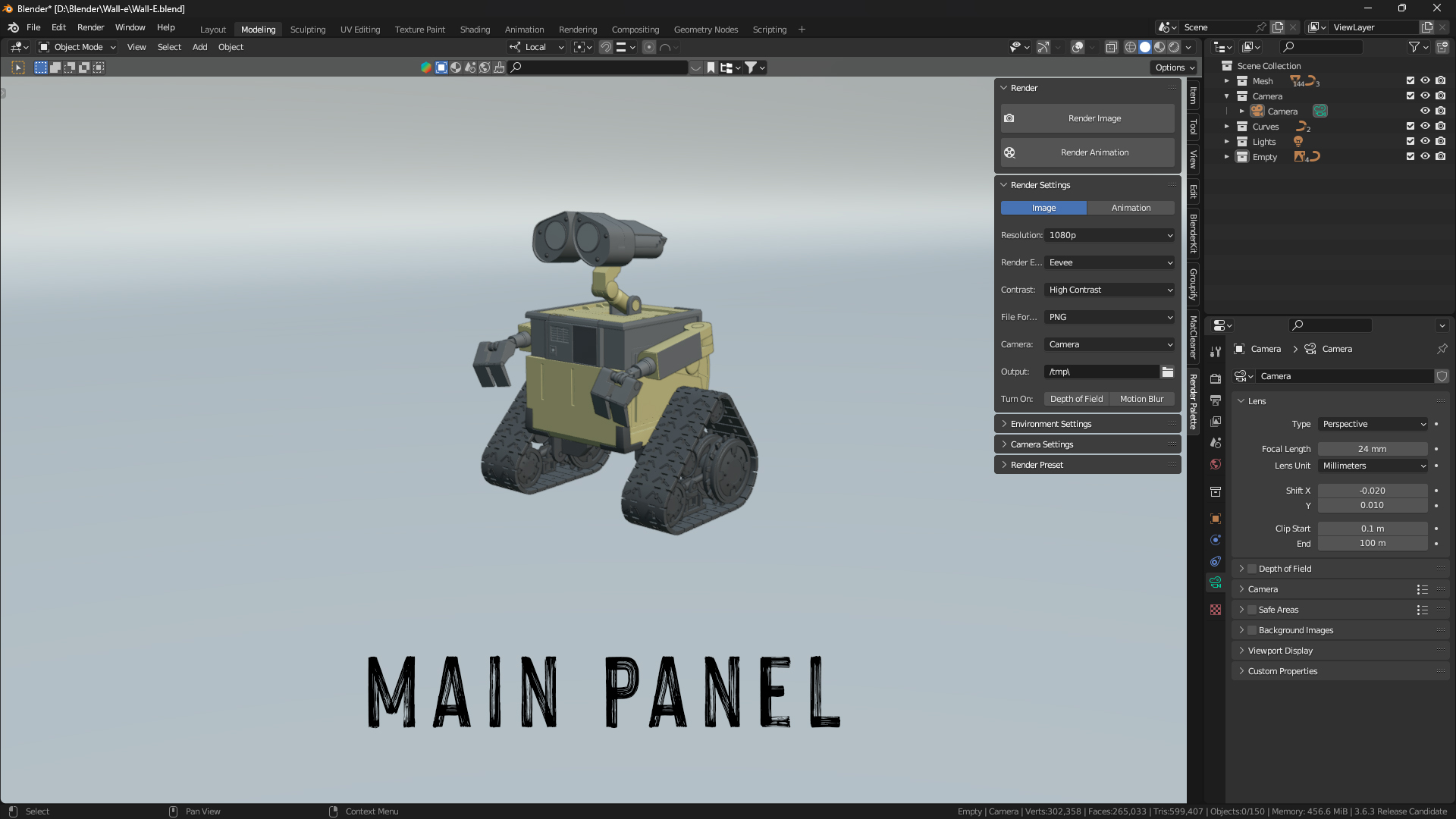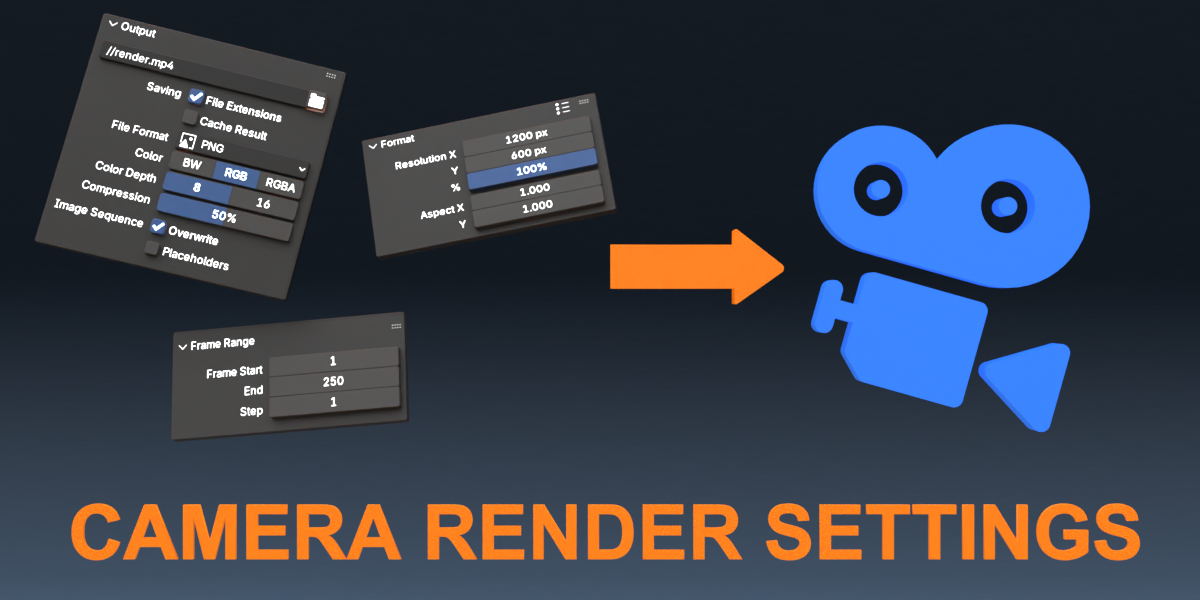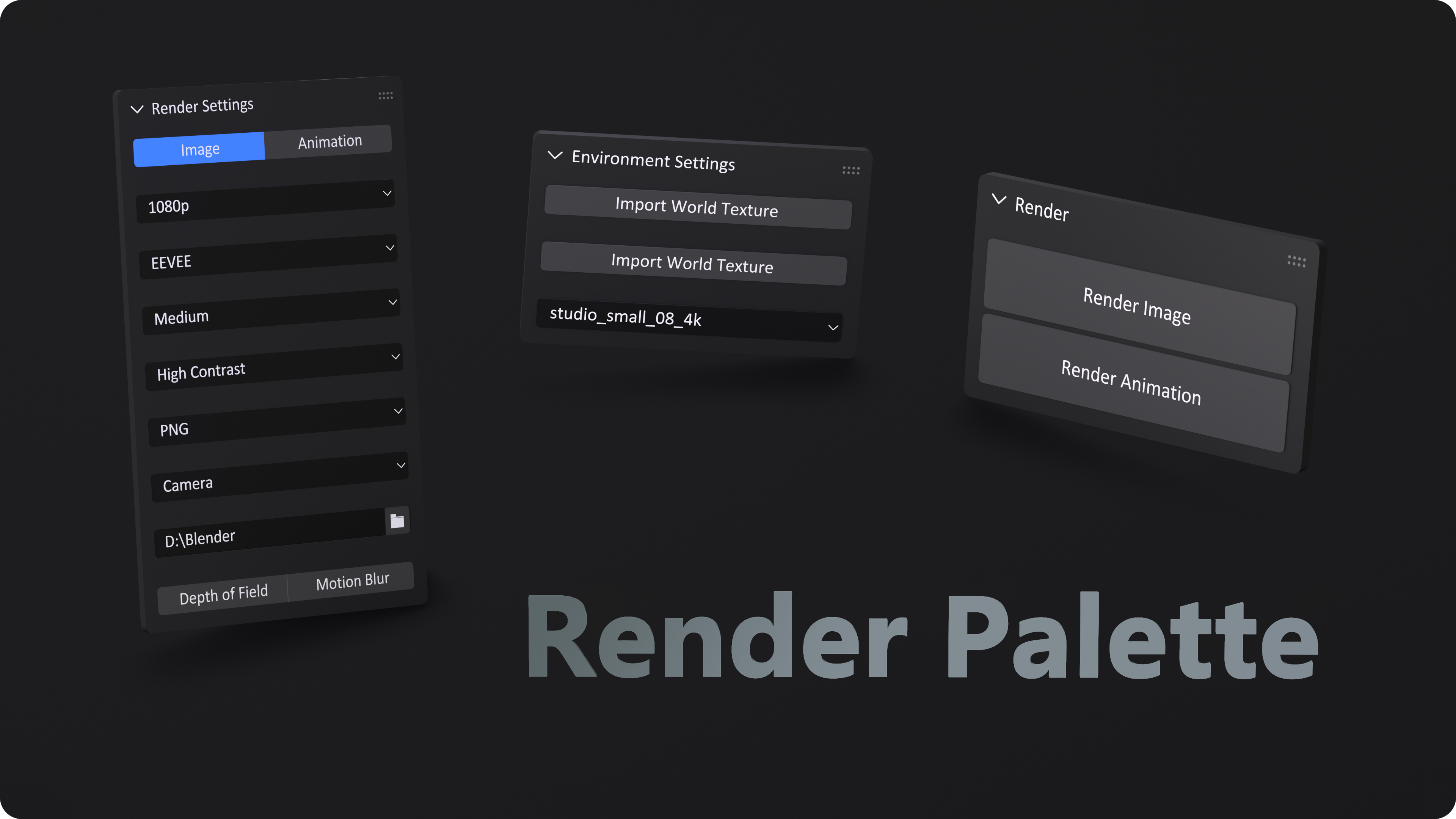
Render Palette is a Blender add-on that brings rendering, environment and camera controls together in one panel. It groups options for output size, samples, file formats, EXR setup and saved render configurations. Version 2.1 adds support for Blender 4.4.
Render settings and output
The add-on includes resolution presets from 720p to 8K. For samples, choose low, medium or high, or enter a custom count. Output options cover still images and video, with controls for destination and animation frame rate.
- Export to PNG, JPEG, TIFF, OpenEXR or MP4.
- Choose a common frame rate or enter a custom FPS value.
- Toggle motion blur in both Cycles and Eevee.
- Autosave rendered images.
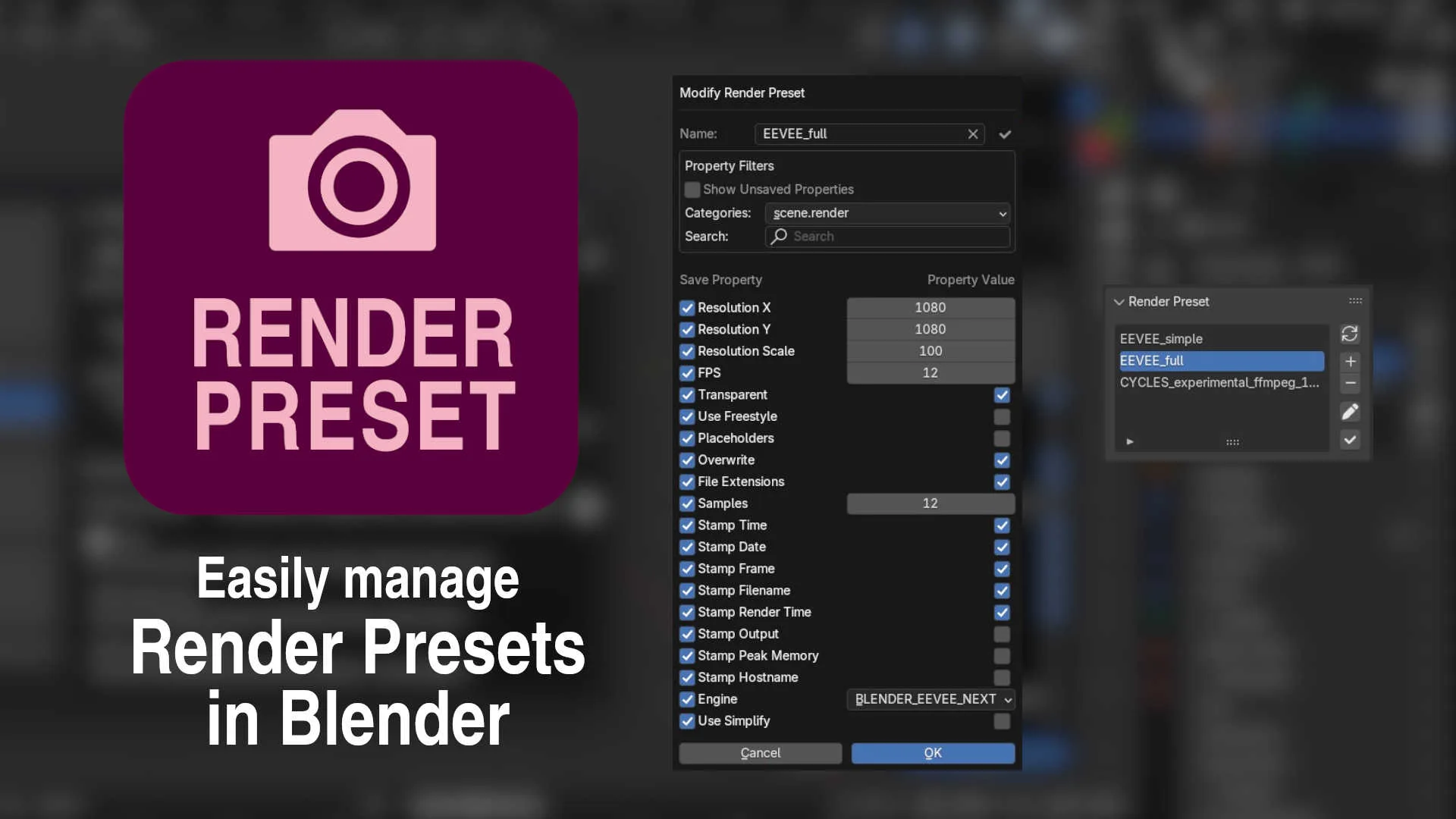
Render presets let you save and manage configurations, then import or export them to share settings. Version 2.0 also introduced a pie menu opened with Ctrl + R, with popup access to render, environment and camera settings.
EXR and camera controls
Render Palette can import EXR files and apply texture coordinates and world strength for the imported environment.
Camera tools let you choose a camera, switch between camera views, create a camera or align one to the current view. You can also toggle Depth of Field and adjust camera properties and orientation from Blender.
Compatibility and feature notes
The Superhive product listing names Blender versions from 2.83 through 4.4, and its version 2.1 notes specifically add Blender 4.4 support. Check the current listing before installing in another Blender release.
Superhive's listing conflicts on multi-camera batch rendering: its feature summary says Render Palette can render from multiple cameras in one click, while its version 2.0 notes say Batch Render was removed in the current version. The listing does not resolve whether the feature is available now, so confirm with the developer before relying on it.