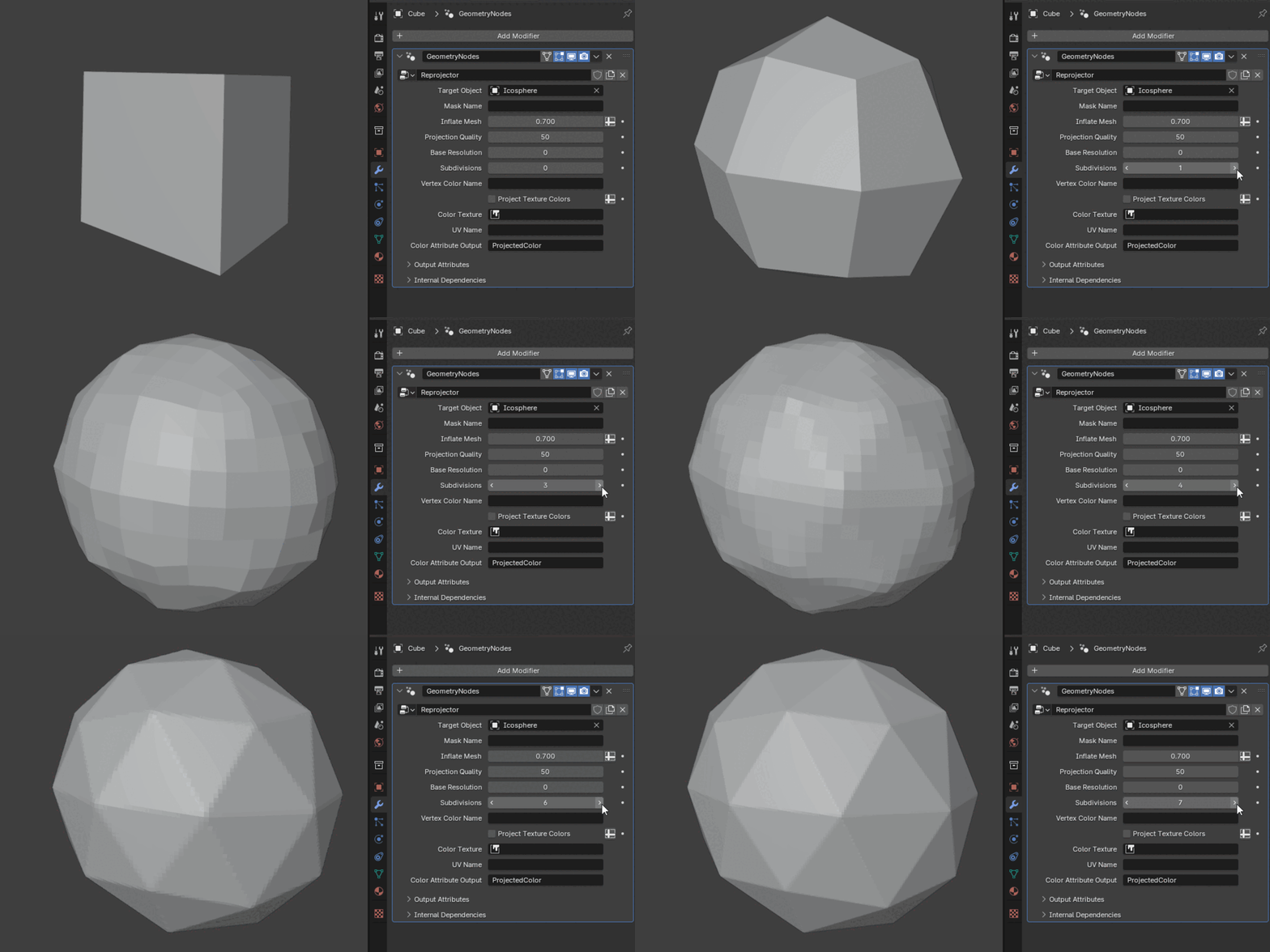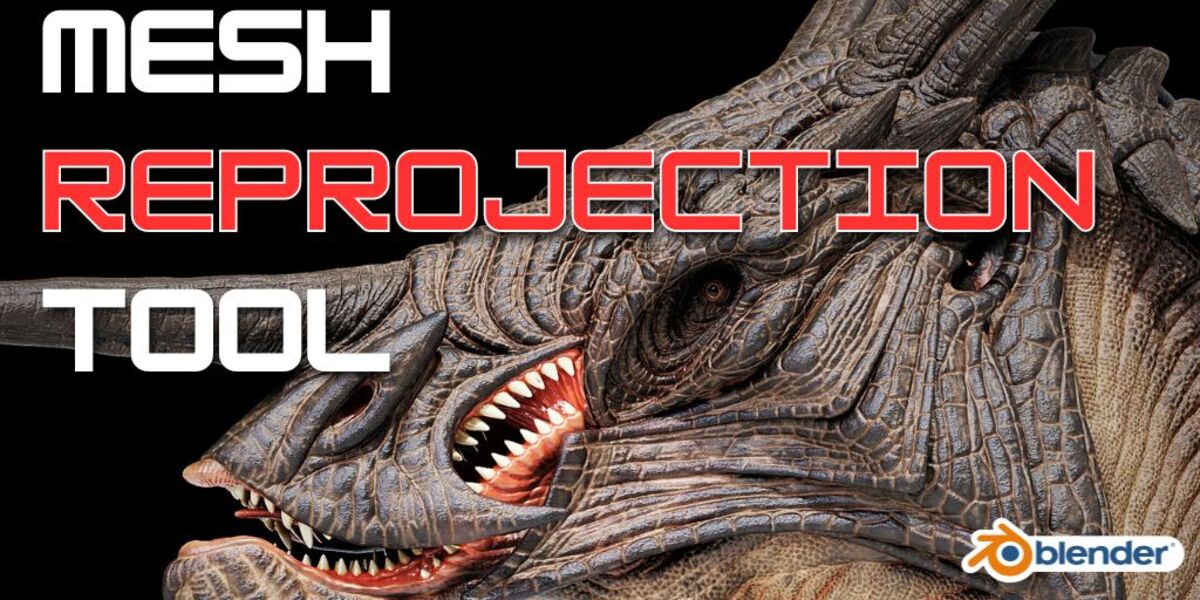
Reprojector Add-On is a Geometry Nodes utility for Blender that transfers surface detail from a high-resolution source mesh to another mesh. The projection is designed to handle complex areas such as ears and fingers and reduce the spiking and surface tearing associated with shrinkwrap workflows.
Set up a projection in Blender
Install the add-on from Blender's Edit > Preferences > Add-ons panel by choosing the reprojector_addon.zip. Enable “Mesh: Reprojector,” then open the Reprojector tab in the 3D Viewport Sidebar, also called the N-panel. The product documentation describes the installation and controls.
The listed workflow is to select the mesh that will receive the detail, click Initialize, choose the high-resolution source, and adjust Inflate and Projection Quality. Inflate offsets the base mesh along its normals before projection. Projection Quality controls ray-casting precision; higher values can improve surface snapping and may take more processing.
Adjust resolution, masks, and color data
Base Resolution sets the initial mesh density, while Subdivisions controls procedural subdivision. The documentation says increasing subdivisions can capture finer surface detail and high-frequency textures. Dynamic Mesh Control lets you adjust resolution while working.
Vertex masking limits which areas are affected by projection. This can help around close or overlapping surfaces, including areas such as the space between fingers. For the documented vertex-group workflow, create a group on the low-poly mesh and enter its name in the Mask Name field.
Reprojector also lists controls for projecting texture colors, including a source color texture and UV name. Its output settings name the vertex color, color, and displacement attributes. The displacement attribute can be used later when baking displacement maps, and the product listing describes the output attributes as intended for baking and rendering.
Compatibility and license
The Blender Easy product listing reports compatibility with Blender 4.1 through 5.1 and use with Cycles and Eevee. It lists the license as MIT and includes 12 months of support and product updates from Blender Easy. Check the listing for current compatibility and product details before installing.