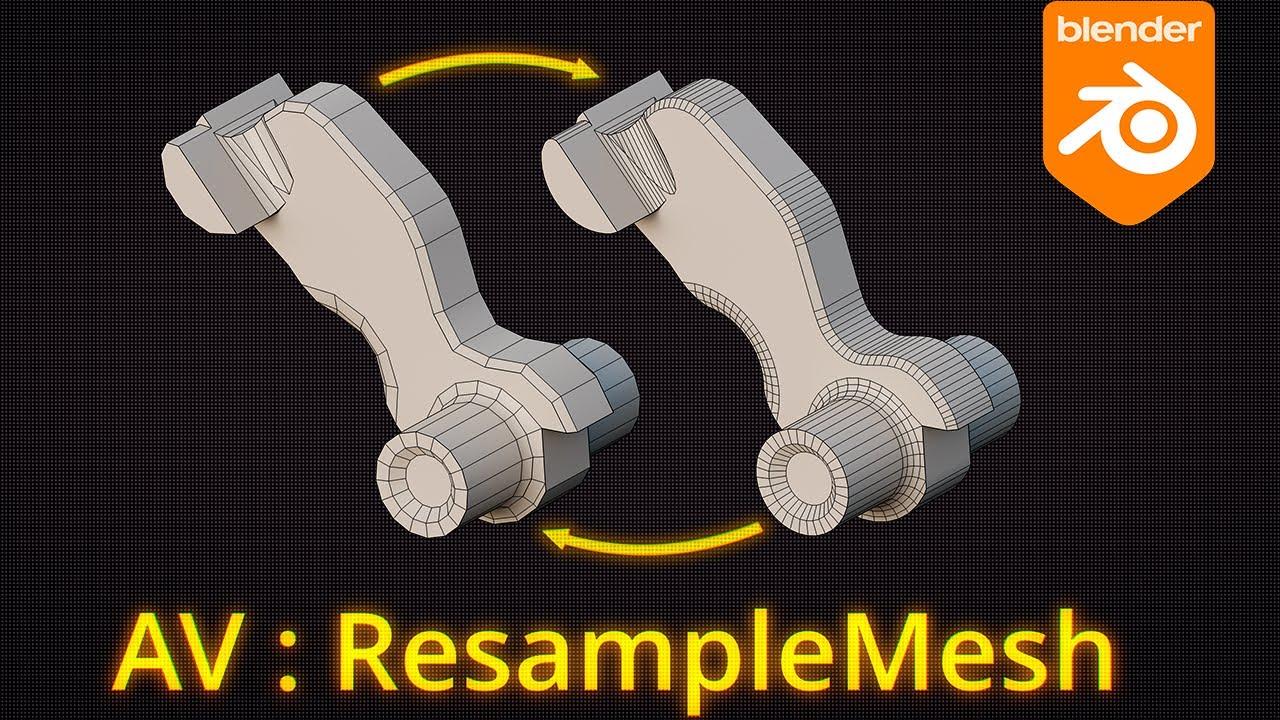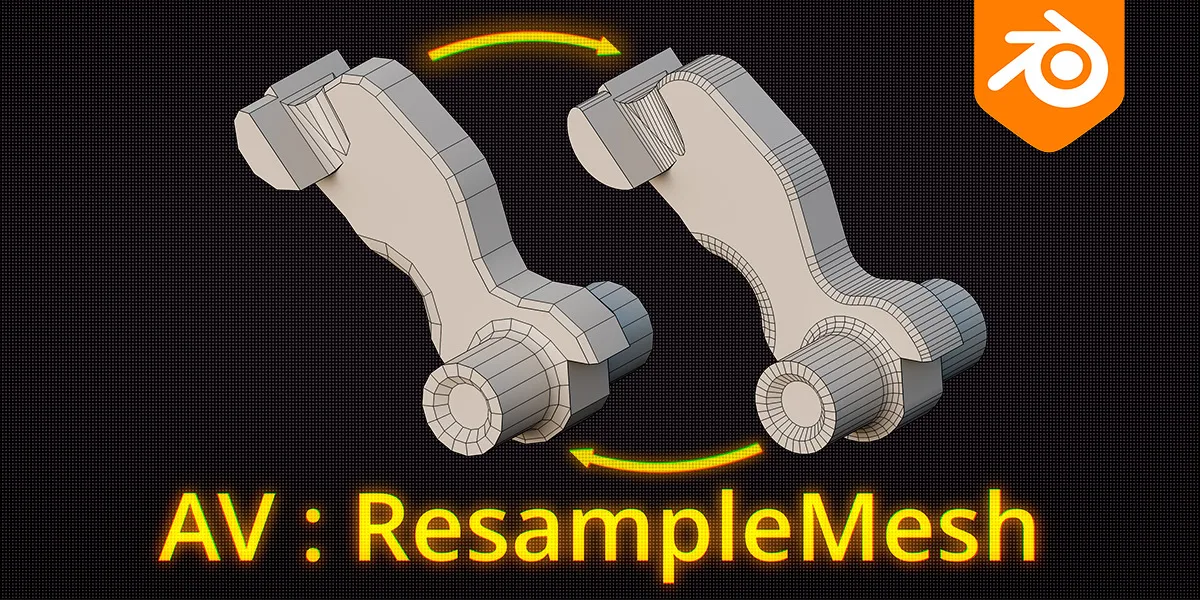
Resample Mesh is a Blender add-on for reshaping geometry with interpolation, smoothing selected meshes, and working with vertices along curves. It also includes mesh cleanup and loop tools, so modelers can use it for several editing tasks without leaving the add-on. The developer’s listing describes the operators, while the documentation covers the Resample workflow and its settings.
Interpolation and spline tools
The Resample operator modifies geometry by interpolation. Its Akima, CatmullRom, and Polynomial options can create smoother transitions or reduce the number of polygons. The published workflow uses Edit Mode with at least two connected edges selected in an open chain. Unknot also offers those three interpolation types, but redistributes geometry over a selected spline.
Distribute evenly spaces vertices along a curve, following its shape and length. This gives it a different job from Unknot: one spaces vertices along a curve, while the other redistributes geometry over a selected spline.
Smoothing, connecting, and circularizing
Smooth works on a selected mesh and has Uniform and Distance modes. Connect creates edges between corresponding vertices in selected loop sequences. Circularize places vertices along an arc, using the first and last points as the chord. For example, it can turn a crooked line of vertices into a semicircle while keeping its endpoints fixed.
Mesh cleanup and a closed-loop limit
Optimize Mesh can dissolve edges that do not affect the silhouette, zero-length edges, zero-area faces, and vertices with no connected faces. Its settings are customizable, and the developer describes it for destructive workflows such as retopology or final mesh cleanup. Since it can dissolve geometry, test the settings on a duplicate or saved version when the topology needs to be preserved.
Direct resampling of closed edge loops is not currently supported. For a cylindrical mesh, the developer suggests combining Resample and Circularize, with an arc sector angle specified for the shape, such as 90 degrees for a quarter-circle.
Choosing Resample Mesh
The add-on may suit Blender modelers who need interpolation, vertex distribution, loop connection, or targeted mesh cleanup in one toolkit. Its closed-loop restriction matters if direct resampling of a cylinder or another closed edge loop is central to the task. Superhive’s listing reports Blender 4.1–5.2 compatibility; check the current product listing before installing in a different Blender version.