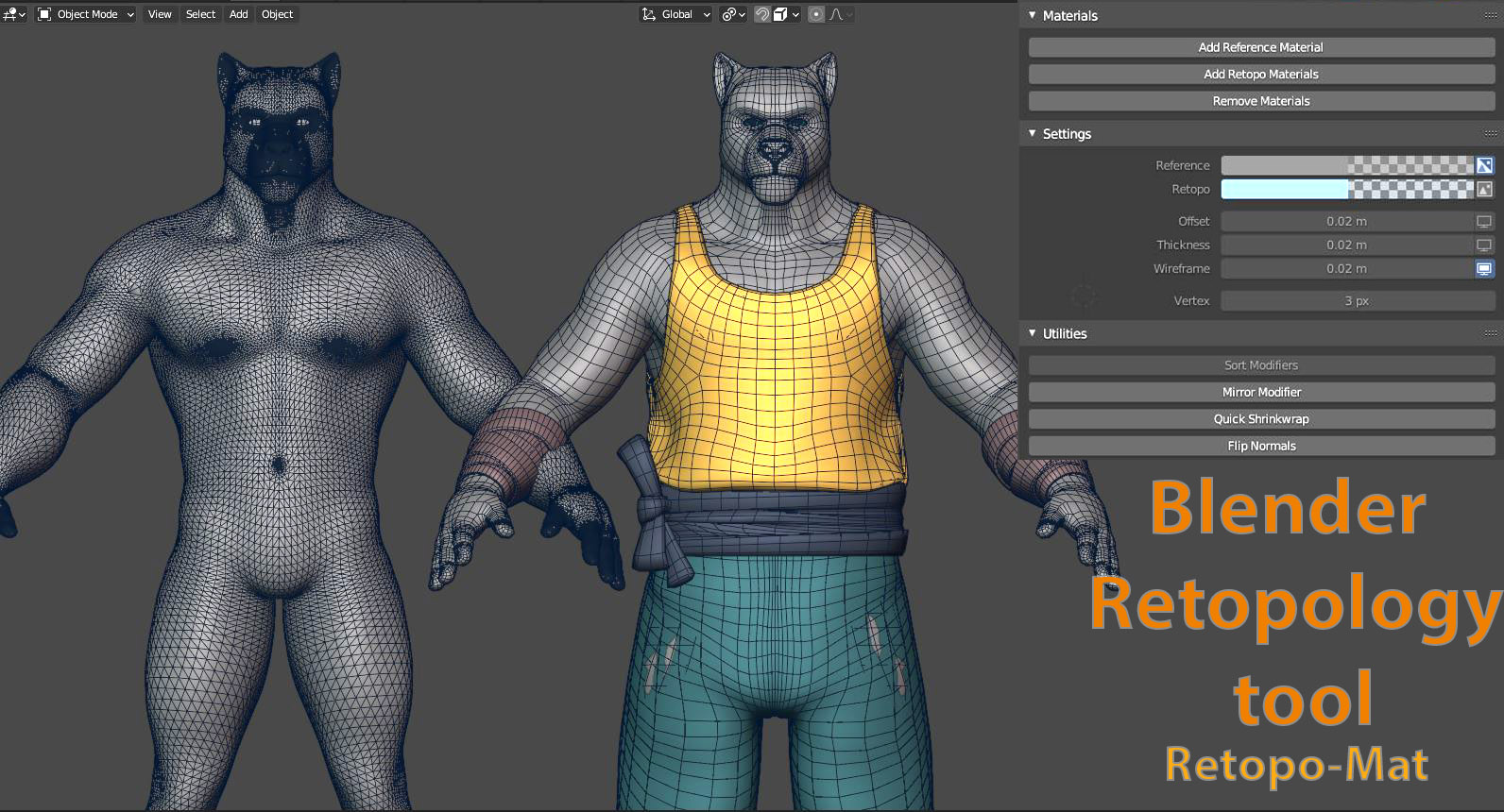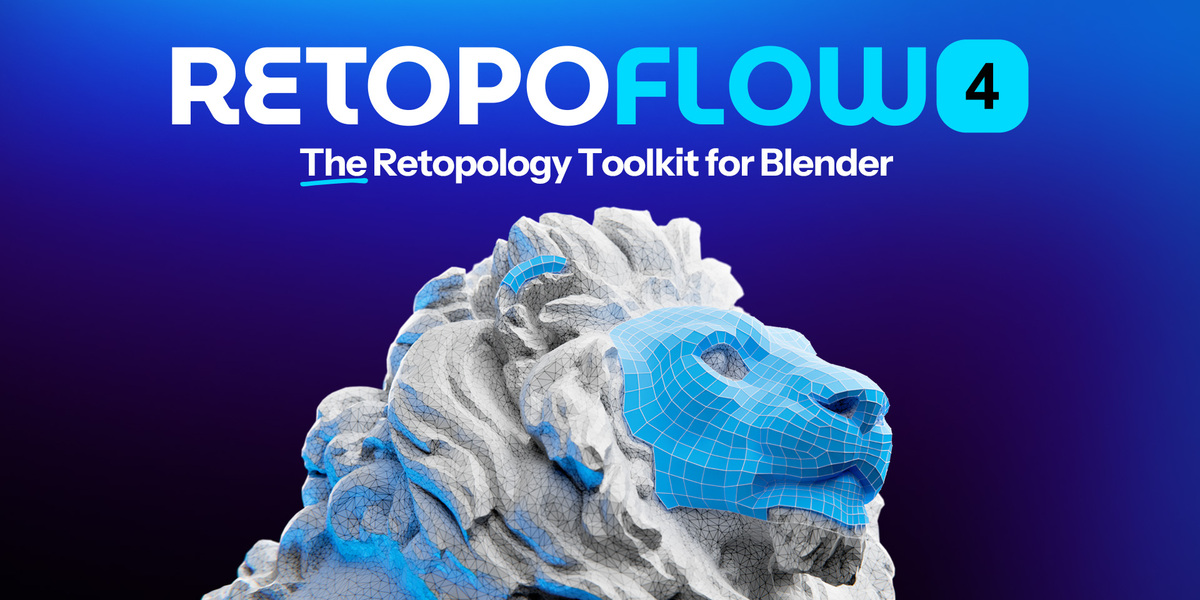
Retopoflow 4 is a Blender add-on for building a lower-density mesh over a sculpt or scan. Its tools work in Blender's Edit Mode alongside standard modeling tools and hotkeys. This workflow gives artists direct control over topology for tasks such as rigging, animation, texturing and real-time use. See the Retopoflow 4 product listing for current product details.
Sketch loops and build surface topology
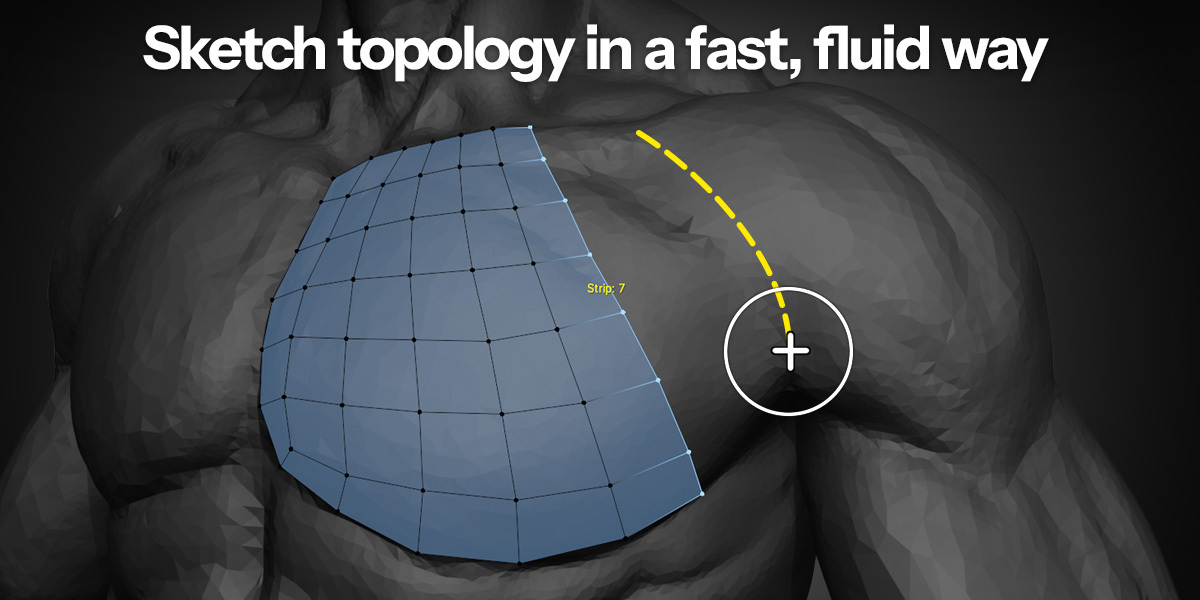
The tools cover different stages of manual retopology. Contours places loops around cylindrical forms such as fingers, arms and legs. PolyStrips lets you sketch strips, adjust their width and shape, and snap them to existing geometry. Strokes extends rows of edges or connects roughly parallel strokes with a grid of quads. PolyPen gives more deliberate control when extending edges with triangles, quads or a combination.
Patches fills an open boundary with a grid or another supported shape, including bridges between loops. Relax shifts vertices toward more even spacing while keeping them snapped to the source surface. Tweak pushes and pulls larger areas, and its modes can slide loops or spread crowded geometry. Together, these tools support both broad retopology passes and local adjustments.
Use it with other Blender tools
Version 4 was rewritten to put Retopoflow in Edit Mode. Entering one of its tools sets up options such as snapping, auto-merge, selection and the retopology overlay. Switching to another tool restores the previous settings, so the workflow can move between Retopoflow and Blender's other modeling tools. The add-on also backs up work in Edit Mode, where Blender's autosave does not operate.
Several helper operators work on any mesh in Edit Mode, even outside the Retopoflow tools. They can relax a selection, space loops evenly, twist loops or rotate selected topology. Hotkeys are configurable in the add-on preferences.
When manual retopology is useful
An auto-remesher can make a quick starting mesh. Retopoflow is useful when parts of that mesh need intentional loop placement or topology suited to bending, such as around a character's eyes, mouth or fingers. The product page describes using both approaches: generate a base automatically, then refine areas that need more control.
The Superhive listing reports compatibility with Blender versions 4.2 through 5.2. Check the current product documentation before installing, since supported versions can change.