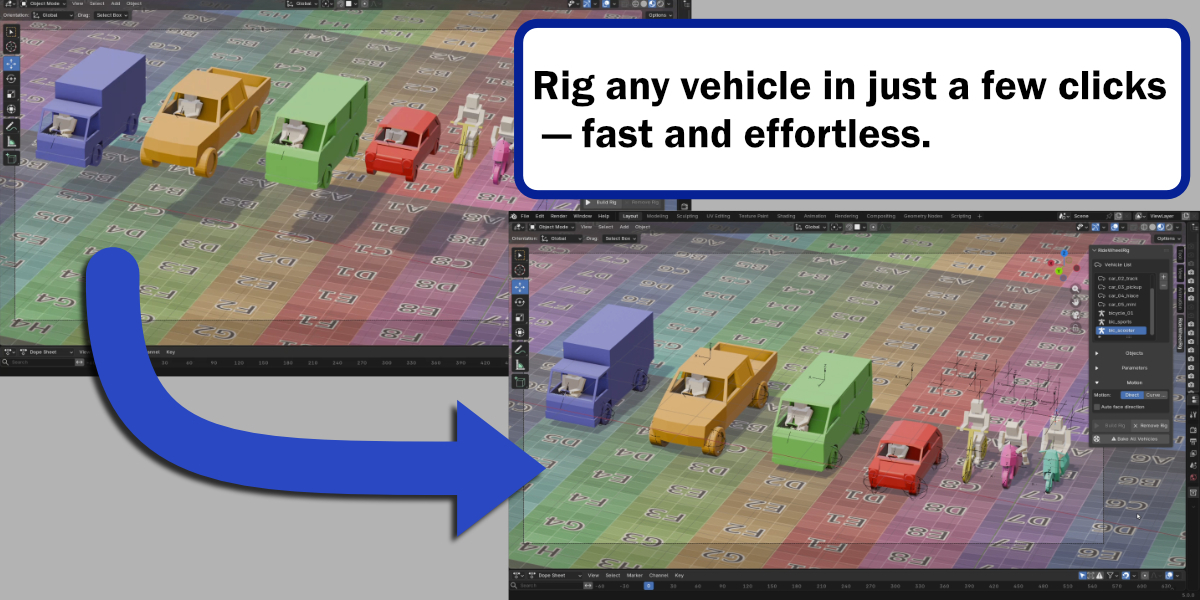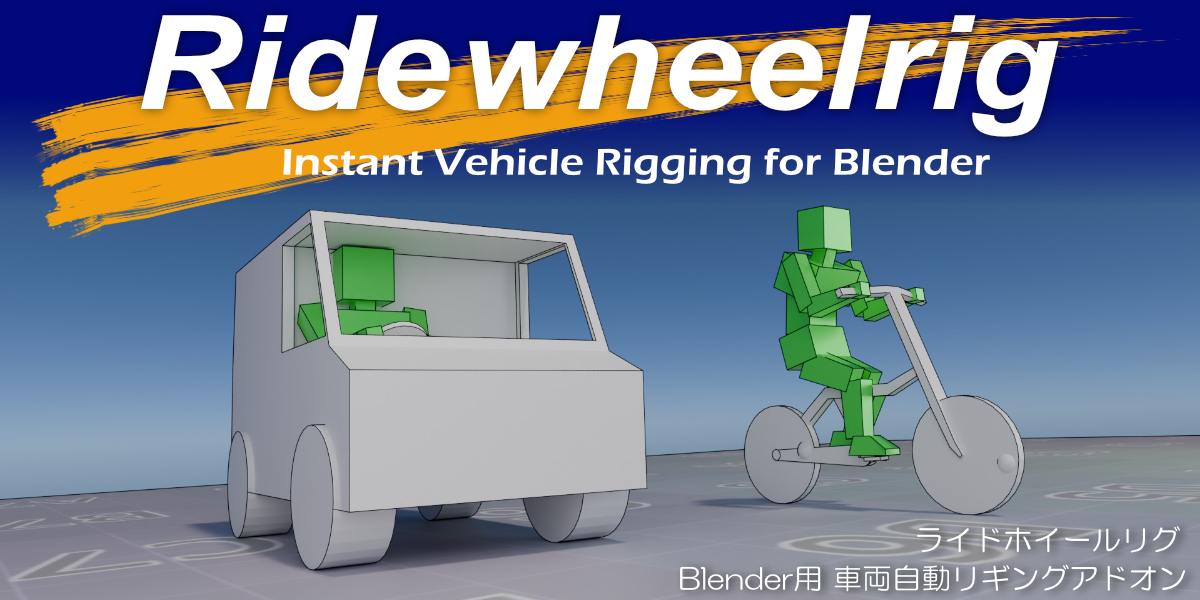
Ridewheelrig Addon is a Blender add-on for setting up vehicle animations. Assign the vehicle meshes, then build a rig that handles ground tracking, suspension, steering, banking, pitch and roll. It supports two-wheel and four-wheel vehicles, with controls built from Empty objects rather than a bone-based rig.
Prepare a vehicle
Put each vehicle's objects in one Blender collection. The collection name becomes the vehicle's name in the add-on's list. The manual assumes the vehicle's forward direction is the positive Y axis. Every setup needs a body mesh and a ground mesh for raycast terrain detection. Apply modifiers on the ground mesh before use.
- For a four-wheel vehicle, assign front-left, front-right, rear-left and rear-right wheels. A steering wheel mesh and its axis Empty are optional; if you use the axis Empty, align its local Z rotation axis with the direction the steering wheel rotates.
- For a two-wheel vehicle, assign the front fork, steering axis Empty, front wheel and rear wheel. Align the steering axis Empty's local Z rotation axis with the direction the front fork rotates. The pedal crank and pedals are optional.
Open the RideWheelRig tab in the 3D Viewport sidebar, add the vehicle's collection, choose its type, then use the Pick buttons to fill the required object slots. The manual says the panel shows “All set” when the required slots are filled; missing slots produce a warning and prevent building.
Build and animate the rig
Choose Build Rig to create the required Empty objects. In Direct Mode, animate CarRoot with keyframes. Auto face direction calculates its orientation from the movement direction; for reverse motion, the manual says to turn that option off and keyframe the animation manually.
In Curve Follow Mode, selecting a curve applies a Follow Path constraint to CarRoot. You can change the curve in the interface without rebuilding the rig, then animate the constraint's offset. For jumps, keyframe the JumpOffsetEmpty object named for the vehicle. To undo the setup, Remove Rig deletes the generated Empties, clears parent-child relationships and restores the objects to their original positions.
Terrain limits and version details
The add-on assumes world Z points up, so driving inside tubes or on tunnel ceilings is unsupported. When the ground's lateral slope exceeds approximately 25 degrees, the raycast origin may fall below the surface and ground detection may fail, sometimes causing a wheel to snap to maximum suspension. Gradual slope changes are less likely to cause this, but use caution near sudden drop-offs and abrupt steep inclines. Pitch is hard-clamped at plus or minus 45 degrees, so the vehicle body will not tilt further on steeper slopes. Apply Shrinkwrap on a path curve if you use it with CarRoot.
The marketplace lists Blender 5.0 and marks RideWheelRig as Blender Extension compatible; its FAQ says Blender 5.0 or later. The supplied RideWheelRig manual is version 0.6.0; it lists Blender 5.0 as supported and notes that development used AI assistance. The product listing labels the license MIT, while the manual's terms allow personal and commercial use but prohibit redistribution. Confirm current installation and license details with the creator before relying on them.