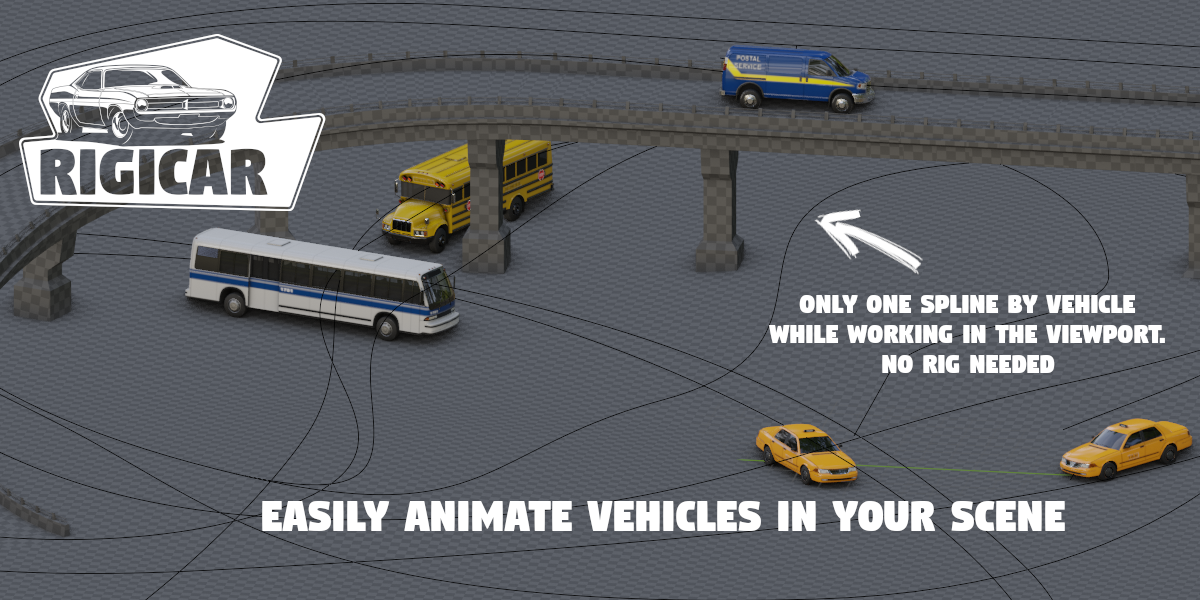
Rigicar is a Blender add-on from Picto Filmo for animating vehicles along a path without a rig or bones. Once the car and wheels are set up, animate the car's position on the curve. Wheel spin, steering and banking follow the vehicle's speed, and you can enable dampers for real-time motion.
Set up the car and wheels
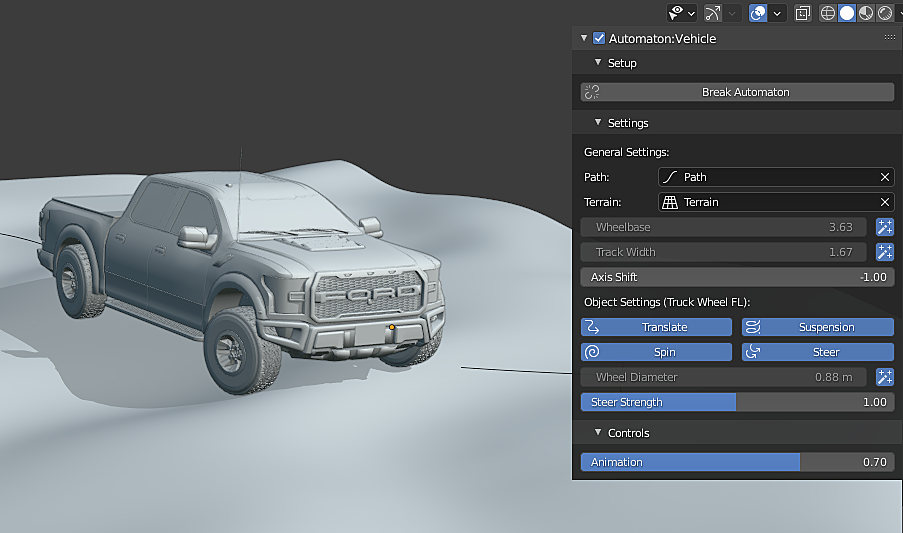
Enable Rigicar on the car body and align the body's pivot and local axes with its symmetry axis. Pick a front or rear wheel mesh and match its orientation to the body, using the right-side wheel as the reference. The setup offers a 1x4 axle mode for four identical wheels and a 2x2 mode for different front and rear wheel sizes. You can adjust wheel size and spacing with simple transforms, then optionally select a ground mesh for collision.
Animate the vehicle along a path
Choose a path curve and animate the car's position along it. Rigicar displays the vehicle's speed to help with animation and uses speed for wheel motion, steering and banking. Controls include bank correction for drift and an inertial motion factor when speed changes. The advanced panel includes controls for drift, torque and mode, plus a jump control.
Adjust dampers and bake motion
Enable dampers from the setup panel, then adjust their spring motion and influence. You can limit damper movement to the vertical axis. When the motion is ready, use Bake to convert the car and each wheel's movement to keyframes.
Reuse a setup in another file
Version 2.3.0 added the option to append a Rigicar setup into a new blend file. After appending, locate the setup and click the broken-heart control to integrate it into the Rigicar animation system. The Rigicar documentation explains the setup panels and controls; the product listing gives the listed Blender compatibility details.