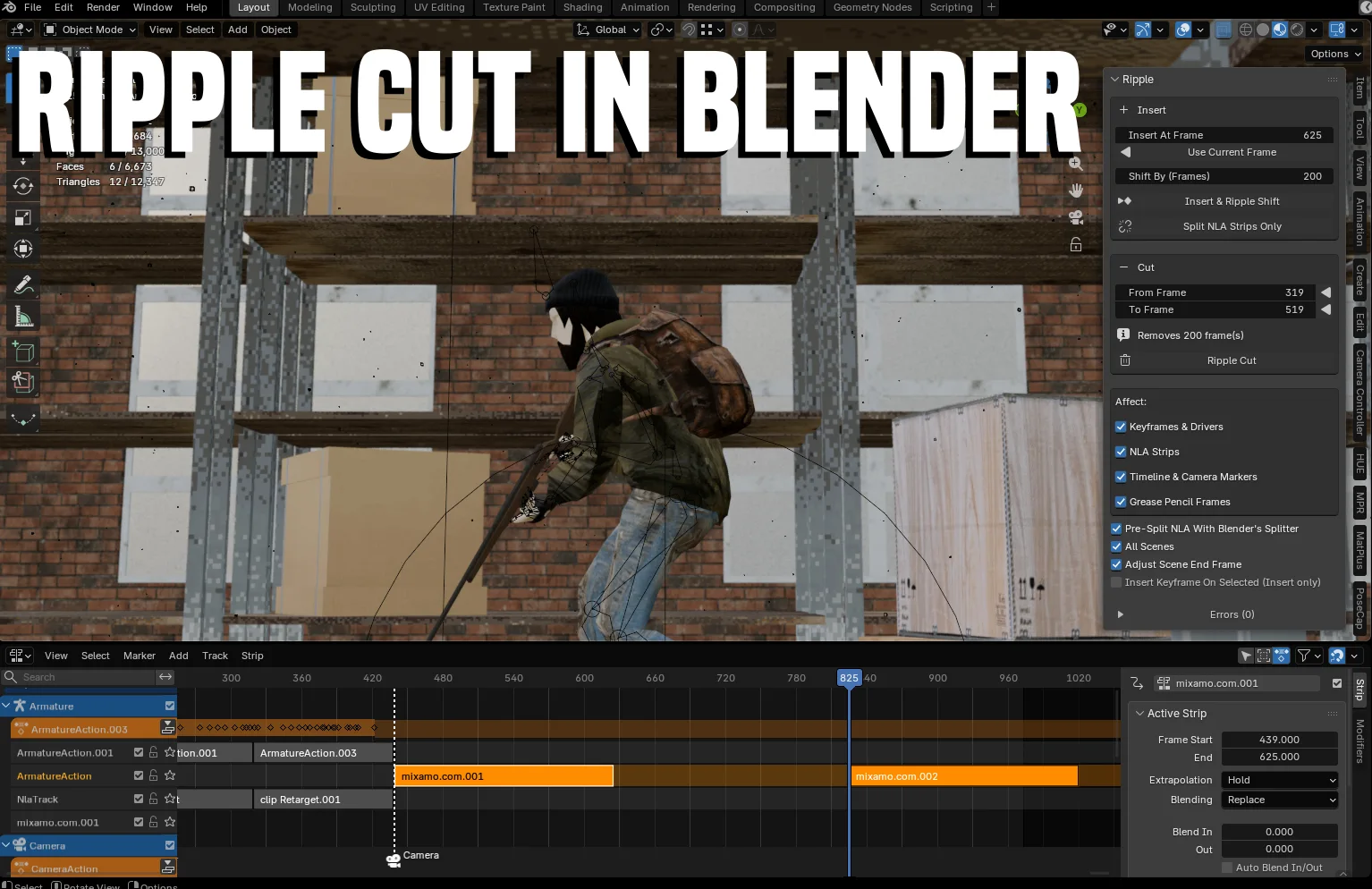
Ripple is a Blender add-on for ripple editing animation timing. It lets you insert blank frames or remove time from the timeline, then shifts the animation that follows automatically. This can save manual repositioning when a timing change needs later animation to move with it. The Blender Extensions listing identifies version 1.0.1 and compatibility with Blender 5.2.0 or later.
Insert time and shift later animation
Use Ripple Insert when an animation needs extra space before later events. It inserts blank frames at a timeline position and moves subsequent supported data forward. The listing names keyframes, split NLA strips, camera switches and other supported timeline data. Ripple's tagline also mentions markers. The listing does not specify coverage for every Blender data type, so test a copy of your project first if an unlisted element is essential to your edit.
Remove a timeline span
Use Ripple Remove when a section of time should be cut. Select any two points on the timeline, and Ripple removes everything between them. Remaining animation shifts earlier to close the gap, keeping the project continuous after the cut.
Compatibility and installation
The extension listing offers drag-and-drop installation or downloading the add-on and using Blender's Install from Disk option.
Developer and license
The listing names Tristan-Lyons as the developer and gives the license as GNU GPL v3.0 or later. It also states that Ripple requires no special permissions.