RizomUV Real Space from Rizom Lab is UV mapping software for work where a flattened layout needs to retain a model’s real-world dimensions. That can help with laser surface texturing, inflatable structures and other product design workflows where the UV layout will guide work on a physical object. For game assets, animation and other digital content, Rizom Lab describes Virtual Spaces as the edition that normalizes UVs into a standard space. See Rizom Lab’s Real Space overview for the product’s current details.
Keep scale and control stretch
Real Space preserves the model’s real-world scale in its UV layout. Its stretch analysis uses methods similar to finite element analysis. A heat map and stretch bar show where lengths in the UV layout differ from the 3D model. Rizom Lab says developable surfaces can be flattened without stretch, while curved surfaces are minimized for stretch.
The packing tools place multiple islands within a defined UV space. Boundaries can be open or closed to represent shapes such as sheets or ribbons. You can lock island positions and orientations, group islands, set padding and margins, and use horizontal or vertical alignment, alignment with breaks, and hard or soft vertex pins. Rizom Lab also describes flattening complex meshes and non-quads, including models with more than a million polygons; actual processing time depends on the mesh and hardware.
Move meshes between tools
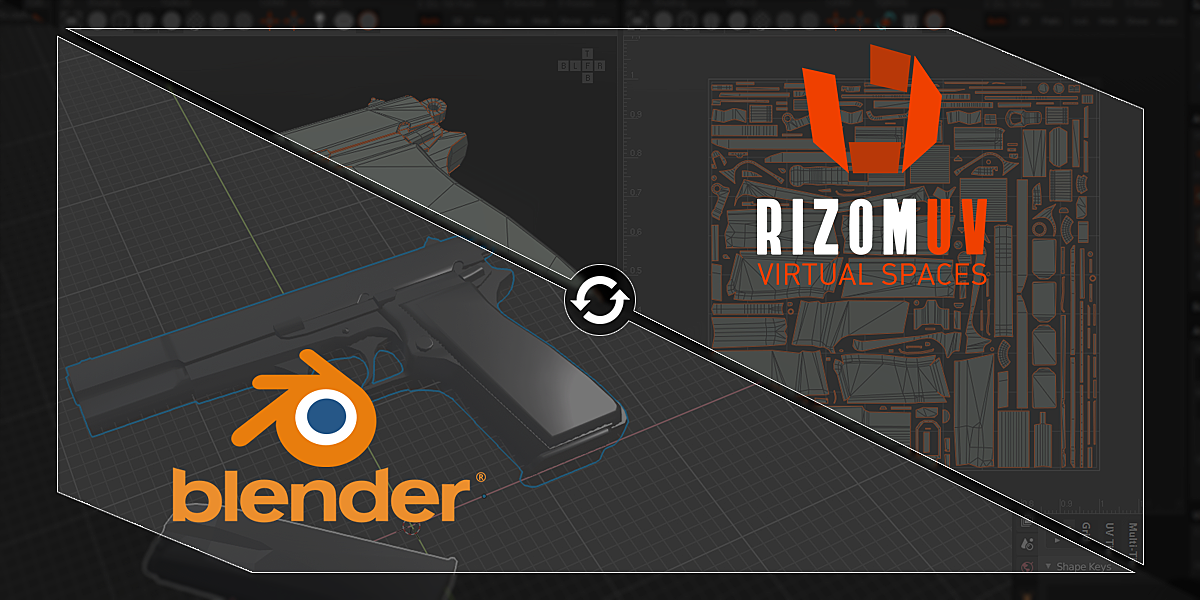
RizomUV Real Space imports OBJ, FBX, USD and glTF 2.0 meshes. It exports UV borders as DXF or PostScript, and rasterized layouts as BMP, PNG, JPG or TIFF. BigTIFF export supports images larger than 4 GB, which can be useful for high-resolution UV stamps. These formats give you a file-based handoff when moving a mesh between RizomUV and a modeling or texturing application.
This catalog lists Real Space for Cinema 4D. Rizom Lab describes bridge plugins as third-party tools maintained by their respective developers, so check the bridge’s support for your Cinema 4D version. The published import and export formats are another option for transferring mesh and UV data.
Check platform and license requirements
Rizom Lab lists Windows 10 or 11 (64-bit), 4 GB RAM, OpenGL 3.3 graphics with 2 GB, and a 1920 × 1080 monitor as minimum requirements. The macOS minimum is Big Sur 11 or later, 8 GB RAM and a 1920 × 1080 monitor. Linux requires x86_64, glibc 2.28 or later, 8 GB RAM, 4 GB VRAM and a 1920 × 1080 monitor; run chmod +x on the application file before launching. Rizom Lab officially supports RHEL 8.6 or later. It lists Rocky Linux 9, AlmaLinux 9 and Ubuntu 24.04 LTS as tested without official support, and says Rocky Linux 8 and AlmaLinux 8 are expected to work. Review the current system requirements before installing.
The official plans and pricing page lists a 15-day free trial, paid plans and separate student and academic licenses. The catalog’s Free label should not be taken as a general free-use license; check the vendor’s current terms and eligibility for your use.