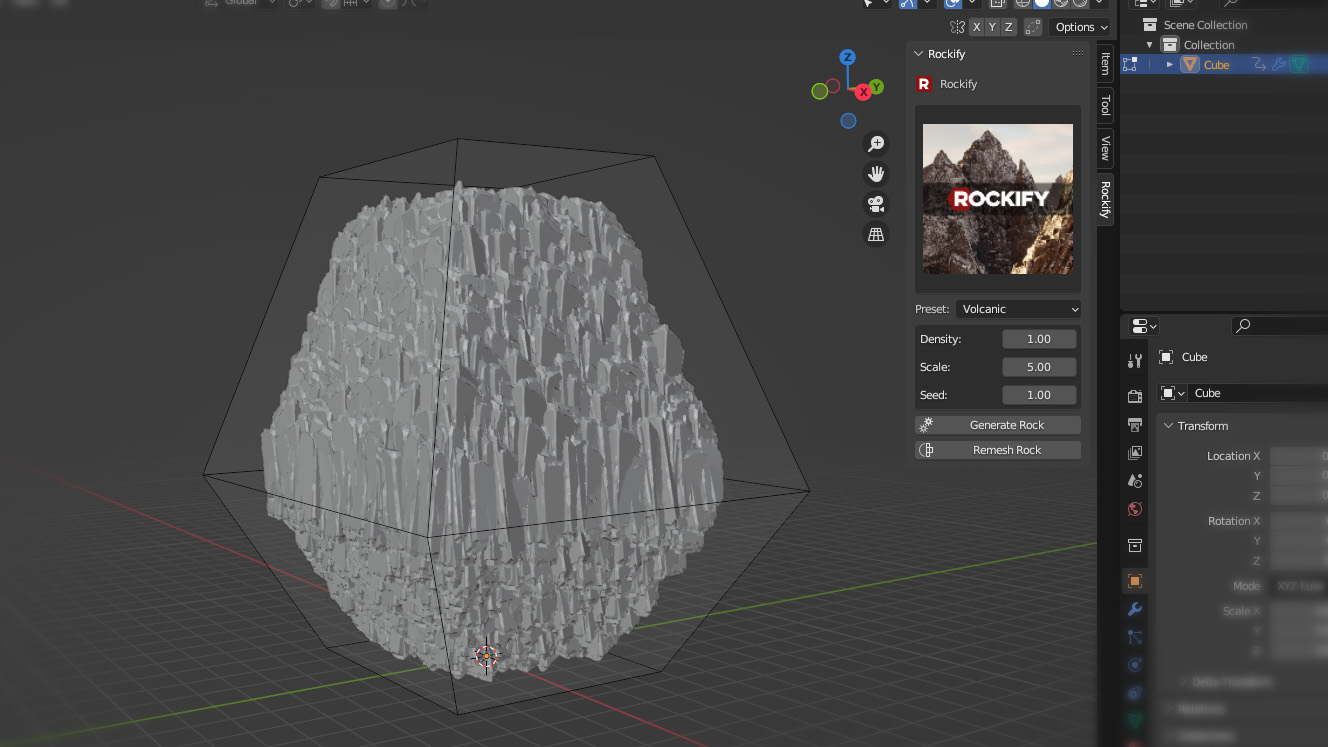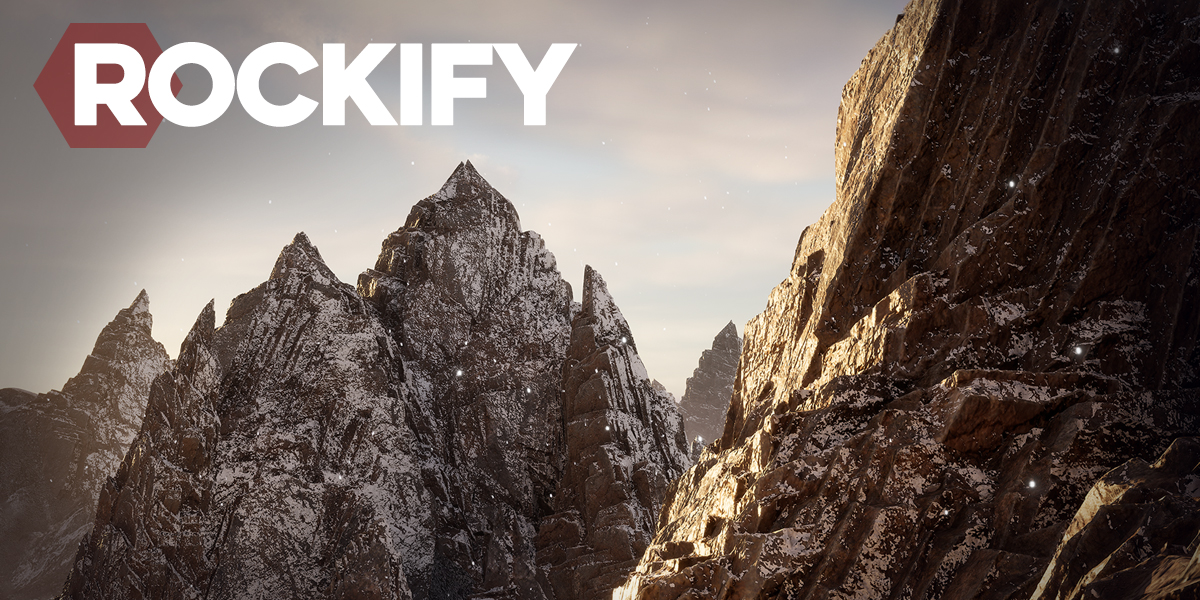
Rockify is a Blender add-on by Joe Garth that generates realistic rocks from low-poly primitive shapes, using each shape as a guide. The resulting mesh has natural cliff faces and is intended for movies, games, and other CG work.
Generate and remesh rock meshes
Choose a low-poly primitive shape and click Generate Rock; the generated mesh follows its form. Rockify can remesh it into triangulated topology for real-time use in game engines such as Unreal Engine 5. The listing also describes the rocks as suitable for Unreal Engine 5's Nanite.
Rock presets and Substance Painter material
Rockify includes presets for several rock types, including Volcanic, Limestone, Granite, Stalagmites, and Stalactites. A later update added Sedimentary and Igneous presets. The download also includes the CliffRock.spsm smart material for Substance Painter. Import the material into your Substance Painter project, bake the asset's maps, then drag it from the asset panel onto the Layers panel to apply it.
Install the Blender add-on
In Blender, open Edit > Preferences, choose the Add-ons tab, and install the downloaded Rockify ZIP file. Search for “rockify” to find and enable it. In the 3D Viewport, press N to open the sidebar and select the Rockify tab. The beginner tutorial and complete workflow tutorial linked from the product listing provide visual walkthroughs.