RollLux is a Blender extension for building a tunable lighting rig from a reference photo. It analyzes the image for key, fill, and ambient colors, contrast, mood, and color temperature, then creates a rig you can adjust in the 3D Viewport. It supports Blender 5.0 and newer, including both Cycles and Eevee. It runs offline without extra Python package installs.
How a RollLux lighting pass works
Open the RollLux panel from the 3D Viewport sidebar. Load your own reference image from disk, or choose a built-in lighting-distribution reference. Strategy previews and library references are generated procedurally from shaded spheres, gradients, and light blobs. Choose a named style or roll Random for a new procedural look, select the subject, and generate the rig.
After generation, tune intensity, exposure, distance, rotation, saturation, shadows, highlights, and contrast with the panel controls. RollLux can create between one and eight lights. Its analysis includes a LuxPro direction suggestion for portrait lighting, such as left, right, top, or backlight, plus a confidence readout. Individual lights can be toggled, recolored, adjusted for energy or softness, or removed. A palette lock keeps light colors in place when you generate again or move between presets.
Viewport Auto Exposure and interface modes
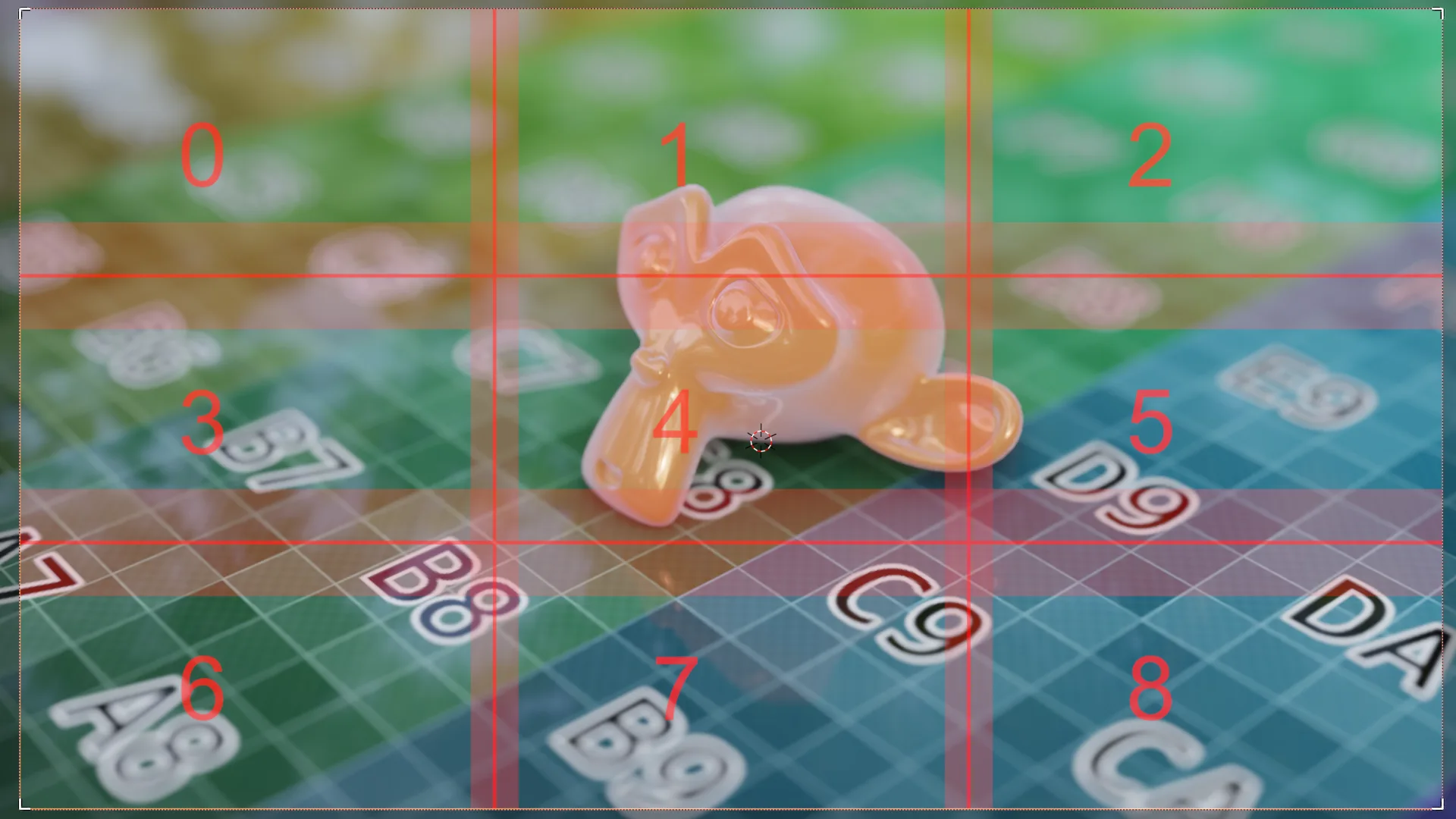
Auto Exposure samples the 3D Viewport instead of rendering an image to disk. Set the viewport to Material or Rendered shading for sampling; Rendered is preferred. Metering options include Average, Median, P60, Trim Mean, Log Average, Highlight, and Reference. You can apply the exposure adjustment to Color Management or the light rig, then bake it into the corresponding setting.
Quick mode keeps the panel compact. Pro mode exposes detailed Auto Exposure, rig, and per-light controls. A floating reference overlay can stay visible in the viewport while you work. The interface follows Blender’s language preference and includes English, Chinese, and Japanese translations.
Compatibility and package details
The Blender Extensions catalog lists RollLux 5.5.5 for Blender 5.0.0 and newer. It works with Cycles and Eevee, uses Blender’s bundled NumPy, and requests file access to load reference images from disk. Install the downloaded extension from Blender Preferences under Get Extensions, using Install from Disk. Check the Blender Extensions listing for the package and version history.
The project also documents an MCP bridge for controlling lighting from Cursor or Codex. That bridge is included in the full GitHub release, while the Extension Platform marketplace build omits it. If you need the integration, check the RollLux repository and release notes before choosing a package.