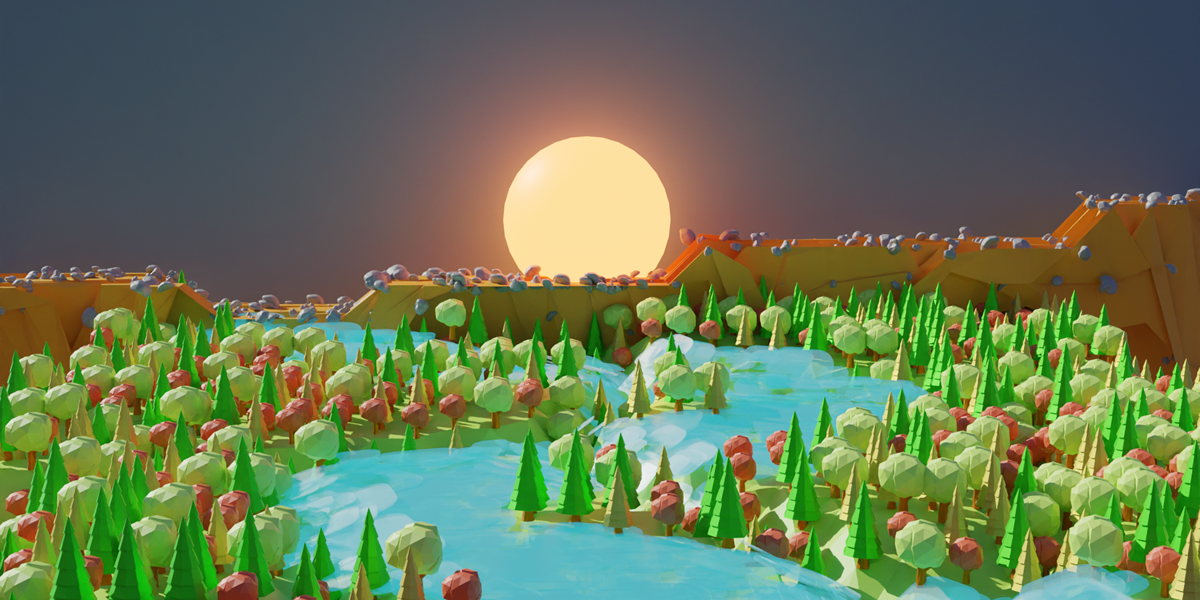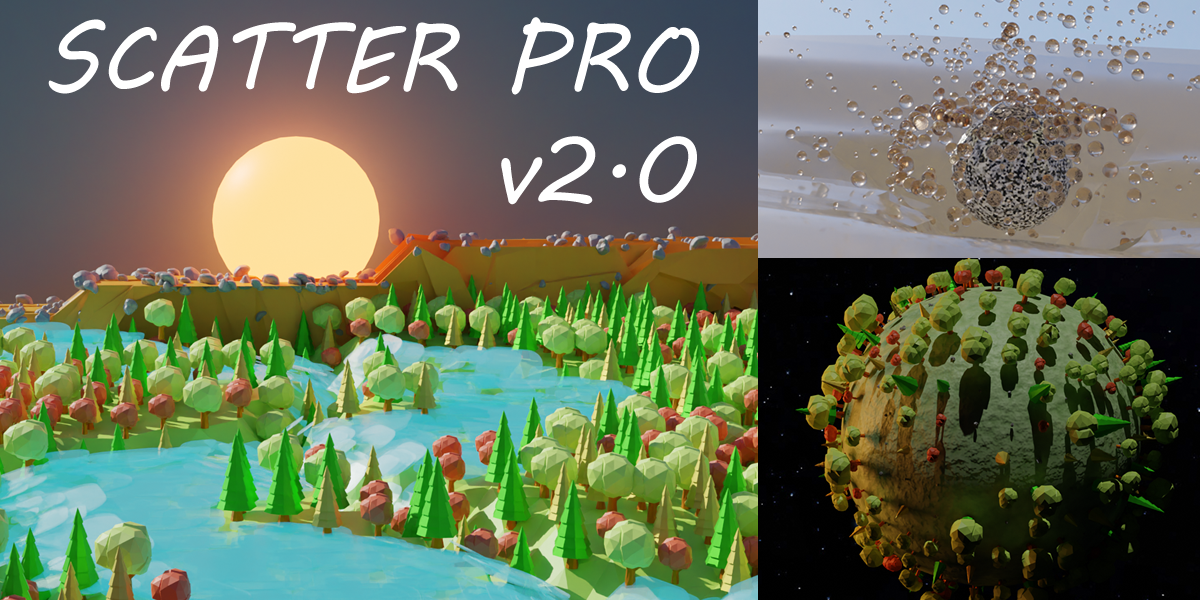
Scatter Pro 2 is a Blender add-on for distributing objects across a target mesh. It can place them at vertices, edges, or faces, using the whole object or a selected group of vertices. Controls for density, spacing, rotation, scale, and offsets let you shape the distribution for scenes such as landscapes, complex objects built by agglomeration, or explosions.
Choose where objects are placed
Scatter Pro 2 uses vertices by default. Edge mode places objects at edge midpoints, while the location panel lets you choose another placement mode. A mesh with too few placement points may need to be subdivided. Objects are positioned relative to their geometric centers, so changing an object’s origin can help when its placement looks wrong.
Density sets the proportion of available vertices, edges, or faces used. For example, a 50% density uses half of those points. The minimum-distance setting keeps scattered objects at least the chosen distance apart. You can filter points by coordinate ranges, add fixed offsets along X, Y, or Z, or move objects along the point’s normal with the ray factor.
Adjust rotation, scale, and collisions
Rotation can be randomized on selected axes, or objects can rotate to follow surface normals. Scaling controls support per-axis and overall factors. Noise settings add random displacement along the coordinate axes or the normal, which can break up rows of objects that otherwise sit directly on placement points.
Collision options can exclude points that intersect a chosen object or fall within a selected vertex group. By default, repeated scatter operations do not put multiple objects at the same location; enable the multiple-objects option when that is useful.
Build and update scatter layers
Choose a target object and the objects to scatter, then select New Layer. Each layer is a set of scattered objects. Parameter changes update the last layer automatically, or you can turn off Auto Update and use Update Layer after changing settings. The documentation notes that automatic updates may perform slowly in scenes with many objects. You can delete a layer with Clean Layer and create another one.
The add-on also has an automatic parent mode for new objects and can store scattering objects for later use. The Scatter PRO 2 documentation covers its controls and workflow. Its marketplace listing names Blender releases from 2.8 through 4.2; check the product listing for the supported versions and current distribution details.
Install the add-on
The version 2.0 documentation describes installing the supplied scatterPro2.zip through Blender’s Edit > Preferences menu. Select the add-on in the plugin list after installation. It then appears in the right-side panels of the Layout workspace.