SceneRunna is a Blender add-on for camera controls, lighting tools and props. Version 1.2 adds a gobo section and more procedural materials. The Superhive product listing identifies LabSages as the creator and lists the add-on under a GPL license.
Camera rigs and movement
The add-on includes six camera rigs, camera settings in its panel, and tools for planning movement and framing:
- Arc
- Crane shot
- POV
- Dolly zoom
- Straight Line
- Standalone
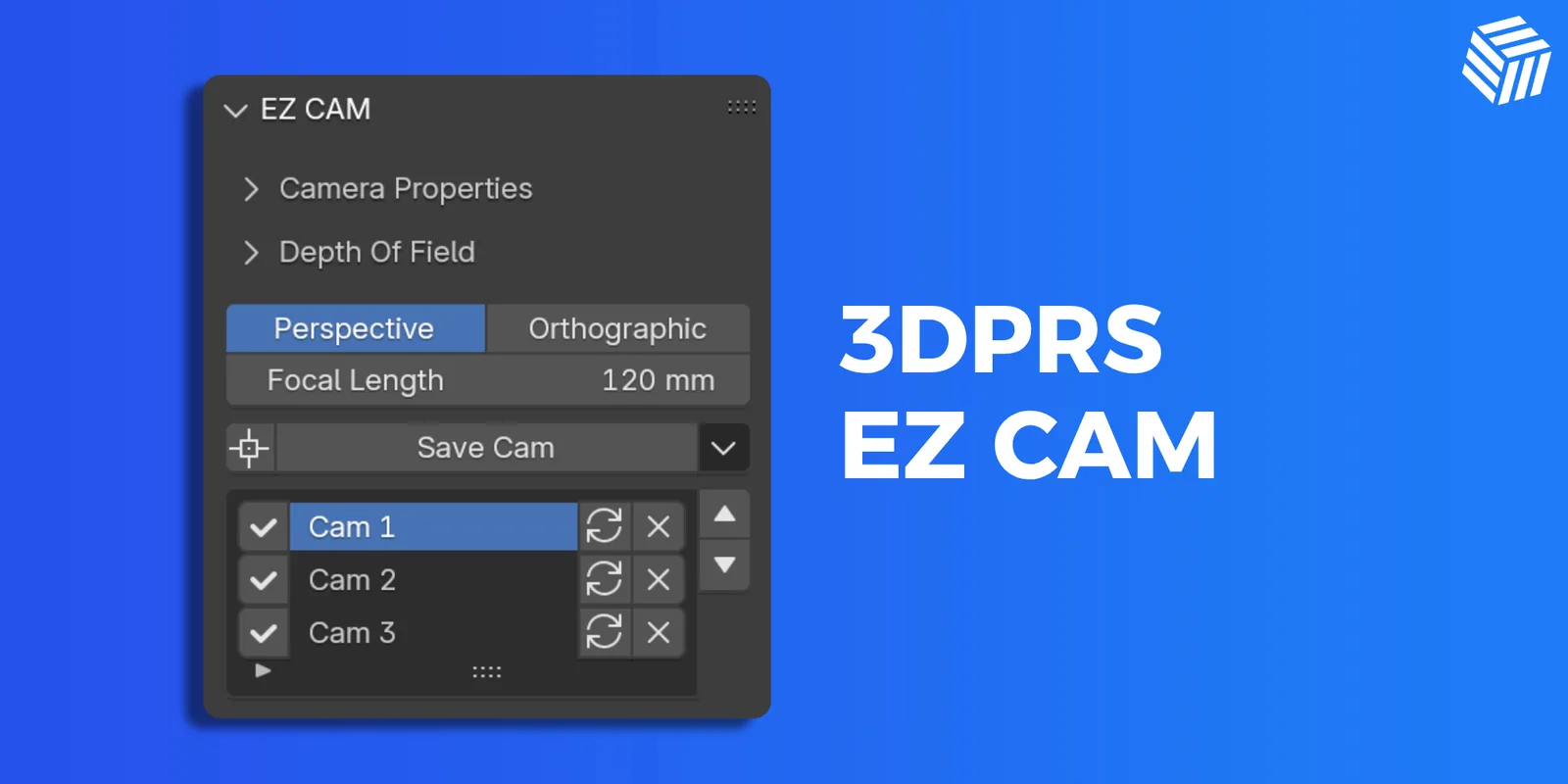
You can draw a path to guide camera movement, view focus distance with a transparent depth-of-field plane, and save animation presets. SceneRunna also includes 15 camera-shake presets, controls for creating custom shakes, a camera switcher with live feedback, and resolution settings from draft previews up to 4K.
Lighting presets and gobos
SceneRunna’s lighting presets are listed for both Cycles and Eevee. Its two-step setup combines 15 main-light presets with 8 rim-light presets, with up to 120 combinations across full-body, object, portrait and product lighting. The lighting panel also includes controls for fill lights, reflectors, volumetric atmosphere, false color, color management and light brightness. You can generate color palettes or save your own.
Version 1.2 adds 146 gobo textures, including caustics, clouds, nature, patterns and window designs. You can import your own textures, make procedural patterns such as Voronoi and water caustics, and animate gobos with presets for breeze, strong wind, raindrops and storms.
Props and procedural materials
The product includes props that the listing says adapt in scale and dimension to the main subject, 17 procedural materials and support for adding a custom prop. The available descriptions do not identify the props by type, so check the product page for examples before choosing it for a specific scene.
Version and setup
The Superhive listing names Blender 3.6 and 4.0. Check the current product details for compatibility with your Blender release. The setup guide directs users to install SceneRunna.zip through Blender’s Edit > Preferences > Add-ons panel, activate the add-on, then extract Import.rar and set its import and custom folders in the add-on settings.