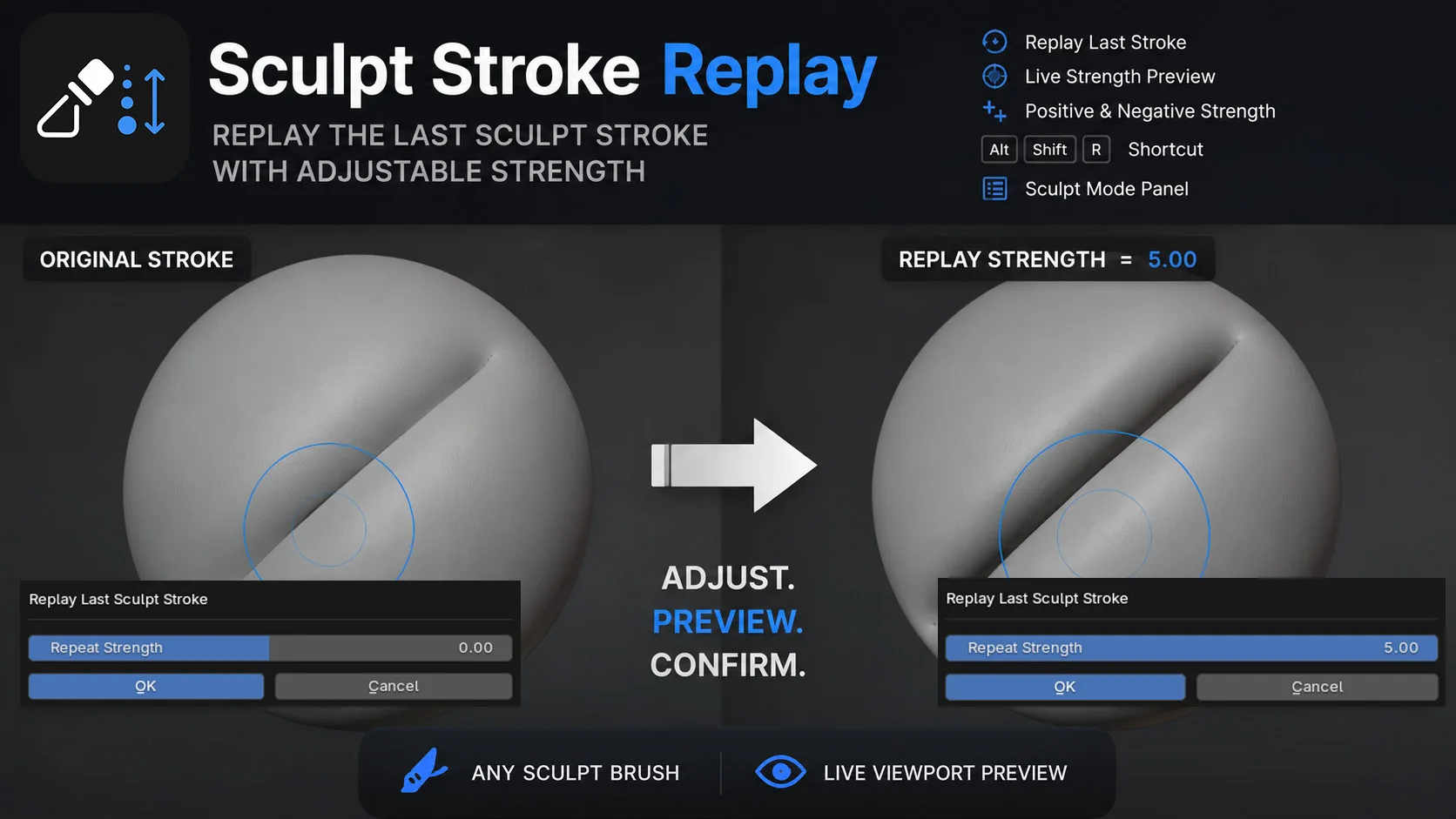
Sculpt Stroke Replay is a Blender add-on for repeating the last sculpt stroke and previewing it at a different strength. The Blender Extensions catalogue lists version 0.2.0, maintained by a.a.andrusenko, with Blender 4.2.0 as the minimum version. The project README describes its live strength preview and replay controls.
Adjust a recent sculpt stroke
In Sculpt Mode, make a brush stroke, then open the add-on from the sidebar panel or press Alt+Shift+R. Change Repeat Strength to preview the stroke at another intensity. The documented values include:
- 0.5 to replay at half strength
- 1.0 to replay once
- 2.0 to double the effect
- -0.5 to partially reduce the stroke
- 0.0 to return to the original stroke result
Confirm to keep the previewed result, or cancel to restore the original stroke result.
Compatibility and limits
The current README describes support for regular sculpt meshes and Multiresolution sculpting. Dynamic Topology (Dyntopo) and operations that change topology between undo states are unsupported. Sculpt Stroke Replay reconstructs the stroke from Blender’s undo and redo history, so the developer recommends using it immediately after making the stroke. The catalogue lists the add-on under the GNU General Public License v3.0 or later.