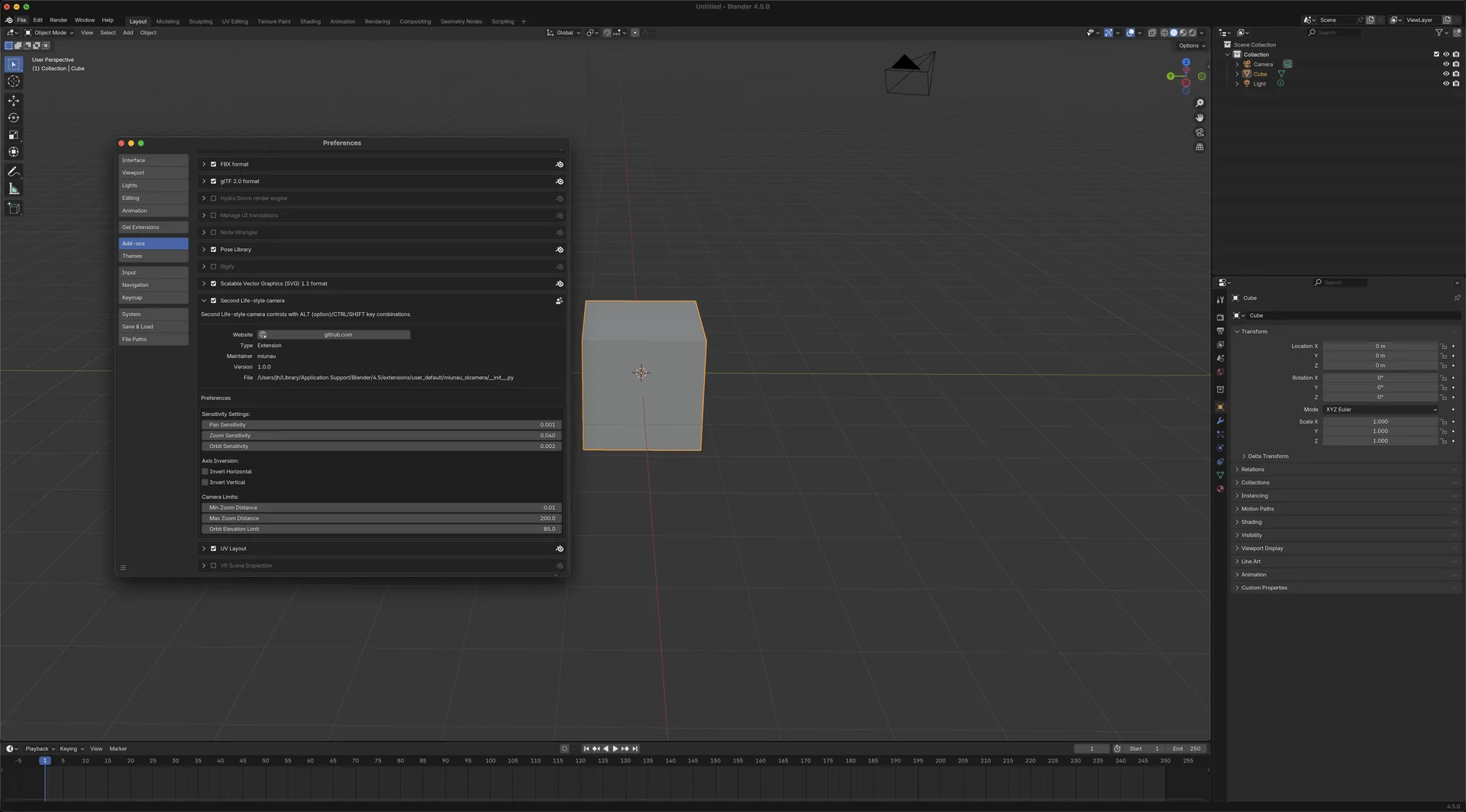
Second Life-style camera is a Blender add-on by miunau for free-look navigation in the 3D View. It uses Alt (Option on Mac) with the left mouse button to focus on an object or move the view. The developer's guide documents the shortcuts and installation.
Move around the viewport
- Alt + click: focus on the object beneath the cursor.
- Alt + left-drag: orbit horizontally and zoom in or out vertically.
- Alt + Ctrl + drag: orbit around the focus point without zooming.
- Alt + Ctrl + Shift + drag: pan the camera.
You can release the modifier keys while moving; the camera continues toward the target destination.
Version and installation
The Blender Extensions listing identifies version 1.0.4 and Blender 4.2.0 as the minimum version. To install manually, download the add-on zip from the developer's repository, then open Edit > Preferences > Extensions and use Install from Disk, or drag the extension zip into Blender.