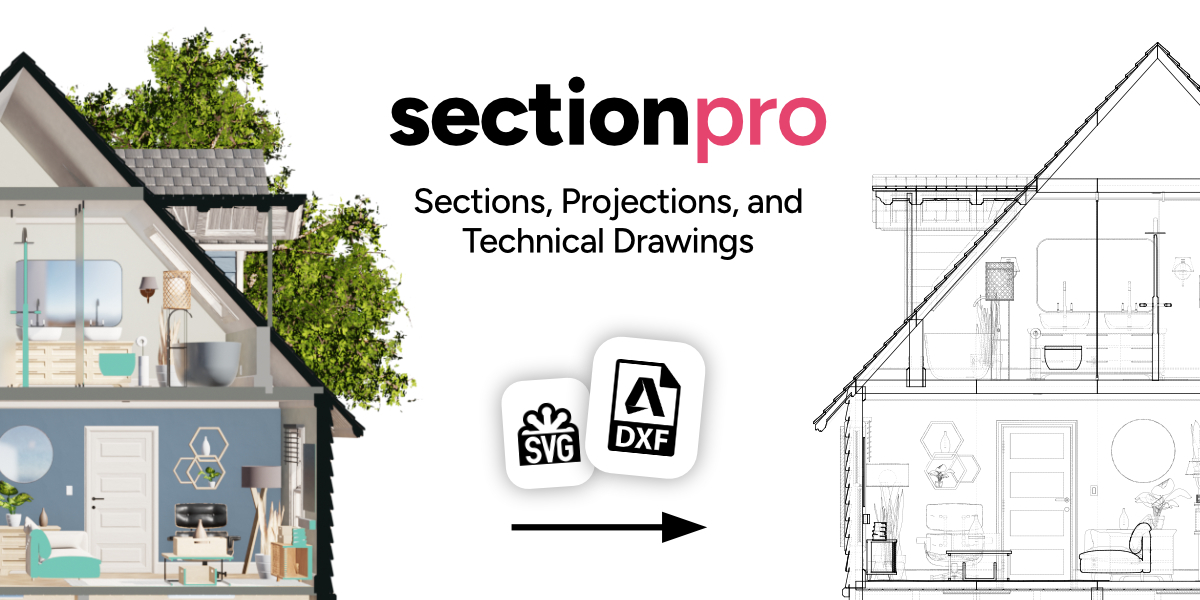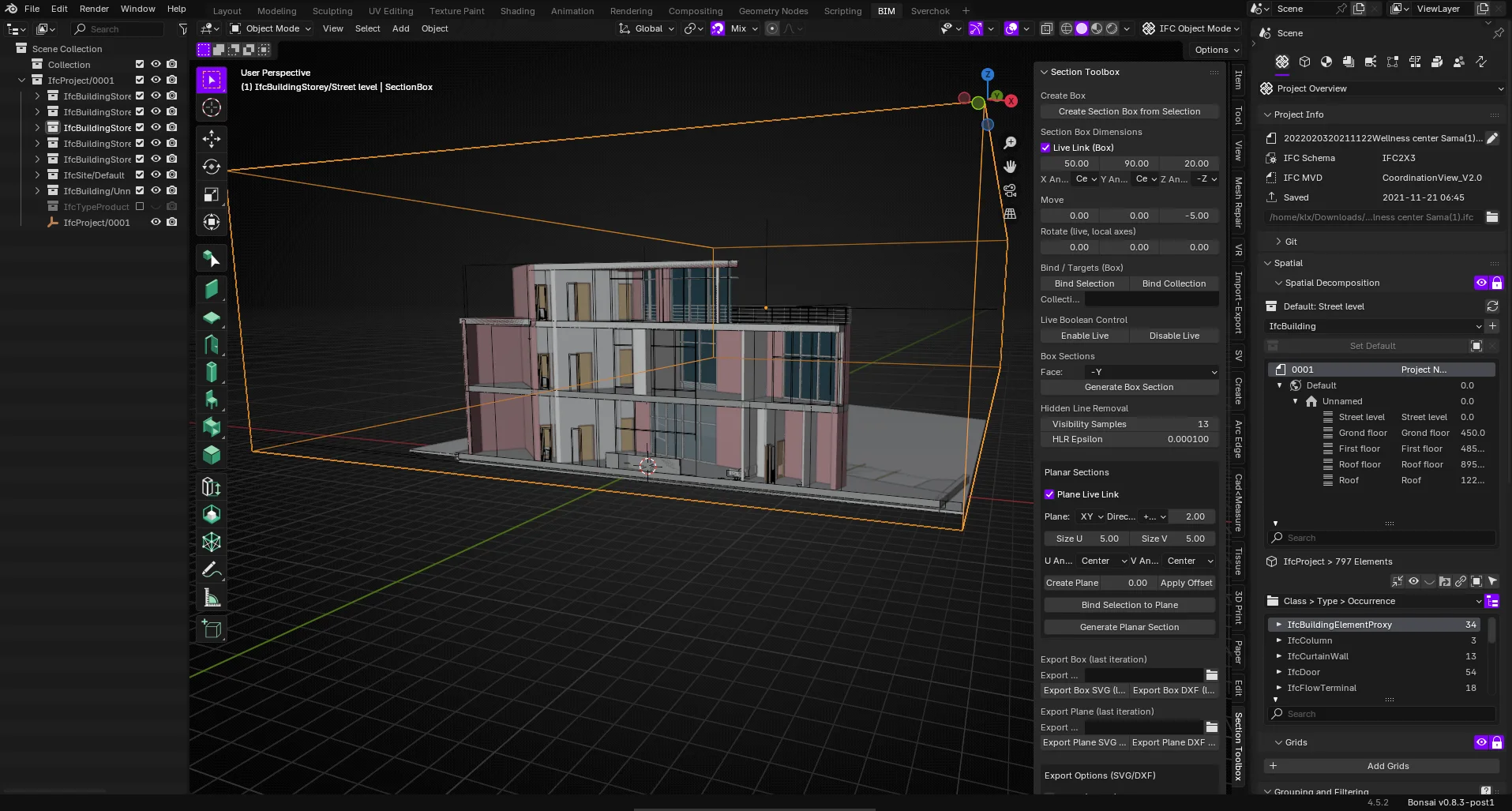
Section Toolbox is a Blender add-on for creating adjustable section boxes and planar cuts from 3D geometry, then exporting 2D drawings as SVG or DXF. The Blender Extensions listing identifies version 0.0.2, developer Victor-Calixto, and Blender 4.2.0 as the minimum version. Its Blender Extensions listing provides the compatibility details, while the feature overview describes its drawing controls and exports.
Fit and adjust a section box
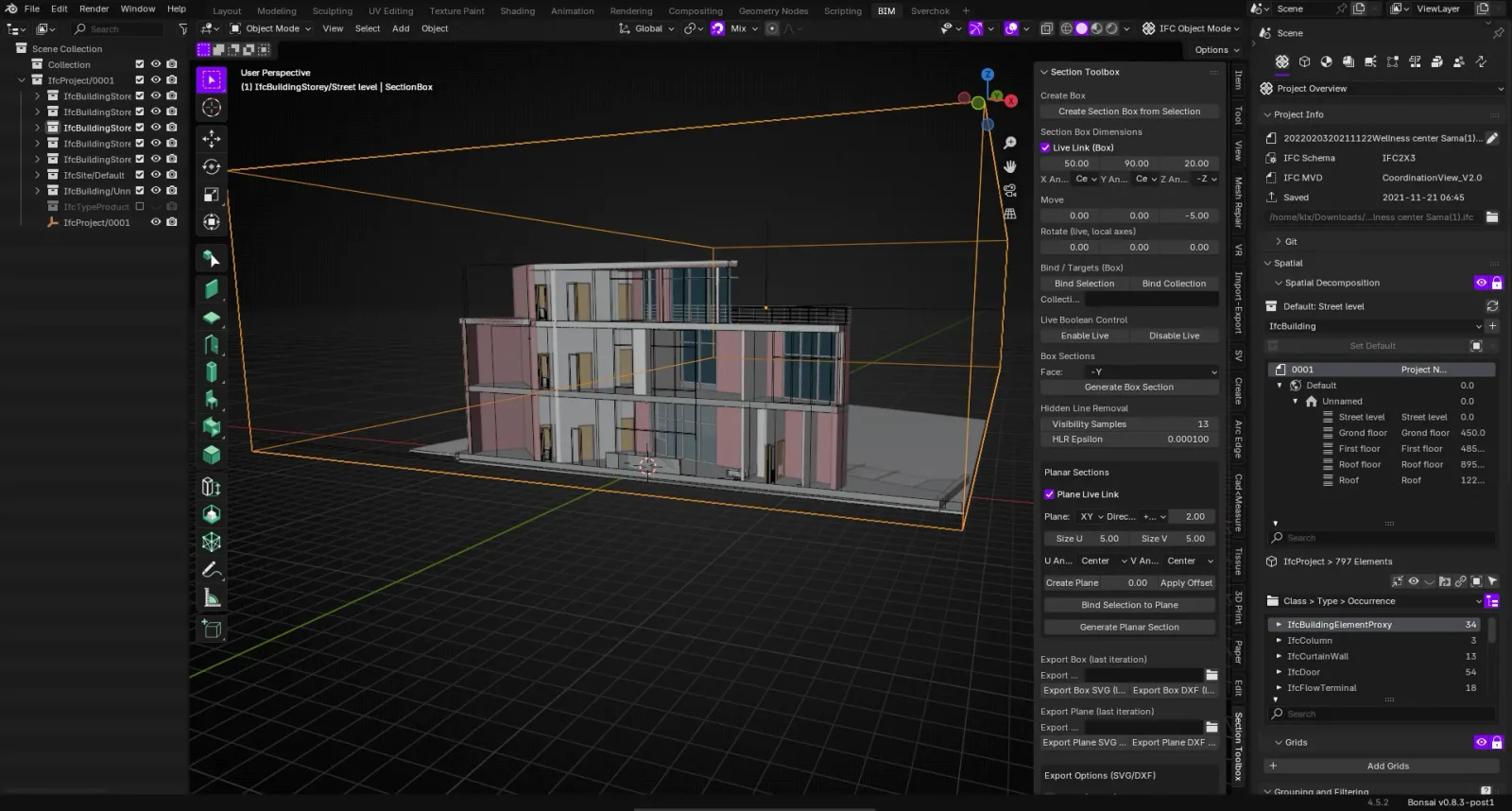
The Section Box tool fits a box to the selected geometry using evaluated bounds, including modifiers. Anchors on each axis let you resize from the center or pin either side. Width, Depth, Height, Move, and Rotate controls update the box live, so you can adjust the section without applying changes to the geometry.
Choose one of the box faces on the positive or negative X, Y, or Z axis to generate two outputs. The cut is the intersection clipped to that face's rectangle. The projection contains orthographic edges inside the box slab and applies hidden-line removal. The outputs are named _cut and _projection.
Set up a planar section
Planar Sections use the XY, XZ, or YZ plane. Direction sets the positive or negative normal, and Depth defines the slab used for the elevation. Live Size U and Size V controls, with anchors, let you resize the section plane while keeping a chosen edge or center in place.
Cut and elevation lines account for occlusion, so nearer geometry hides edges behind it. Closed cut loops can also produce filled faces. Version 0.0.2 uses BVH tests for hidden-line removal and has Visibility Samples and HLR Epsilon controls.
Export view-aligned 2D drawings
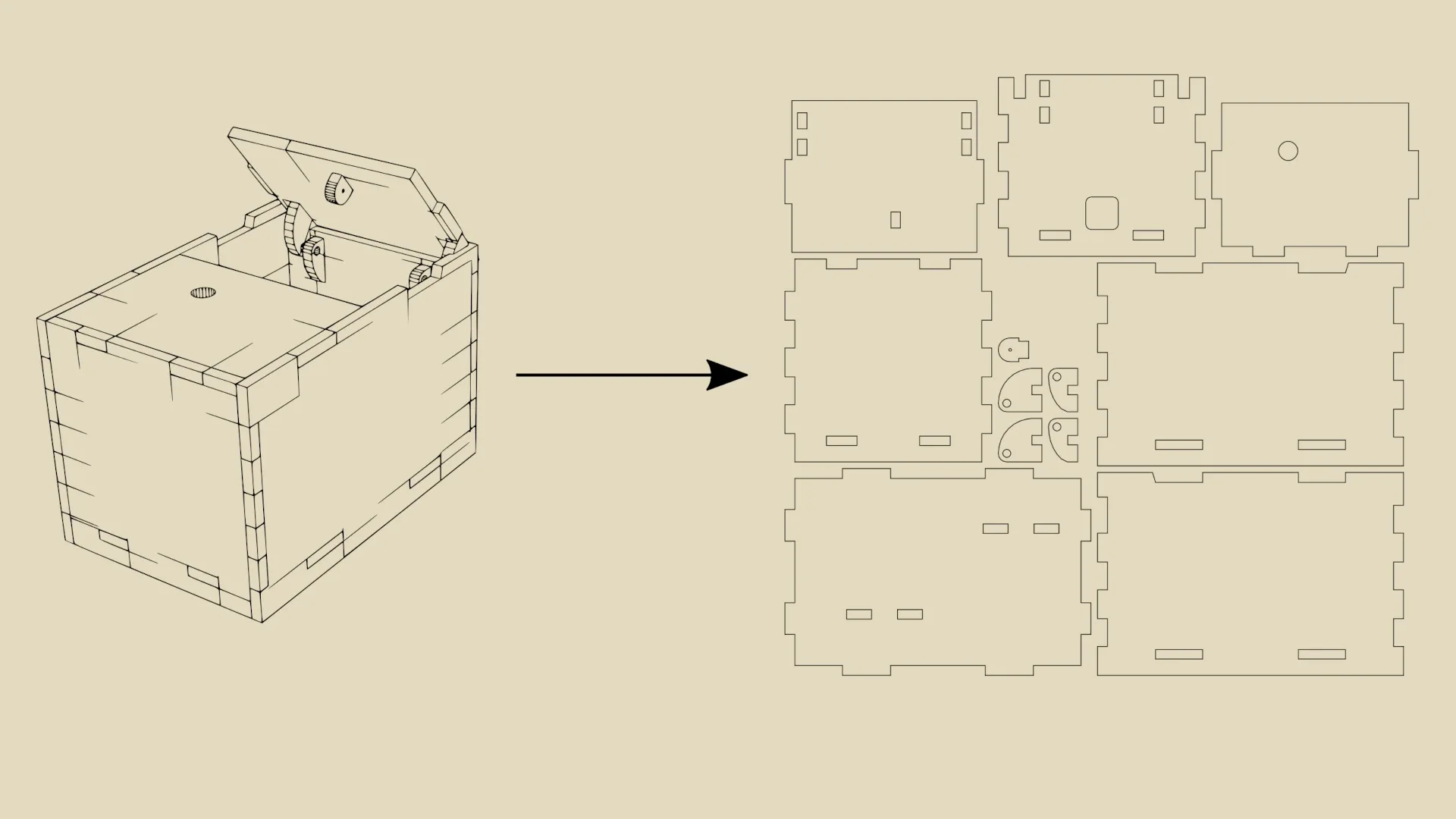
SVG export uses thin 0.25 strokes and can include filled polygons for closed cuts. DXF export writes 2D LINE entities at Z=0, which suits flattened line drawings rather than a 3D section object. Both formats use the saved Frame2D for orientation; Flip X and Flip Y let you change the drawing direction. Each exporter uses the most recent run for its active box or plane, so generate a run before exporting.
Who should use Section Toolbox?
This add-on fits Blender workflows that need section drawings, cut lines, elevations, or 2D linework for CAD. Its section box is useful when the cut should follow a selected object's bounds; planar sections suit work organized around a fixed XY, XZ, or YZ plane. The catalog lists the add-on under the GNU General Public License v3.0 or later.