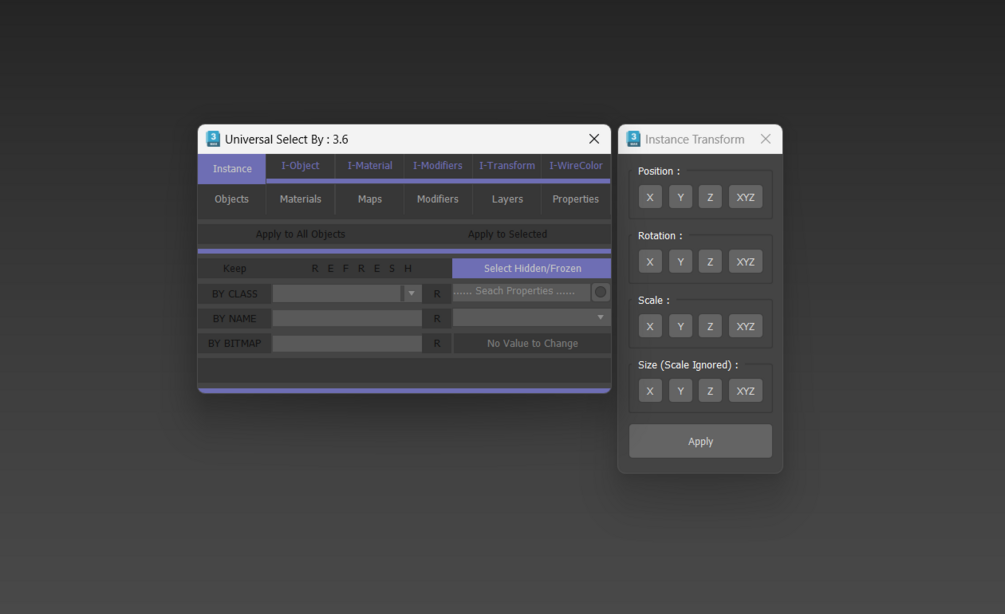
Selection Toolbox is a JokerMartini script for 3ds Max that groups scene-selection commands in one tool. You can select by viewport visibility, material assignment, instances, object or modifier details, wirecolor, or text search.
Quick Select commands
Use these commands when the selection depends on an object's visibility or material state, or on its relationship to the current selection:
- Objects visible in the current viewport
- Objects outside the current viewport
- Objects with a material, or with no material
- Instances of the currently selected objects
Select by class, modifier, or material
Separate dialogs list unique Object Classes, Object Super Classes, Modifier Classes, Modifier Names, Material Classes, and Material Names found in the scene. Choose one or more entries to select the objects that match. These lists help when you know the type or assigned modifier or material you want to find, even if object names are inconsistent.
Match by wirecolor
Wirecolor Select compares objects with the wirecolor of the currently selected object. Its tolerance runs from 0% to 100% and controls the hue range used for matching. A lower setting keeps the match closer to the selected object's wirecolor; a higher setting widens the range.
Search names and classes
Find and Select searches scene data using a string. Its Find Method can target:
- Object name, Object Super Class Name, or Object Class Name
- Modifier Name or Modifier Class Name
- Material Name or Material Class Name
The Regex/Wildcard toggle determines how the search input is interpreted: enabled uses a regular expression, while disabled uses simple wildcard searching. Enable Selection Toggle to restrict the search to the current selection.
Choosing a method
Quick Select fits visibility, material-state, and instance checks. Use the class and name dialogs when you can identify a specific scene type, modifier, or material. Wirecolor Select is useful when wirecolors already distinguish groups in your scene. Find and Select fits a text pattern or a specific name or class field, and can narrow that search to objects you have already selected.
Compatibility and availability
The ScriptSpot listing identifies Selection Toolbox as version 1.0 for 3ds Max 2021, updated September 13, 2022. It links to JokerMartini's product page. The available listing names 2021 only, so check with the developer before using the script with another 3ds Max release. AnyPlugins lists it as free to download and use; confirm current availability and licensing terms with the developer.