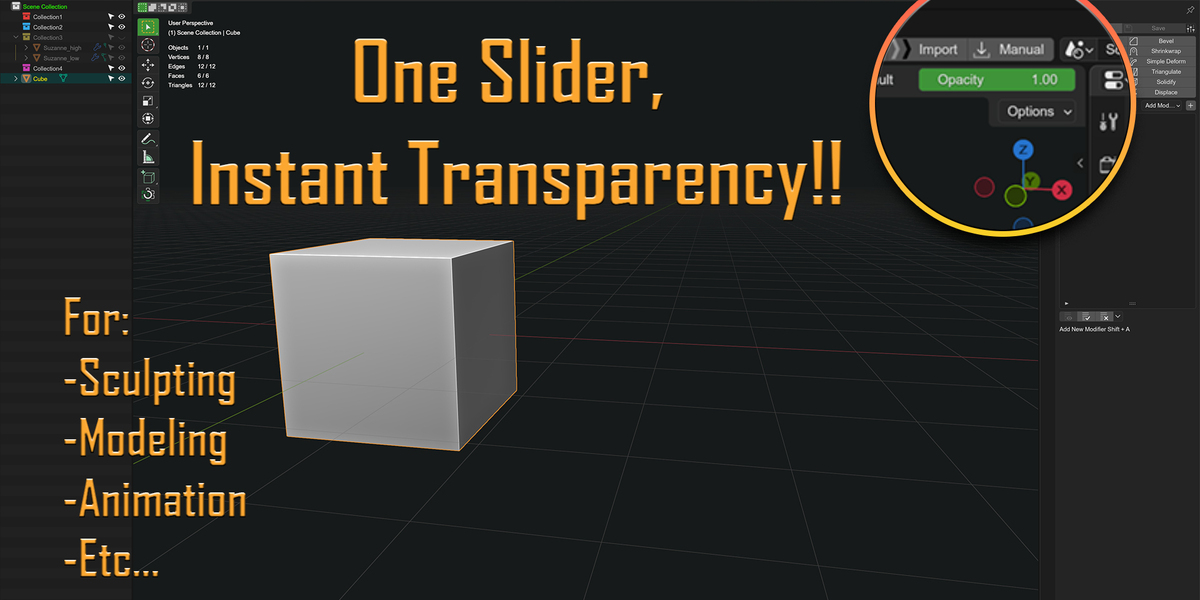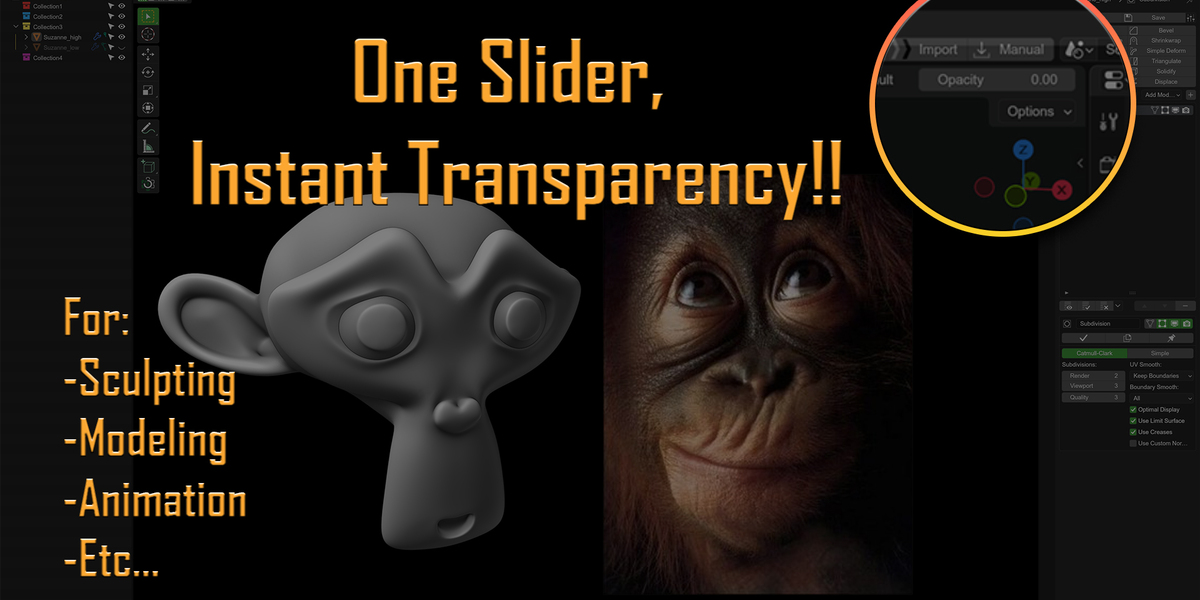
Set Opacity - Make Blender Transparent is a Windows add-on from To The Grid Studio. It adds an opacity slider to Blender's 3D Viewport header, letting reference images, mood boards, or concept art on the same screen show through the Blender window. The slider ranges from 50% to 100% and applies changes as you drag.
Adjust Blender window opacity
Move the slider left to make Blender more transparent, or right to return it to full opacity. The 50% minimum keeps the window visible. This setup can help when sculpting from a reference sheet, comparing a blockout with concept art, or checking material references without switching windows.
Install and use the add-on
- Before installing, compare your Blender version with both ranges in the compatibility section below and check the current package notes for the supported range. Then, in Blender, open
Edit > Preferences > Add-ons > Install. - Select
set_opacity.zipand enable the add-on. - Find the Opacity slider in the 3D Viewport header and adjust it while you work.
The product documentation also describes dragging the ZIP into Blender as an installation option. The slider needs no additional configuration after installation.
Control opacity across multiple windows
Version 1.1 and later supports independent opacity for each Main Window. Choose Window > New Main Window to open one, then adjust its slider separately. A window created with Window > New Window shares opacity with its parent. The documentation also notes that Ctrl+Space in a new Main Window maximizes the viewport and hides the menus.
Check compatibility before installing
The documentation lists Windows as the supported platform. The supplied Blender version details conflict: the marketplace listing gives Blender 2.8 through 5.0, while the documentation's technical specifications list Blender 4.5 or newer and its limitations section describes a 5.0 update as forthcoming. The listing and documentation do not establish which range applies to the current package. The product is listed under the GPL license; its documentation specifies GPL v3.