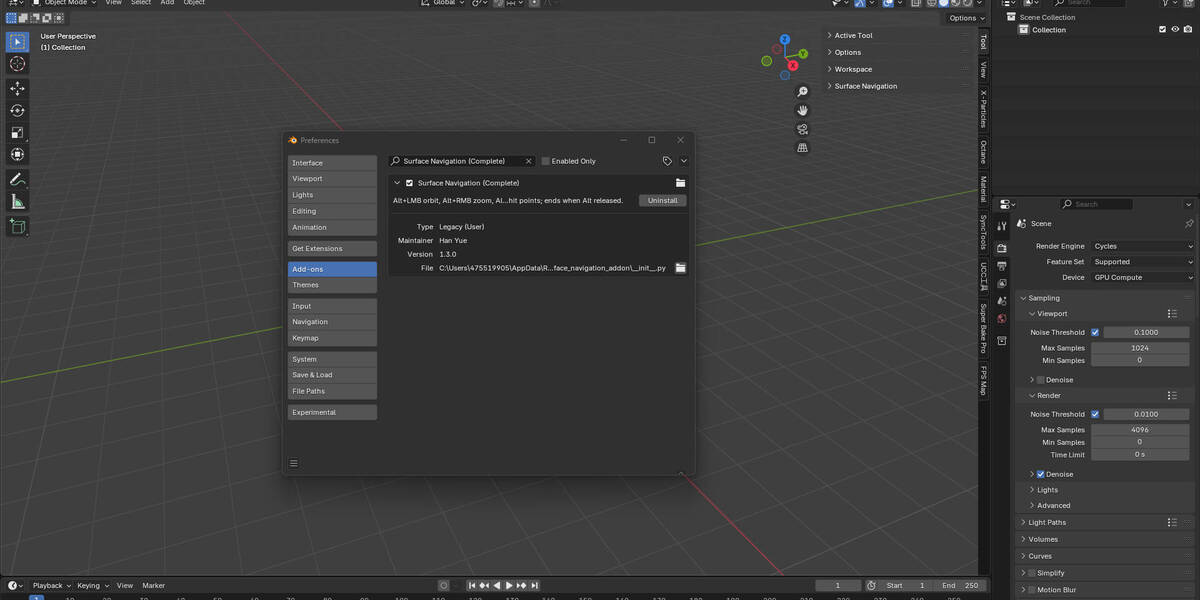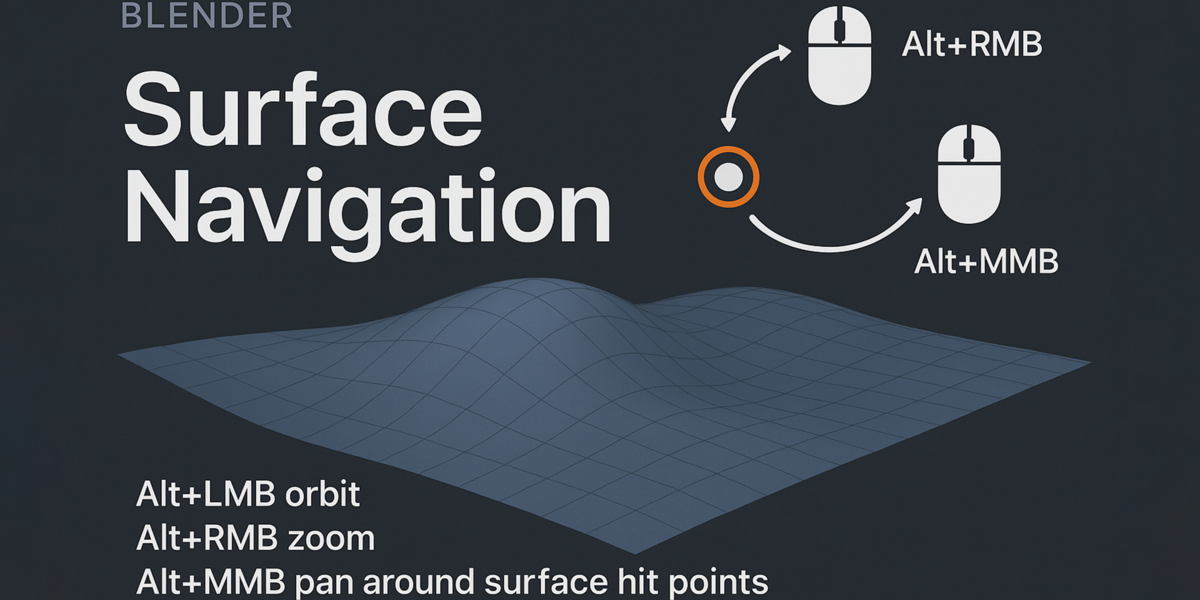
Alt Surface Navigation is a Blender add-on for orbiting, zooming, and panning around surface points in the 3D viewport. Its pivot follows geometry under the pointer instead of an arbitrary viewport center. The creator lists modeling, sculpting, architectural visualization, and character work as suitable uses.
Surface-point controls
Alt + Left Clickorbits around surface hit points.Alt + Right Clickzooms around surface locations.Alt + Middle Clickpans using surface reference points.
These bindings keep the interaction centered on geometry while you inspect a model. The add-on also provides configurable hit detection for all objects, selected objects, or visible objects.
Settings and fit
Zoom sensitivity can be adjusted from 0.001 to 0.1, with minimum and maximum zoom distances. A hit-point update threshold is available to reduce jitter. Settings also include optional 3D cursor positioning during navigation, cursor display options, and restore behavior when Alt is released. The controls are in a dedicated panel under Blender's Tool category, with an option to reset settings to defaults.
The listing describes installation as adding the add-on file, after which the navigation controls are available. See the product documentation and current product listing for installation and compatibility details.
Compatibility note
The listing gives two Blender compatibility ranges: its product copy says Blender 3.0 and later, while the Details section lists Blender 3.6 to 5.2. Check the current listing or developer instructions before installing, especially on a version earlier than 3.6.