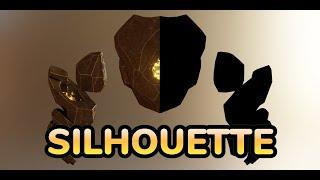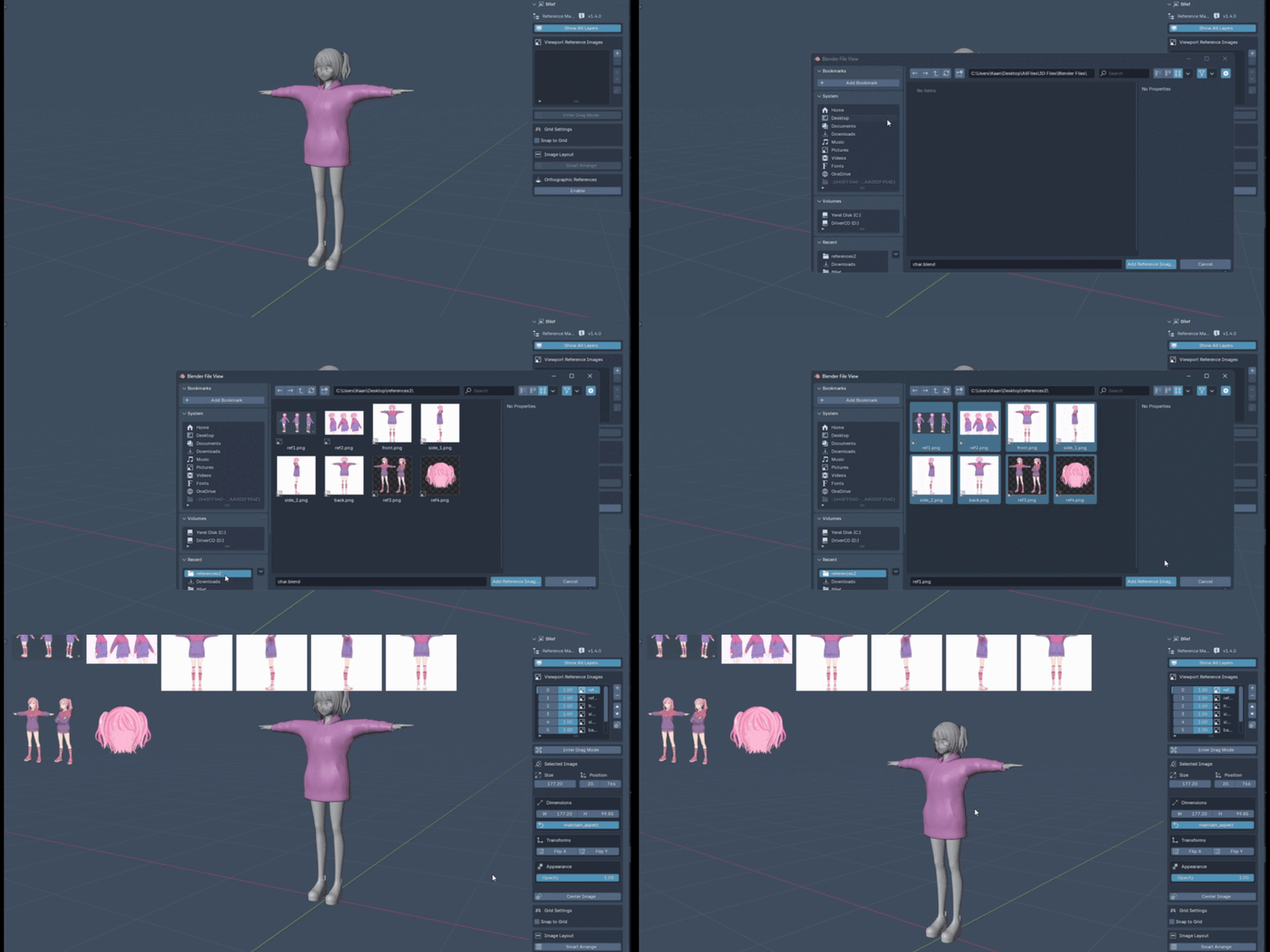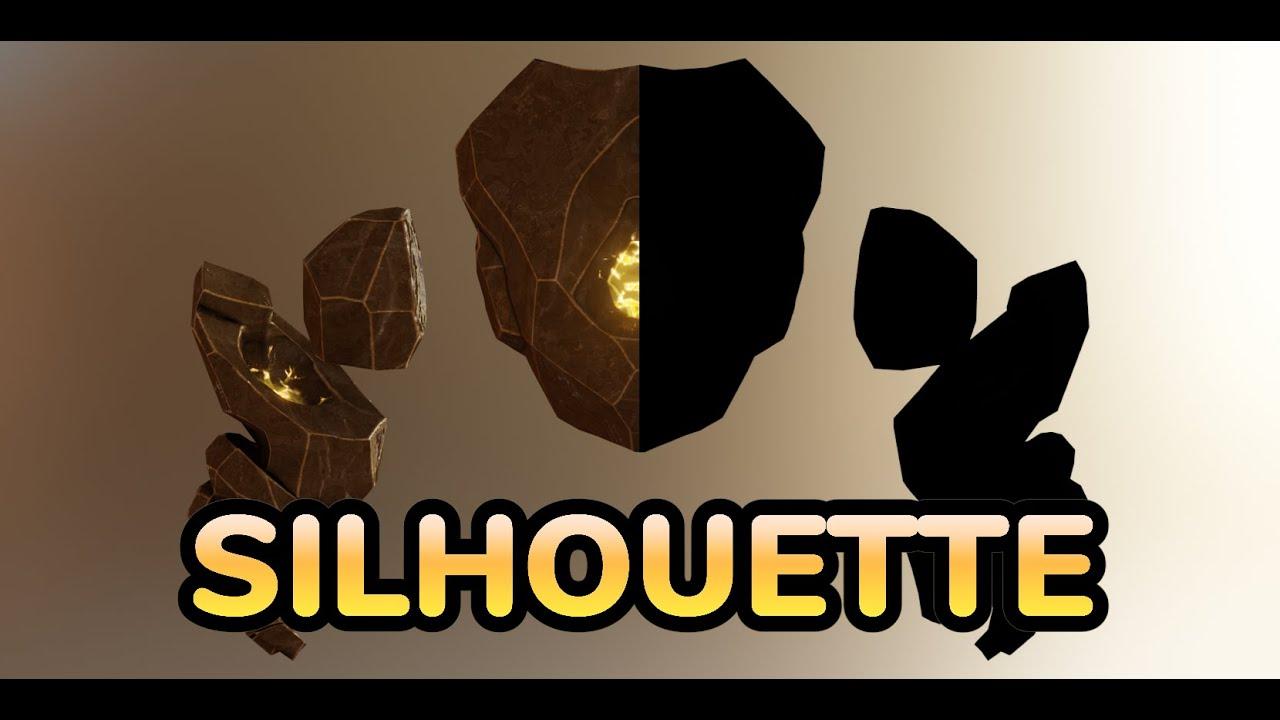
Silhouette is a Blender add-on that shows a clean, unlit outline of a mesh in a small card inside the 3D Viewport. Use it to check whether a character, prop, or sculpt reads clearly from different angles without leaving the view you are working in.
Choose a view mode
Preset mode frames a target in an orthographic view, with quick buttons for front, side, and top views. Camera mode uses the active scene camera by default, or a camera you select. Navigation mode mirrors the viewport framing and perspective as you orbit, zoom, or pan, so the silhouette follows your view while you work.
Set the target and appearance
Preset mode can frame the active object, selected objects, a fixed object, or a collection. Style settings control the silhouette color, background or transparency, opacity, and optional view name. The card can also show in front of geometry, which helps keep the shape visible over objects and the floor grid.
Refresh while sculpting
In Sculpt Mode, Blender does not report every stroke to Preset and Camera modes. Click the card to refresh it, or enable Auto-Update on Sculpt Mode to refresh every five seconds. Navigation mode redraws with the viewport and stays current as you move.
Install Silhouette and check compatibility
The Silhouette 2.2.0 package requires Blender 5.3 or newer. Install its ZIP without unzipping it: in Blender, open Edit > Preferences > Get Extensions, choose Install from Disk, and select the file. Make sure the add-on is enabled, then click the ghost icon in the 3D Viewport header to turn it on; the nearby arrow opens its settings.
The marketplace listing still shows Blender 2.93 and older versions, so check the documentation that matches the package you plan to install. See the Silhouette documentation for setup and view-mode details.