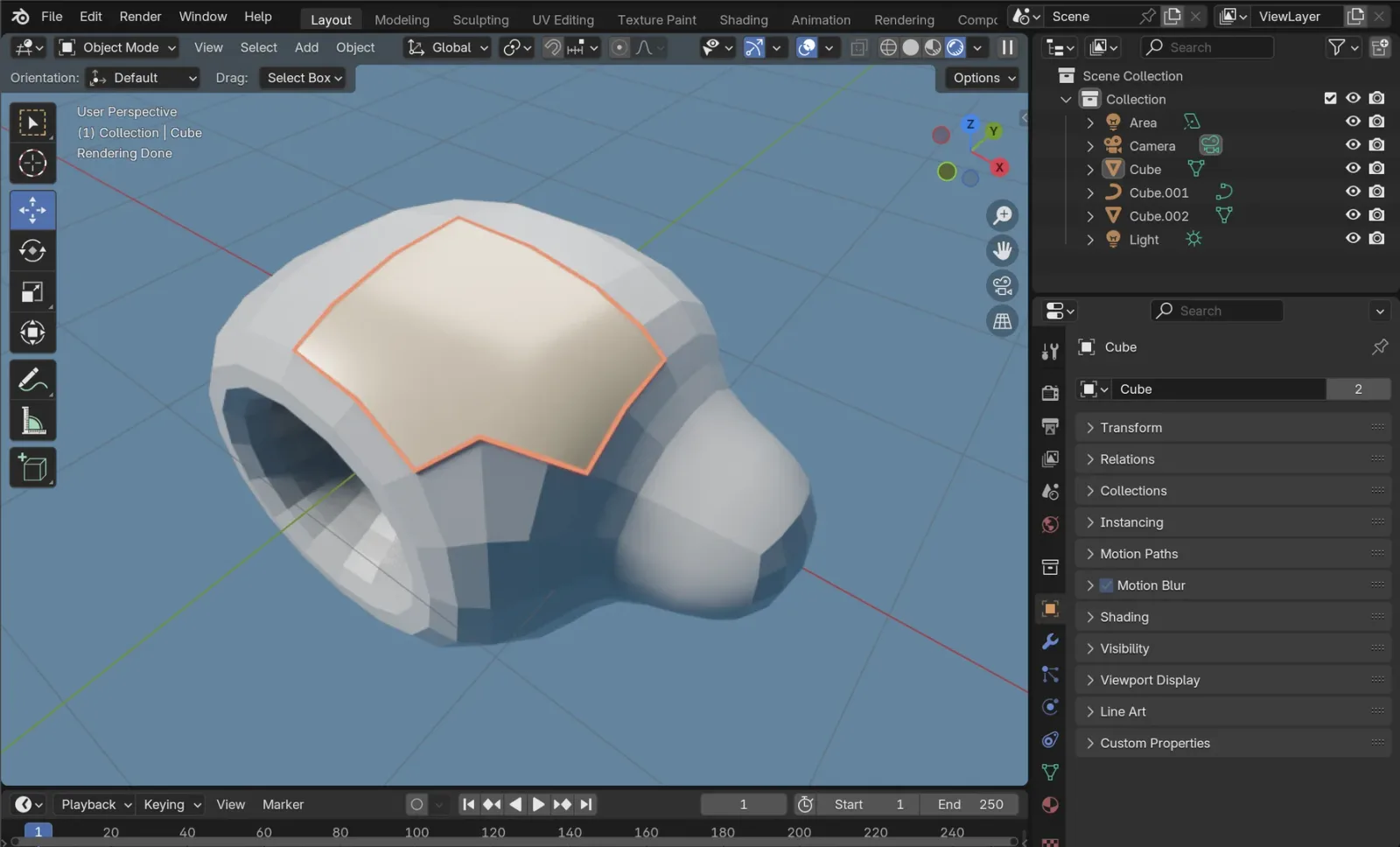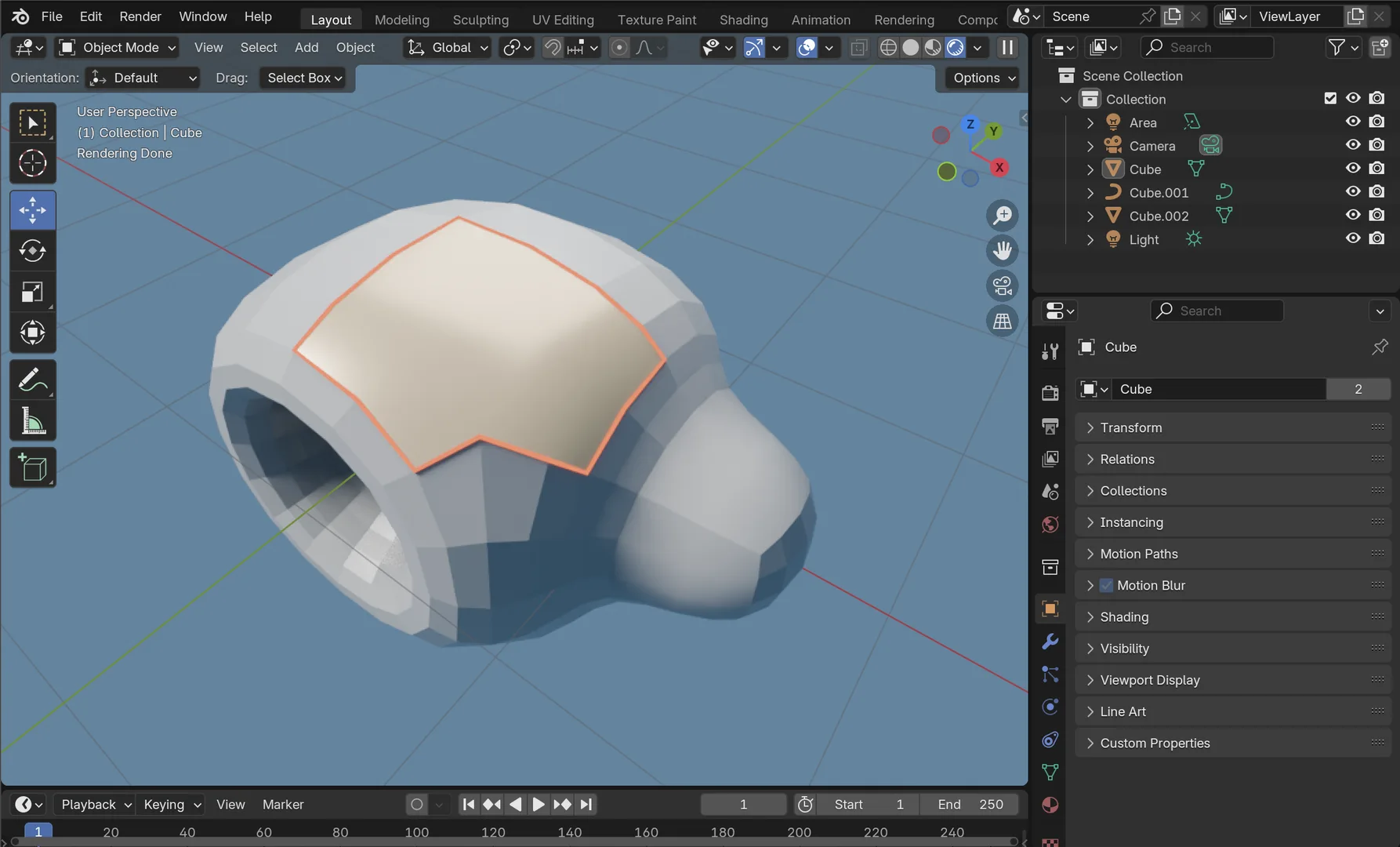
Set Smooth Group is a Blender add-on for creating a smooth group from selected faces. It applies smooth shading to those faces and marks their boundary edges sharp, a workflow that can be quicker than selecting edges individually. Blender Extensions lists the 1.1.0 release as compatible with Blender 4.2 LTS and newer.
Run it from Edit Mode
Select the faces, then run Set Smooth Group from Mesh > Normals or press Alt+G. On macOS, use Option+G. With Set Hard Edge Group enabled, the original face selection is restored after the operation, so you can continue working on that region.
Adjust the operation
Version 1.1.0 includes an Adjust Last Operation panel with three toggles. Set Hard Edge Group controls the basic smooth-group method and is enabled by default. Convert Tris to Quads turns triangles into quads after the operation. Set From Faces applies custom normals from the selected faces. The toggles can be used separately or together, and their settings carry over between calls.
This tool suits Blender mesh work where you want selected face regions to shade smoothly while their boundaries remain sharp.