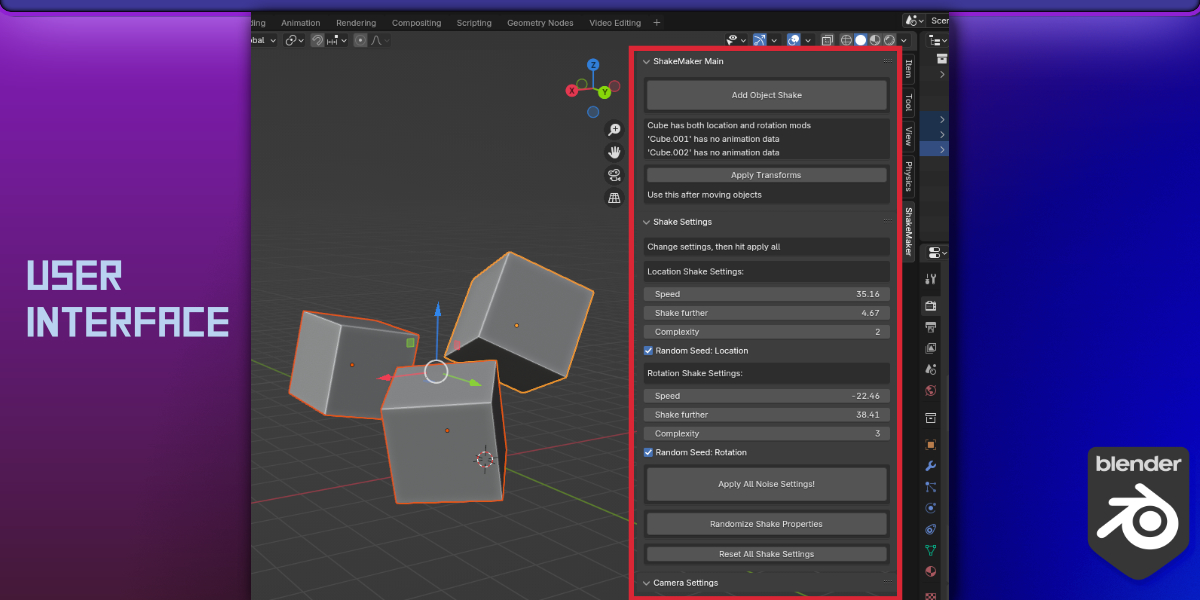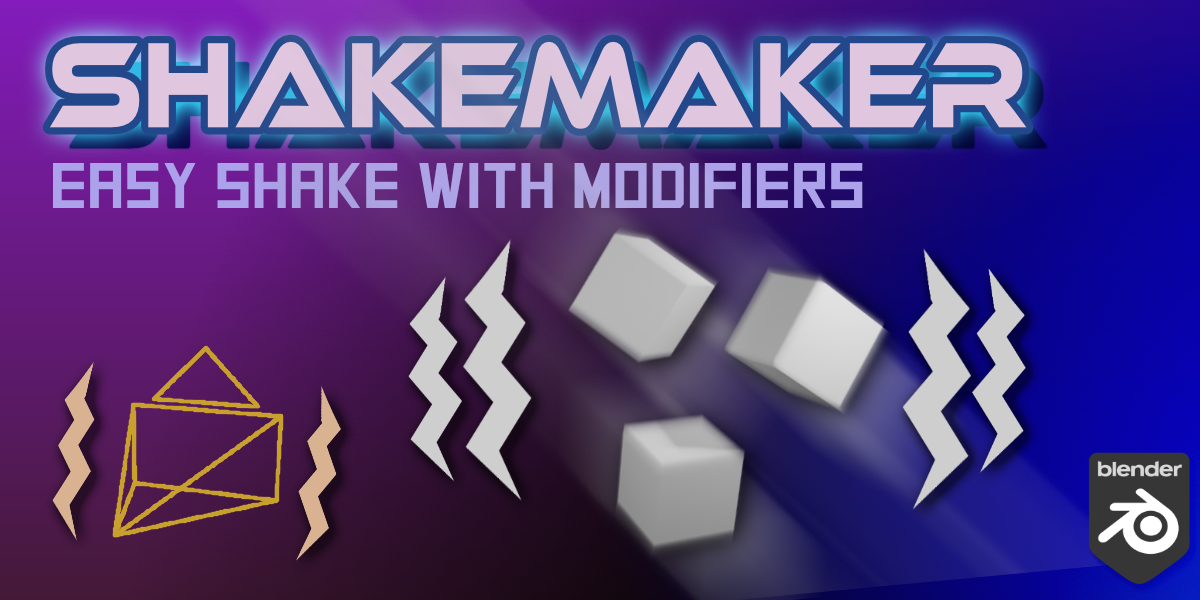
ShakeMaker is a Blender add-on from Ace Of 3D that applies f-curve noise modifiers to selected objects and cameras. Its panel in the 3D viewport's N tab lets you add shake, wiggle, oscillation, vibration or wobble with one click, then adjust the motion in Blender.
Adjust shake and oscillation
ShakeMaker exposes scale, strength, depth and phase controls for its noise modifiers. The random phase option can give selected objects different shake patterns. Turn that option off to make the animation oscillate. You can also randomize settings for a starting point, reset them to defaults, or limit shake across a frame range.
Apply motion to objects or cameras
Select one or more objects or cameras, then click Add Shake at the top of the panel. The Shake Settings menu below holds the controls. An animation information list shows the current f-curve noise modifiers on each selected object. Advanced Shake Control provides separate X, Y and Z axis settings, while a Camera Settings panel groups common camera controls.
Built-in presets provide ready-made settings, and custom presets let you save favorites. These controls suit workflows that need repeatable camera movement or adjustable motion on objects without configuring each noise modifier separately.
Install ShakeMaker in Blender
For Blender 4.2 and later, the documentation says to drag the ZIP file into Blender. You can also use Edit > Preferences > Get Extensions, open the menu in the upper-right corner, choose Install from Disk, select the ZIP file and install it. For Blender 4.1 or earlier, use Edit > Preferences > Add-ons, choose Install, select the ZIP file, install the add-on and activate it.
See the ShakeMaker installation documentation for these steps and the product listing for release details.
Version 1.6.0 and compatibility
The product listing gives Blender versions 3.0 through 5.0. Version 1.6.0, released December 20, 2025, includes updated logic for the Blender 5.0 API, bug fixes and streamlined registration functions. The listing says Blender 5.0 is compatible and that legacy and extension add-on versions are available. Check the developer's listing for compatibility with a specific Blender build and the appropriate package. The marketplace lists the add-on under the GPL license.