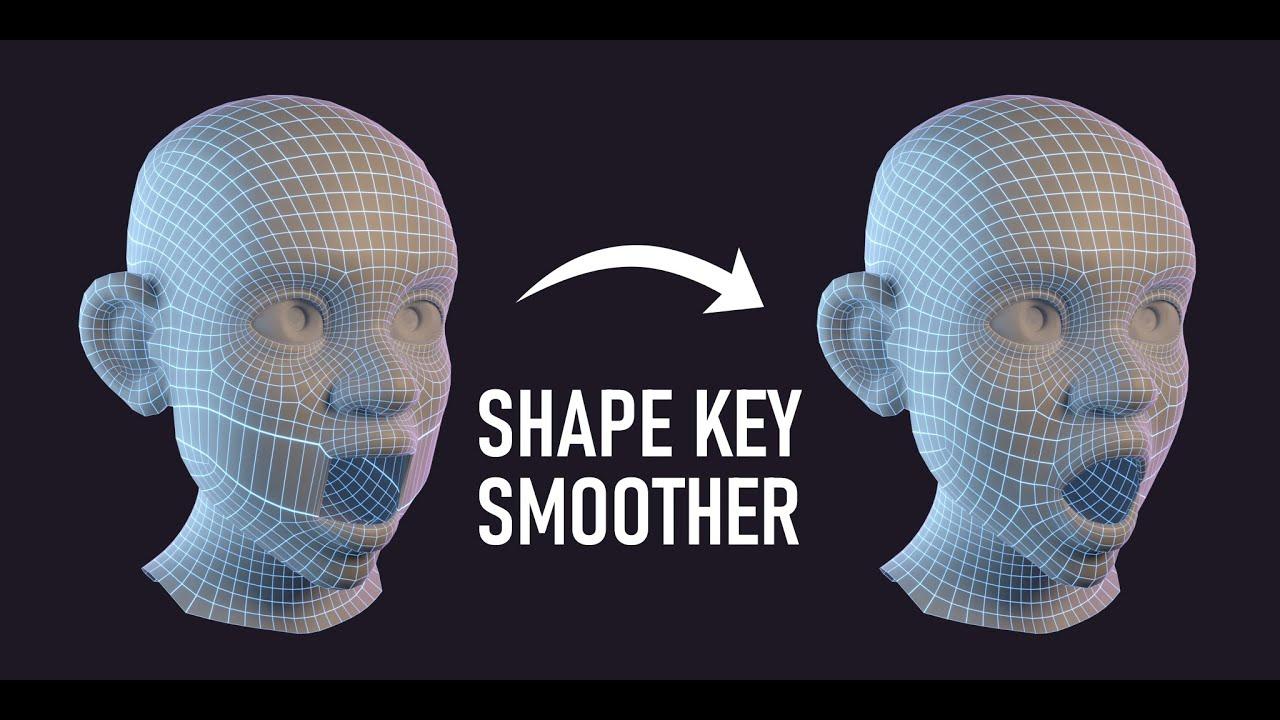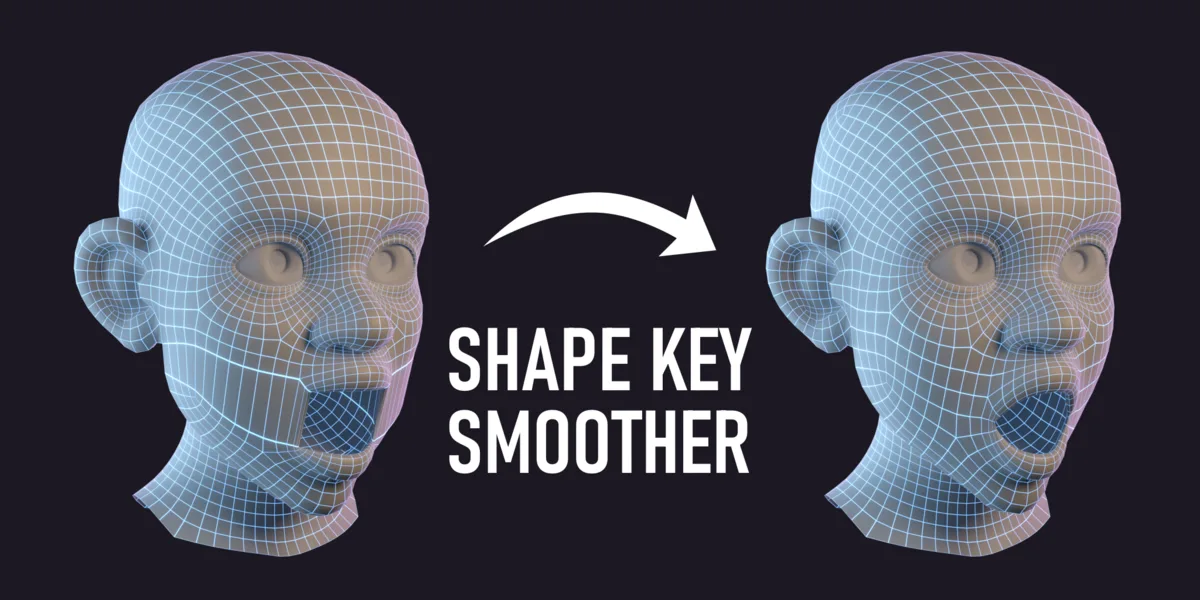
Shape Key Smoother is a Blender add-on by Mizzauro for smoothing shape keys after a rough deformation. You choose the surrounding area to smooth, and the add-on's method is designed to preserve the volume and shape of the original Basis key. The product listing contrasts this with Blender's Edit Mode Smooth operator and Sculpt Mode Smooth brush, which tend to distort volume and shape. It can also recover detail from a shape key that has become too smooth. See the product listing for current details.
How the smoothing workflow works
Start by roughing out a shape key, then select the surrounding vertices that define the area to smooth. The selection affects the result: the documentation says a rough selection usually works, but in some extreme cases choosing a few fewer or a few more vertices can change the result significantly. If an area looks overly softened, Shape Key Smoother can also restore detail to an existing key.
Prepare the object and select a key
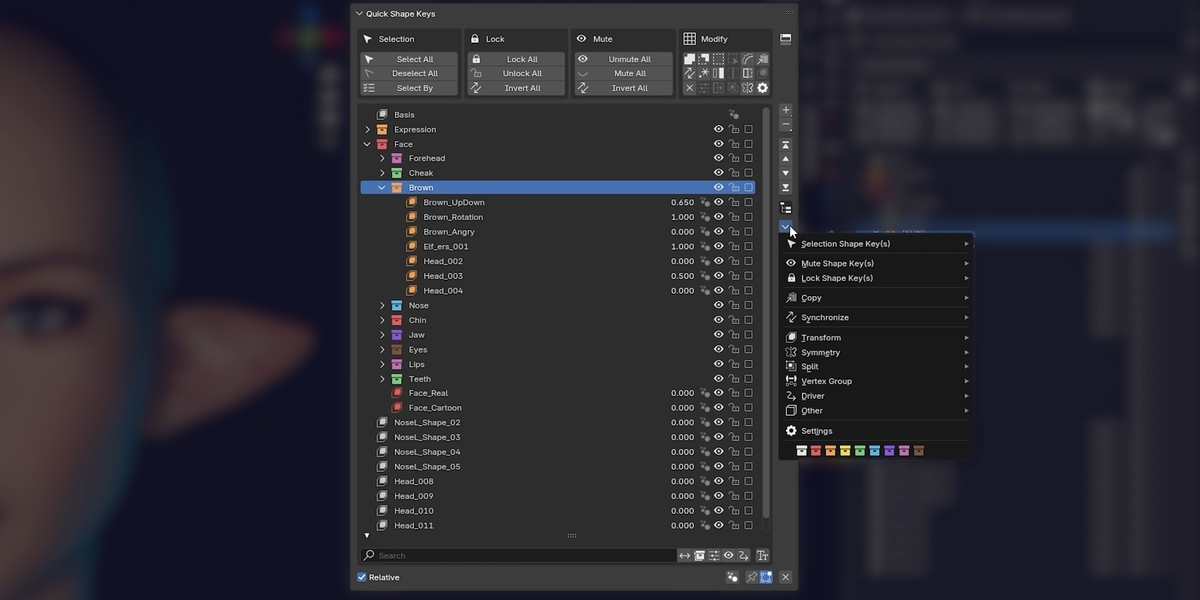
The object needs at least one shape key in addition to Basis. Select the shape key you want to work on, and do not select Basis; the documentation says the selected non-Basis key is used as the reference for smoothing. Without another key, or with Basis selected, the add-on reports an error.
To install it, download the add-on's ZIP file, open Add-ons in Blender Preferences, choose Install, and select the ZIP file. In the 3D Viewport, find Shape Key Smoother in the Vertex menu or right-click context menu. The product documentation lists these steps and the shape-key requirements.
Version and compatibility notes
The product listing identifies version 1.5 and lists Blender 3.6 through 5.3. Its changelog notes that version 1.5 fixed bugs that occurred in certain circumstances on objects with drivers. Earlier updates added improved compatibility with symmetry and support for Blender 5.0. Check the current listing and documentation for details that match your Blender setup.