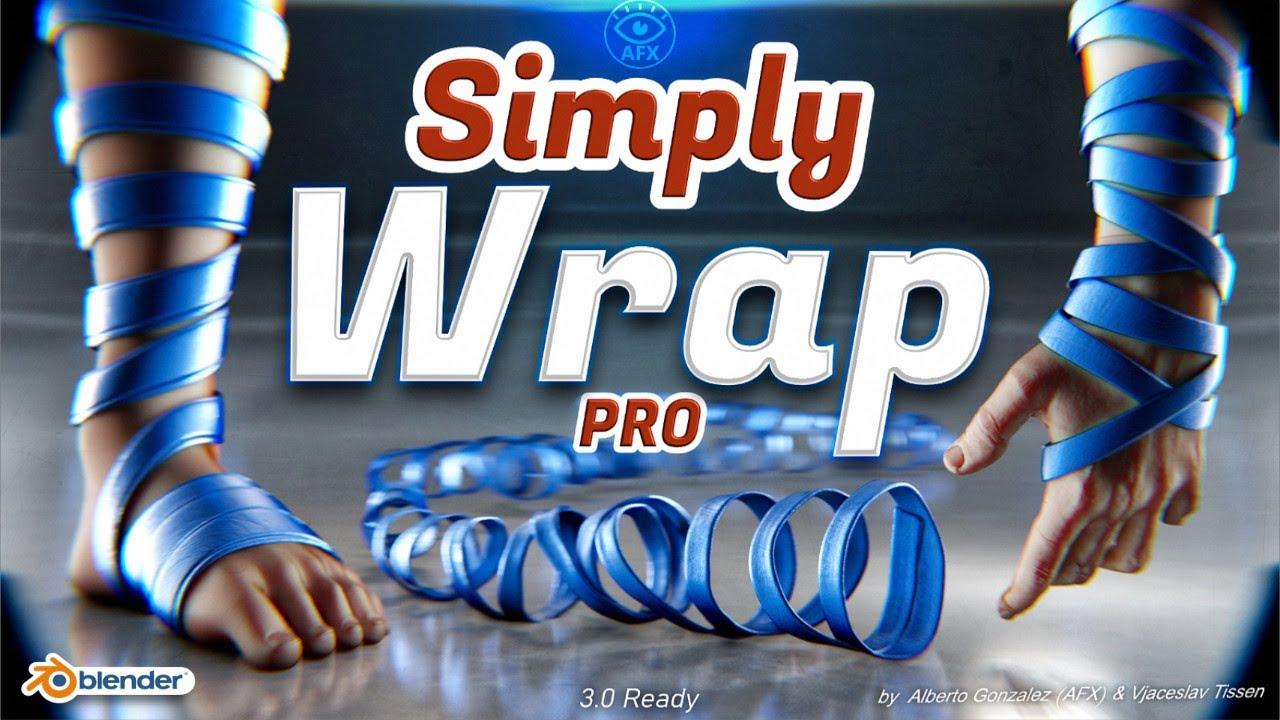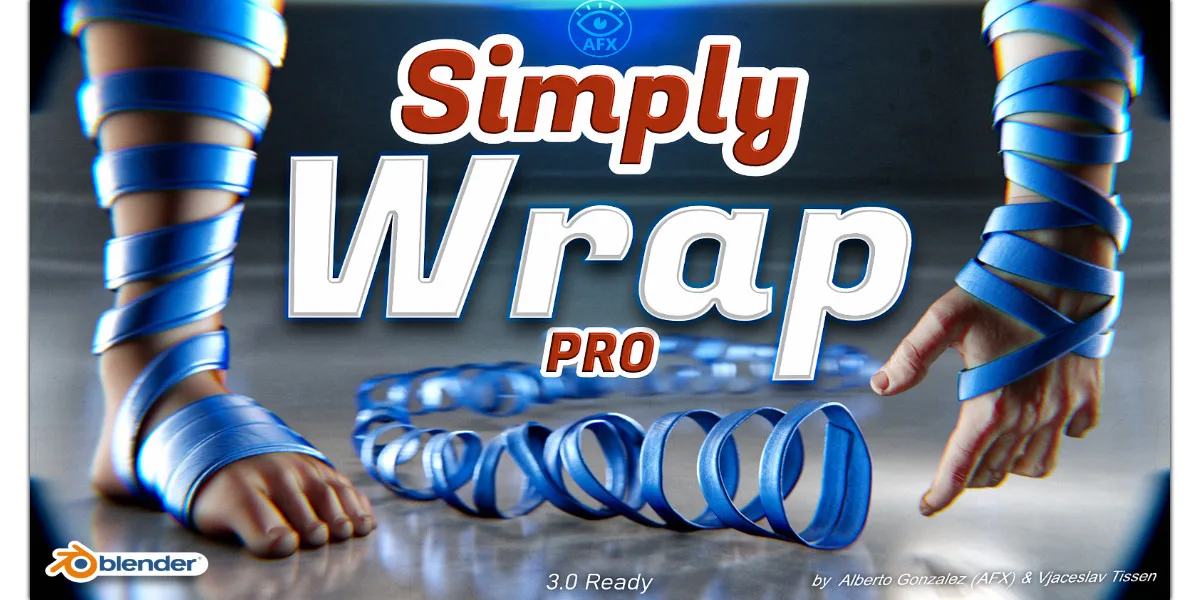
Simply Wrap Pro is a Blender add-on for drawing a wrapped mesh or curve around an object or character. You select a collision object and sketch the wrap in the viewport. The seller says their usual method of using Shrinkwrap and an extruded curve, then adjusting the curve or mesh with Proportional Edit, usually took several minutes to produce a rough result.
How the drawing workflow works
Draw in a zigzag pattern from one view, across both sides of the object. Simply Wrap Pro detects face orientation automatically, so you do not need to keep rotating the view as you draw. The seller reports saving more than 50% of the time in tests against their earlier manual workflow. That figure is the seller's result; the time saved on a particular model will depend on the wrap and any cleanup it needs.
When it may fit your workflow
The add-on is intended for Blender artists who need to wrap a mesh or curve around an object or character and want to sketch the path in the viewport. It can create a starting wrap for further modeling. The seller also recommends refining a base wrap with Cloth Sculpt Brushes when needed.
Cleanup and scene setup
A generated wrap may still need intersection cleanup or edits to specific sections. For a fluid simulation workflow, the seller recommends using a low-resolution collision mesh for smoother, more efficient operation. The seller also recommends keeping only one object in the scene for the add-on's best performance.
Compatibility and installation notes
The Superhive listing shows Blender versions 2.93 to 5.0. The seller recommends Blender 3.0 or later with the Asset Browser, so check the current listing and documentation for the version you use. The add-on interface is English only. After installing, restart Blender and do not unzip the downloaded file.
The listing credits Vjaceslav Tissen with guiding the workflow and interface design, and Alberto Gonzalez (AFX) with programming the function. See the Superhive product listing and its linked product documentation for current details.