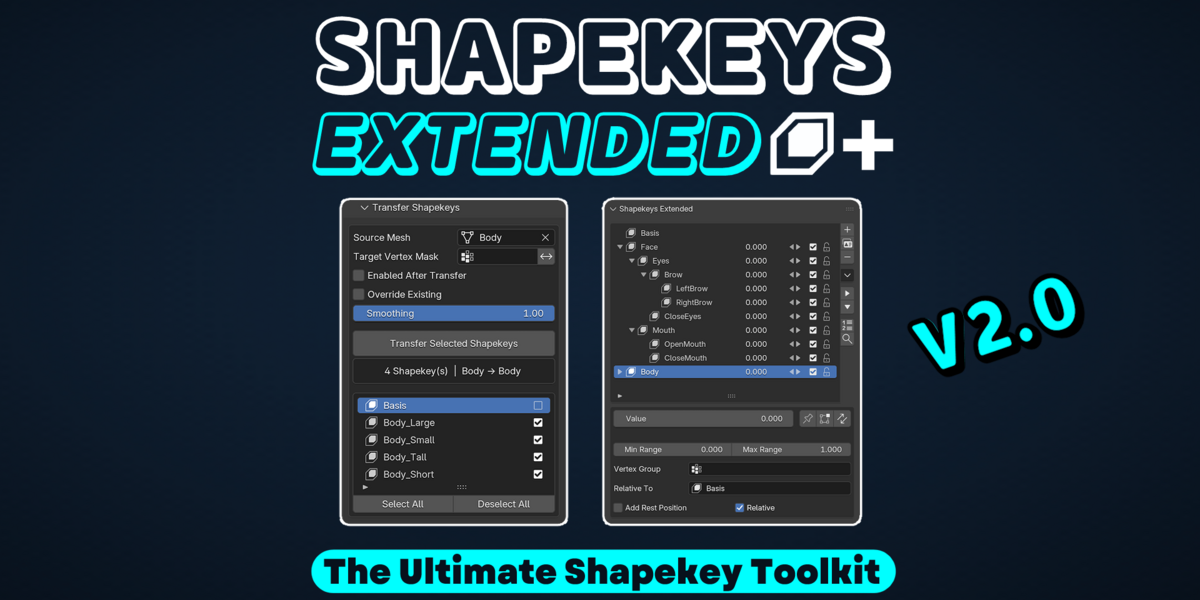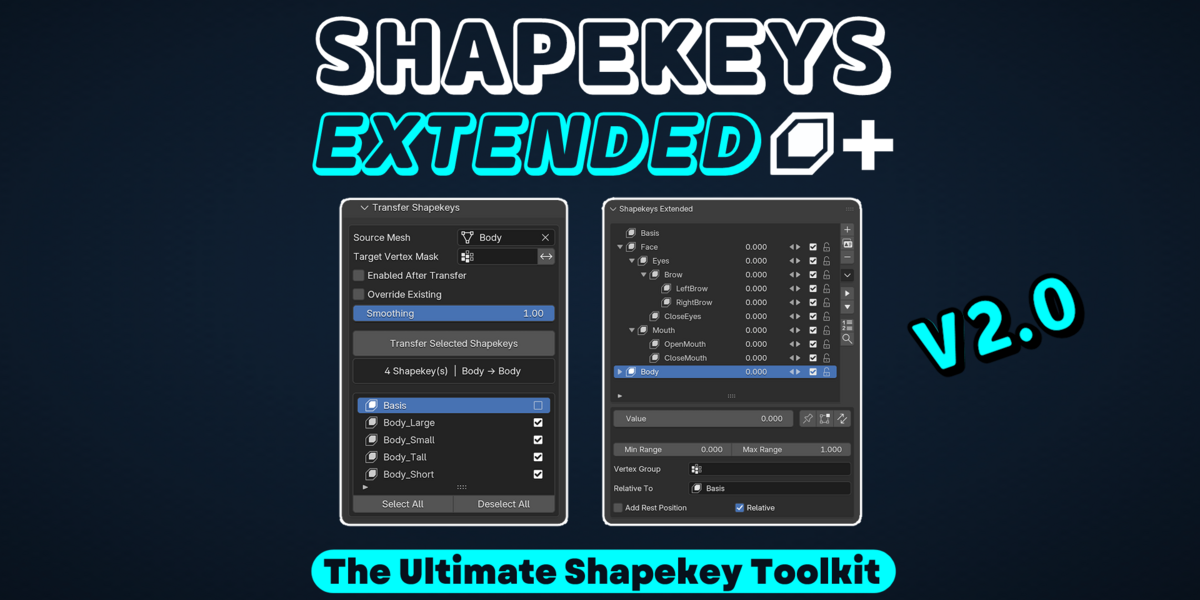
Shapekeys Extended is a Blender add-on by CASCAS LLC that expands the standard shape key panel with organization, editing and transfer tools. It adds collapsible groups, shape key editing and mesh-transfer tools, plus face tracking presets for Vive, ARKit, Meta, UnifiedExpressions and MMD; the MMD presets are available in Japanese and English. All features work in Edit Mode.
Organize shape key groups
The add-on arranges shape keys in a hierarchy with groups you can collapse. You can move and reorganize groups, and new shape keys appear below the current selection instead of at the bottom of the list. A Copy Shapekey button creates a new key from the selected key's data.
Edit and transfer shape keys
Transfer Shapekey moves a key to another mesh, while Pose to Shapekey creates a key from posed bones. Remove Shapekey Influence resets the current changes for selected vertices or for all vertices. The Apply Shapekey Modifiers tool can apply modifiers to meshes that already have shape keys, with an option to keep the armature modifier.
The shape key menu also includes Invert Shapekey, Copy and Split Shapekey, Remove Empty Shapes, Clear Shapekey Weights and Normalize Shapekey. The split operation creates left and right versions while keeping the original. Normalize remaps a modified range, such as 0-2, to 0-1 while preserving the shape.
Add face tracking shape keys
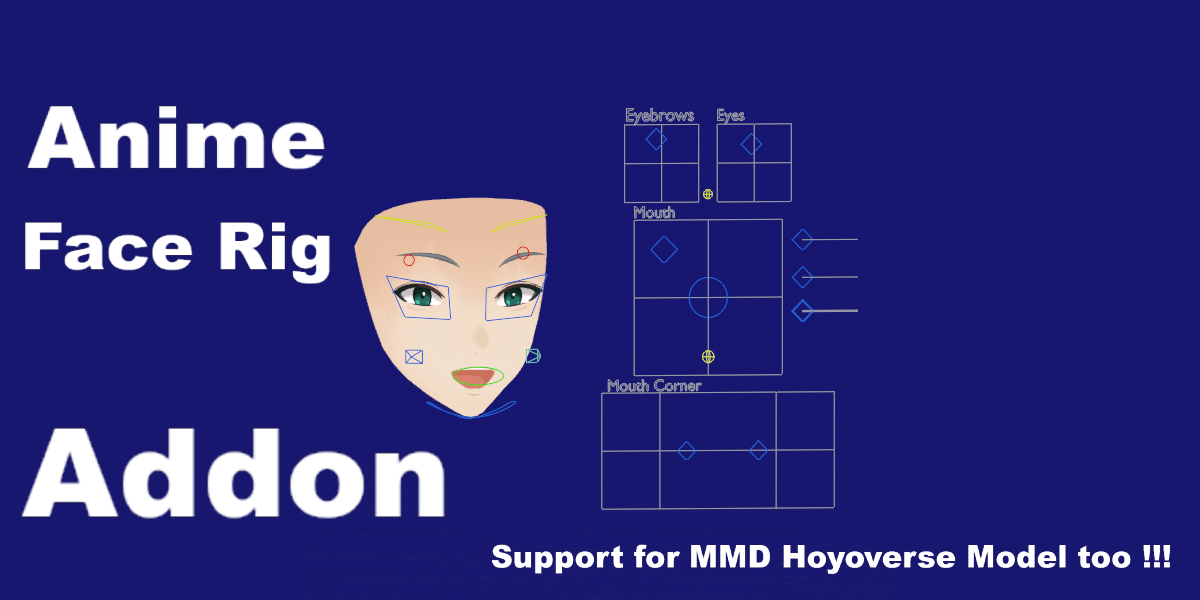
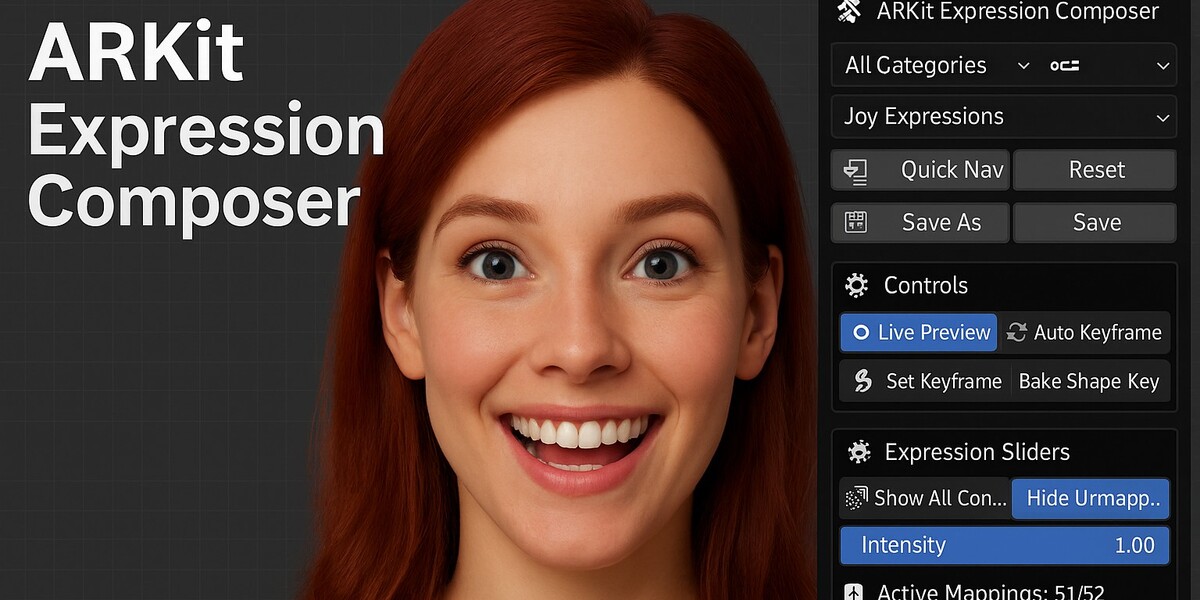
A dedicated section provides presets for Vive, ARKit, Meta, UnifiedExpressions and MMD. MMD presets are available in Japanese and English. Choose a standard from the list to add its face tracking shape keys.
Install and open the add-on
The product listing describes installing the downloaded ZIP through Blender's Edit > Preferences > Add-ons page, then enabling the add-on. To use it, select and activate an object, then open Properties > Data > ShapekeysExtended. The panel is near Blender's standard shape key panel and may need to be moved higher in the list.
The creator notes that development is active and bugs may occur. Check the listing for current compatibility and support details before relying on the add-on in a production project.