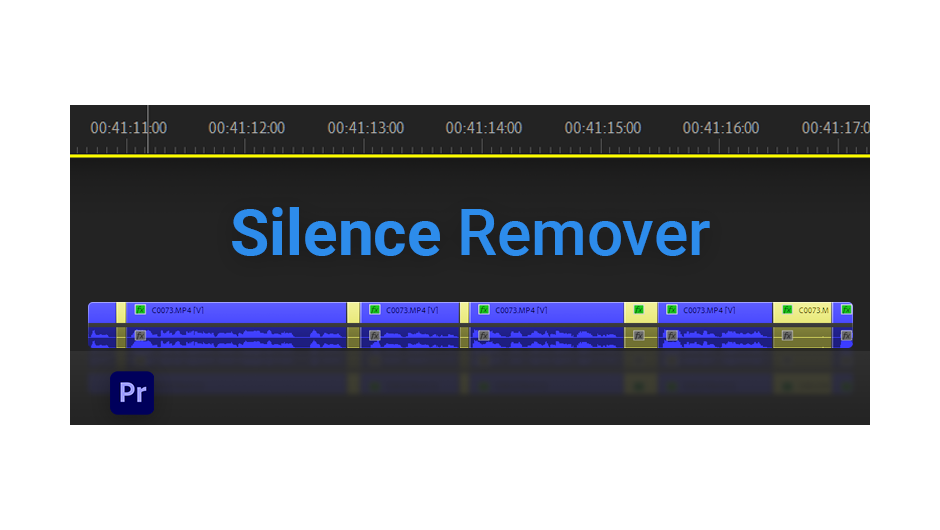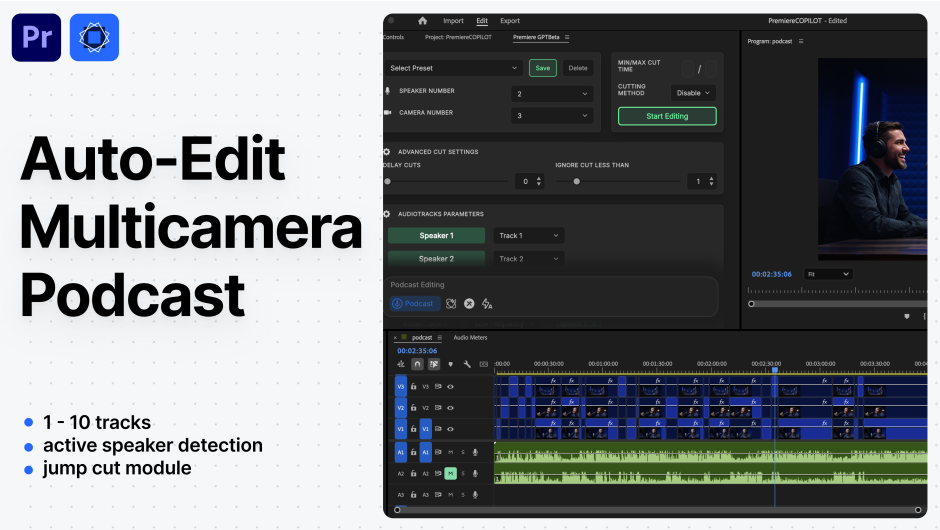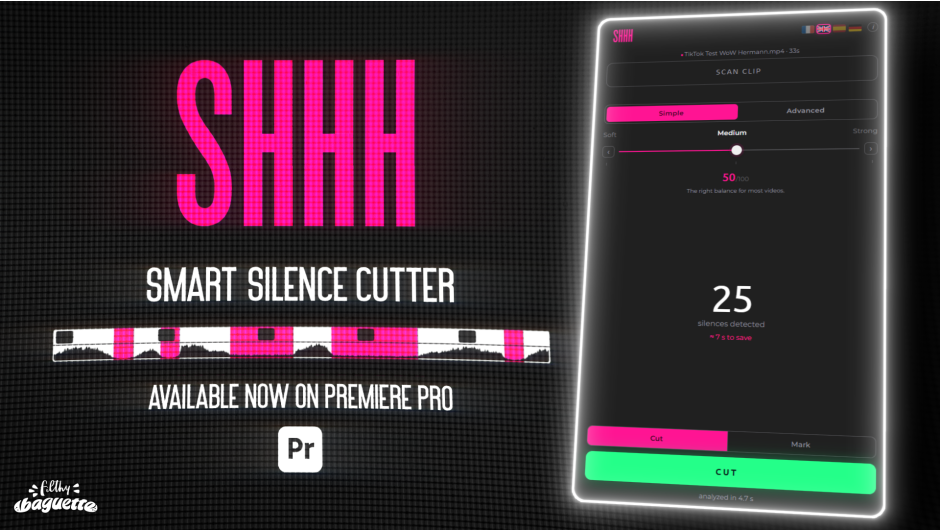
Silence Cut Pro is a Premiere Pro extension for detecting and handling silent gaps, pauses and breaths in a timeline. It is aimed at spoken-word edits such as podcasts, interviews, talking-head videos and vlogs. The panel can analyze and cut multiple clips in a batch.
Choose what happens to detected silence
The extension has three modes. Remove ripple-deletes silent sections. Mute disables their audio while keeping the timeline intact. Keep adds markers at detected silences.
Adjust detection and add transitions
A waveform interface provides dB threshold and padding controls that can be adjusted in real time. The listing does not give default values or tuning guidance for a particular recording. Silence Cut Pro also includes Pro Transitions for J-Cuts, L-Cuts and Constant Power crossfades.
Batch processing for spoken-word projects
Batch processing can help when an episode or interview is split across several clips. For a single clip, the one-click removal mode handles the same basic task from the panel. The available features focus on silence detection and timeline editing; the supplied listing does not describe noise reduction or automatic transcription.
Compatibility and licensing
The listing specifies Premiere Pro 25.6.0 or newer on macOS and Windows. It says to install the extension from Adobe Exchange, then open it in Premiere Pro under Window > Extensions. AnyPlugins labels Silence Cut Pro free to download and use, but also says activation requires a valid license key obtained through Buy License in the panel. The linked download page shows only the product title, so it does not confirm current pricing or license terms. Check the catalog listing and developer page for current details before installing.