Color mesh faces in Blender
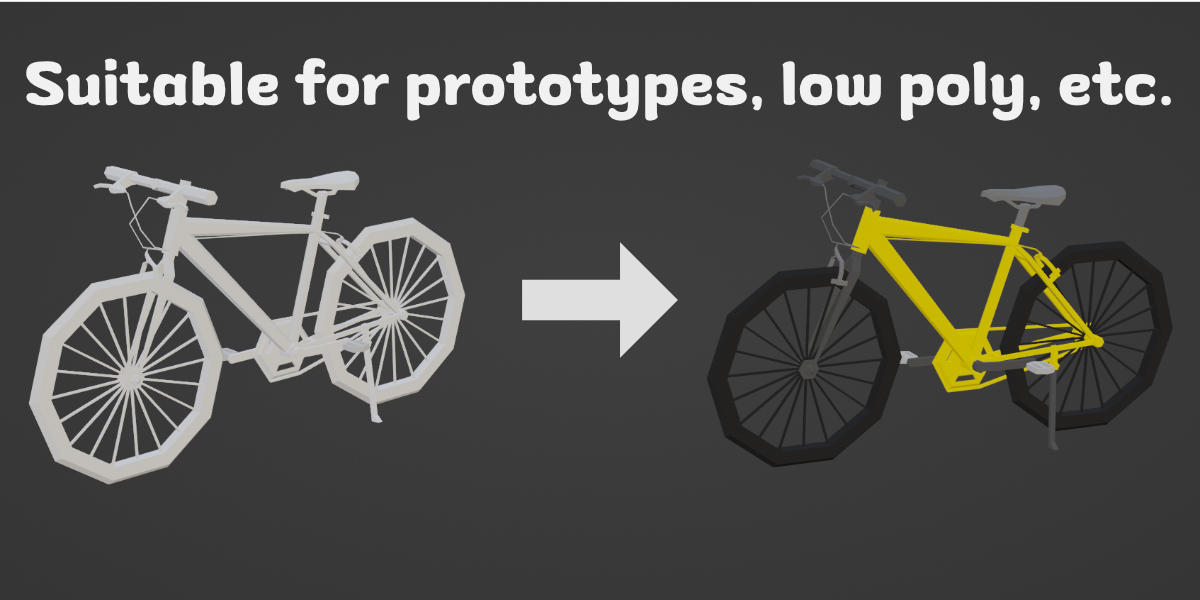
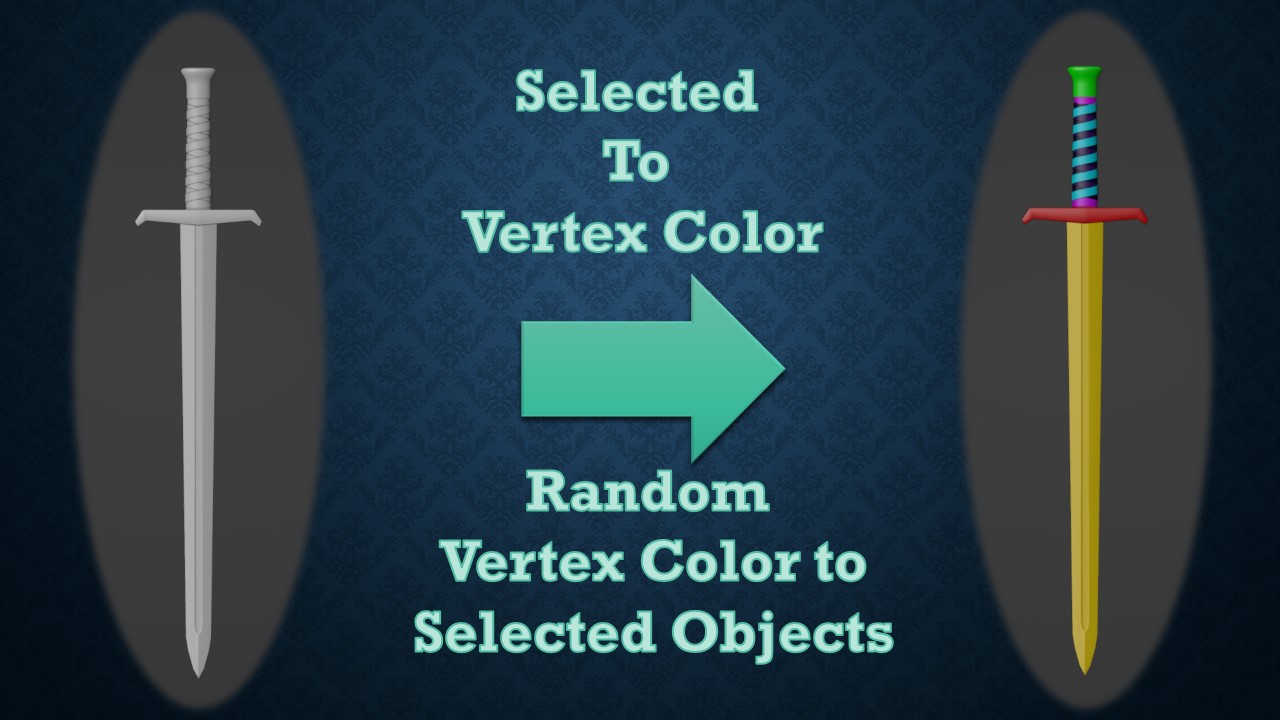
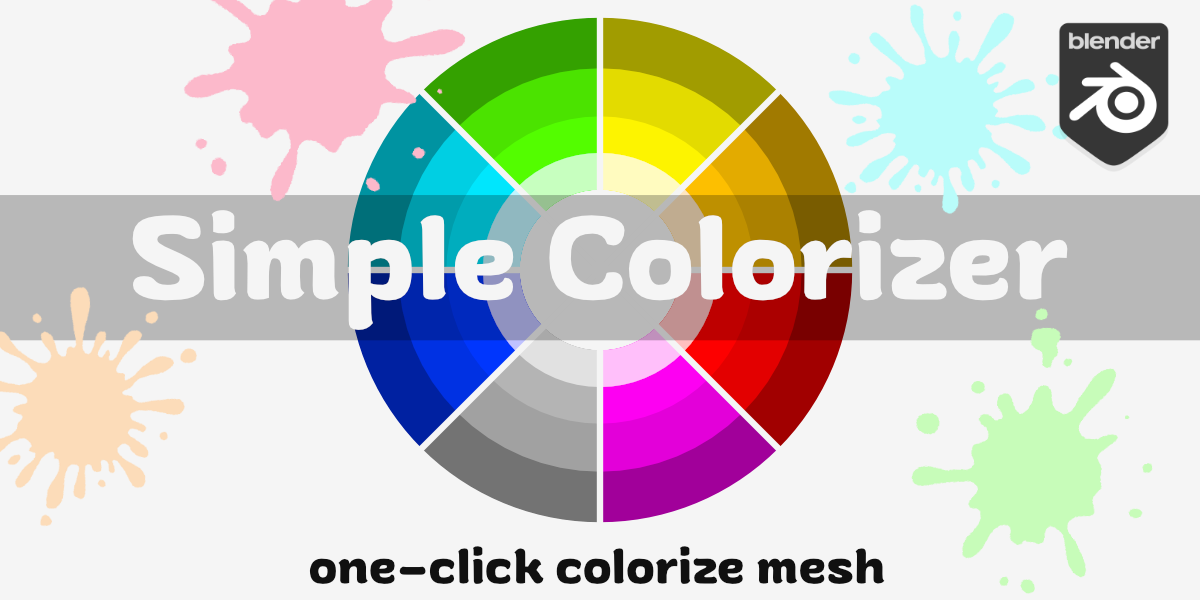
Simple Colorizer by sum studio is a Blender add-on for quickly coloring mesh faces, with use cases such as prototypes and low-poly models. It provides eight colors and eight brightness levels through a panel in the 3D View's N panel.
In Edit Mode, select the faces to change and click a color in the panel. Brightness buttons adjust the result. In Object Mode, clicking a color applies it to all faces.
Check materials and UVs first
The add-on changes the first material in the selected object's material slot to an add-on-specific material. It also scales all of the model's UVs to zero. If you need to preserve an existing material setup or UV layout, test the add-on on a duplicate of the mesh first.
Blender versions and installation
The marketplace listing names Blender 3.0, 3.1, 3.2, 3.3, 3.4, 3.5, 3.6, 4.0, and 4.1 as supported. For Blender 3.2, it specifies a separate file named simple_colorizer_1.0.1_Blender3.2. The add-on is listed under a Creative Commons license; check the listing for the applicable terms and the build for your Blender version.
- Download the appropriate ZIP file.
- In Blender's preferences, open the Add-ons tab and choose Install.
- Select the ZIP file, then check the box beside Simple Colorizer to enable it.
- Open the 3D View's N panel to find the Simple Colorizer panel.
See the Simple Colorizer listing on Superhive for the download and current product details.