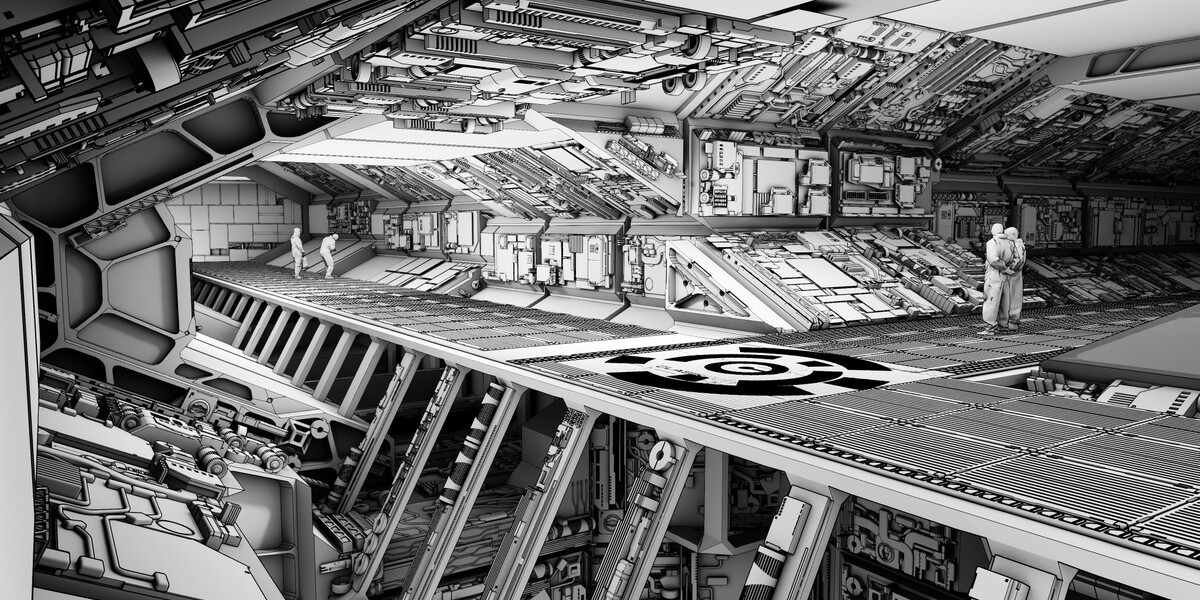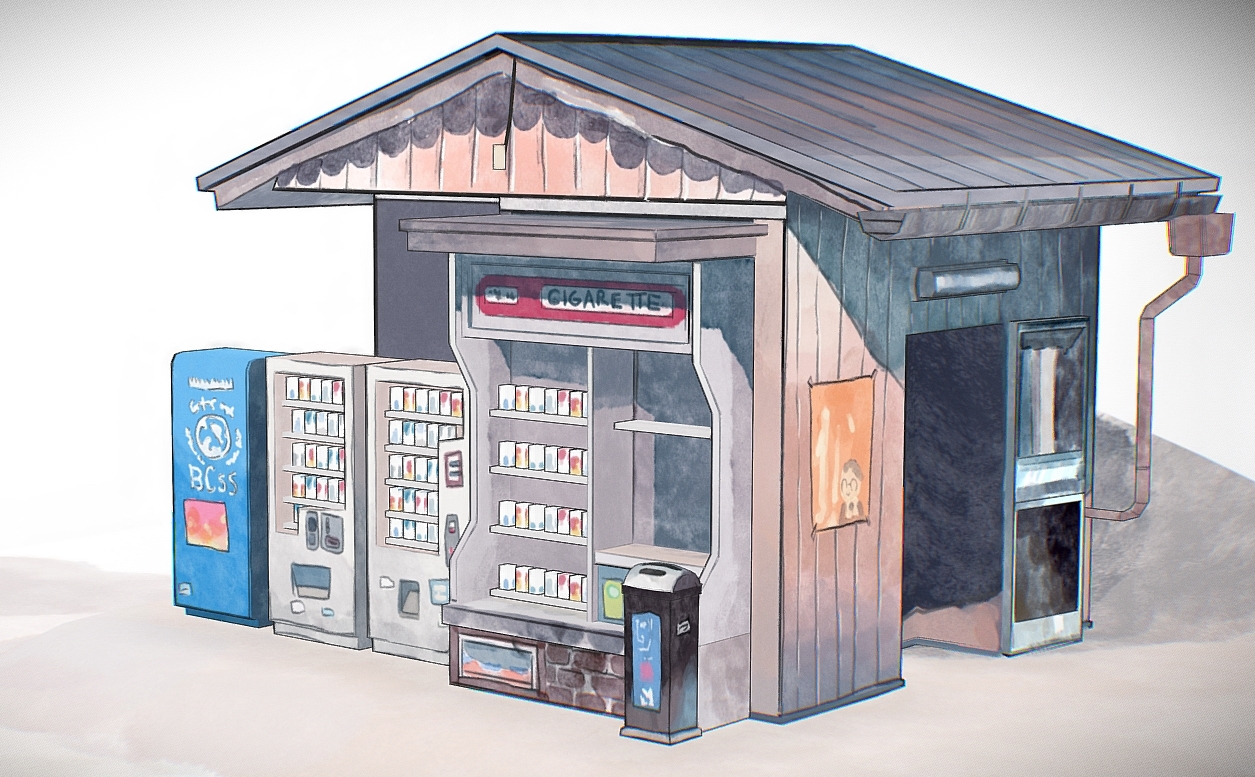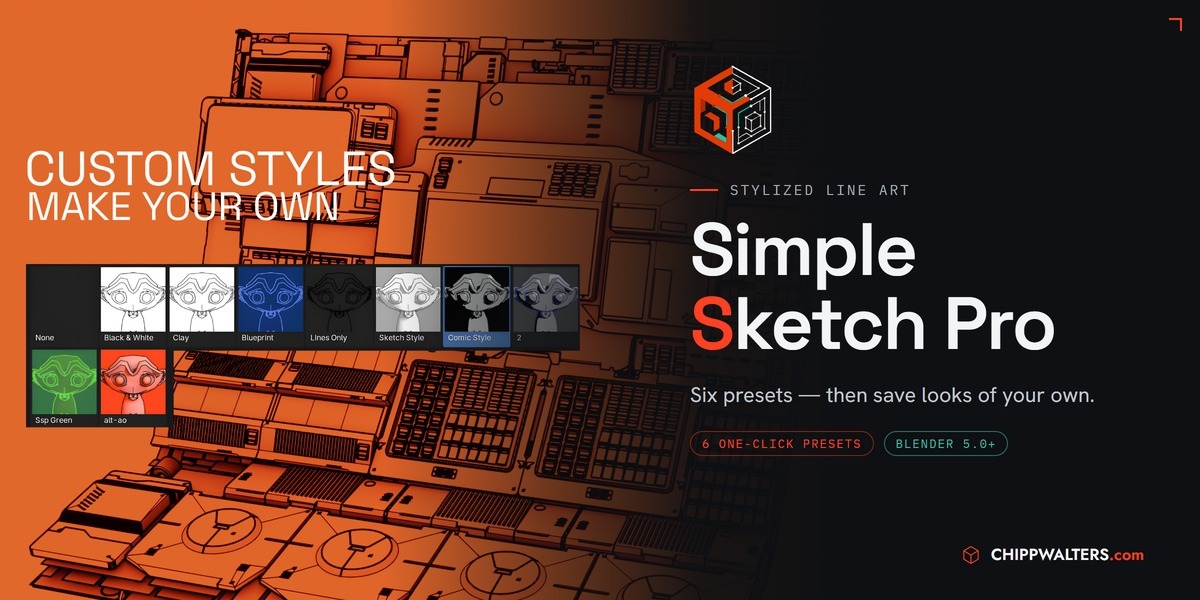
Simple Sketch Pro is a Blender add-on by Chipp Walters for turning a scene into stylized line art. Its presets cover comic, blueprint, sketch, clay, and black-and-white looks, with Lines Only for transparent line art. You can apply a preset to an existing scene, adjust line weights and colors, or save named custom styles to reuse across files and share as .sspstyle files.
Choose a look and adjust the lines
The six presets are Black & White, Clay, Blueprint, Lines Only, Sketch Style, and Comic. For more control, adjust the line weight and color, change which interior edges appear with the crease-angle setting, or mark specific edges as Sharp or Freestyle to include them. The silhouette remains visible, and you can exclude individual objects from line art.
Screen Space keeps line width consistent on screen as perspective changes. The product FAQ gives the width range as 1 to 200 pixels and requires an active scene camera. The creator's product page also says Line Art draws correctly only from camera view.
Use it with an existing Blender scene
You can start with your current models, lights, and materials. The product FAQ says presets overlay the scene rather than overwrite it, and the Toggle Material Prop control lets objects such as glass and decals keep their own materials. You can also override material and line-art settings for individual objects.
For a transparent line overlay, use the Lines Only preset and save as PNG with alpha. The FAQ notes that objects mostly outside the camera view can leave stray lines. If that happens, it suggests rendering Black and White as an alpha or selection channel for compositing.
Compatibility and documentation
The Superhive product listing lists Blender 4.3–5.2 under "Blender Version" and marks the add-on as Blender Extension compatible. It lists Eevee as the render engine used. The creator's product page gives a different Blender requirement: version 5.0 or newer, through the latest Blender 5.x release. It says the presets work in EEVEE or Cycles, except Comic, which is EEVEE-only. Confirm which Blender requirement applies before downloading. The product FAQ covers scene setup and line controls, and the documentation provides further instructions.