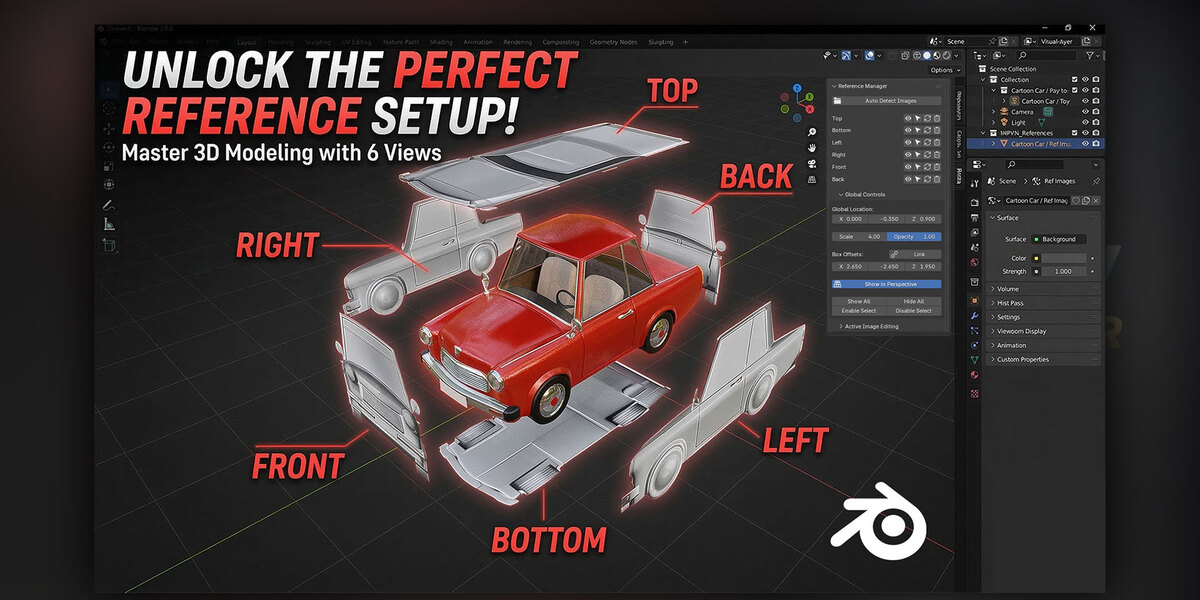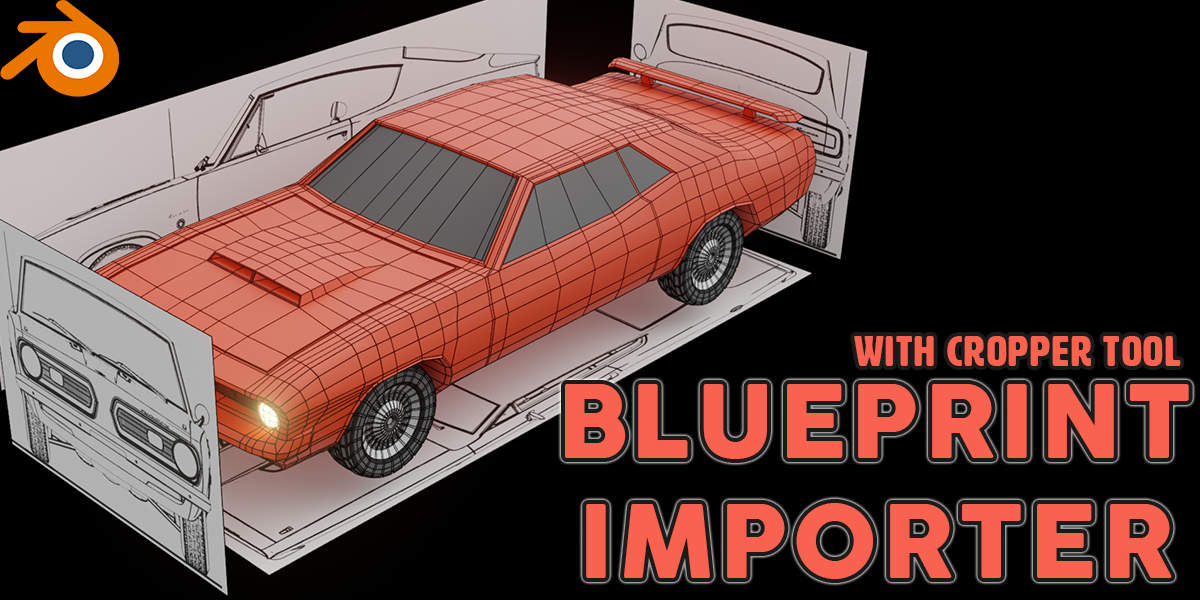
Blueprint Importer & Cropper Tool pairs a standalone Windows app for blueprint cropping with a Blender add-on that arranges reference views from filename suffixes. It is intended for artists modeling vehicles, architecture, or mechanical subjects from blueprint images. The Cropper runs outside Blender; the Importer places prepared images in the 3D View. See the product listing and documentation for product and importer details.
Prepare blueprint images with Cropper
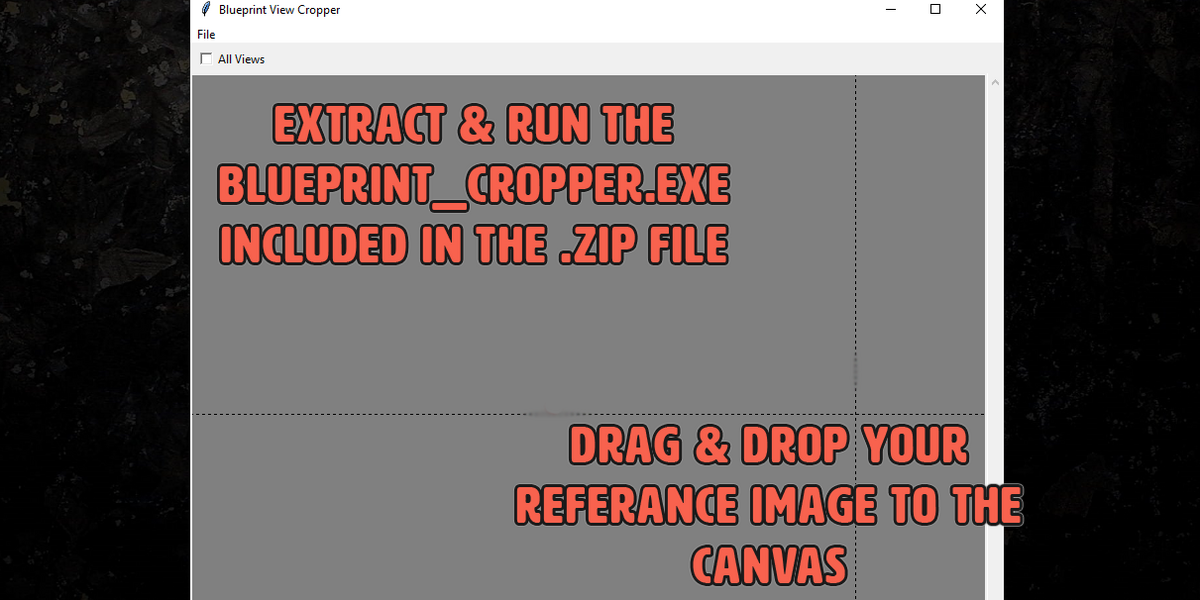
The standalone Cropper lets you trim image borders interactively. It displays mouse-guided cutting lines, resizes its window to the image, and supports mouse-wheel scrolling. An update added a manual mode. Crop and export the views before setting them up in Blender.
Place reference views from filenames
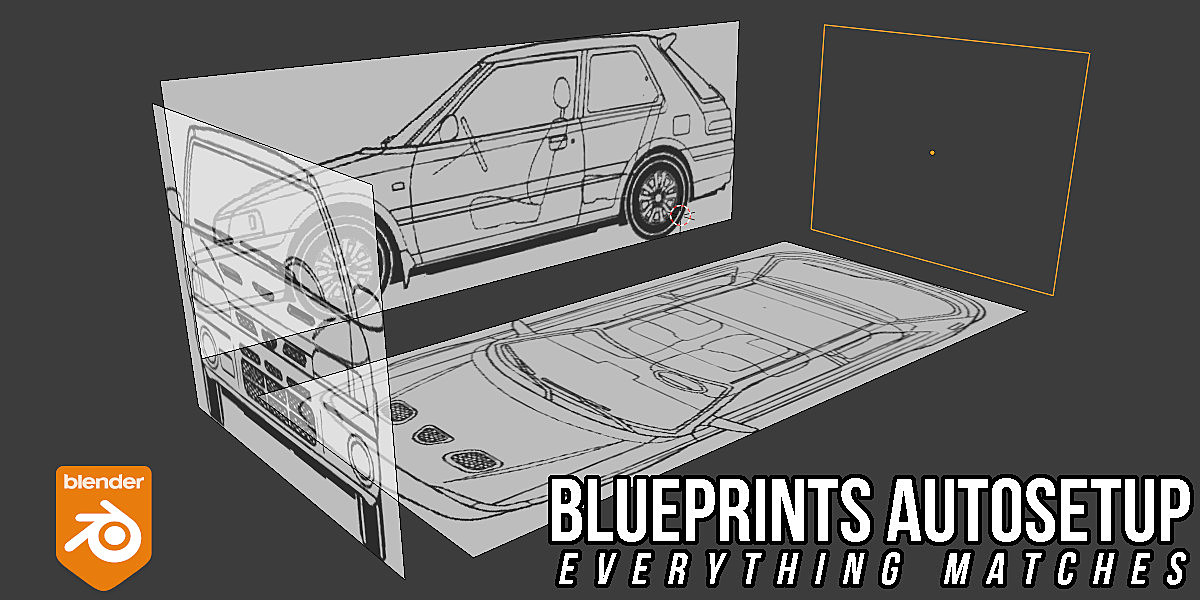
The v1.0.2 documentation lists view suffixes recognized by the Blender add-on, including _front, _side, _right, _left, _top, _bottom, and _rear. It places the images as empties, rotates and positions them for their views; the v1.0.2 documentation says the importer organizes them in a Blueprint_Images collection. It also says those empties remain editable, so you can reposition them or adjust their scale after import.
A typical workflow
- Crop whitespace or isolate each blueprint view in the standalone app, then export the images.
- Add a recognized view suffix to each filename, such as
car_frontortank_side. - Check the product listing for Blender compatibility, then use Blueprint Importer in Blender to arrange the images as modeling references.
The product listing identifies version 1.0.5 and notes a fix for a bug affecting partial image-set imports. It reports Blender 4.0 through 5.1 compatibility and testing with Blender 5.1.2, and lists the license as GPL. Its documentation page identifies Blueprint Importer as version 1.0.2 and lists Blender 4.4 or later. Check the current product listing for the applicable version and licensing details before downloading.