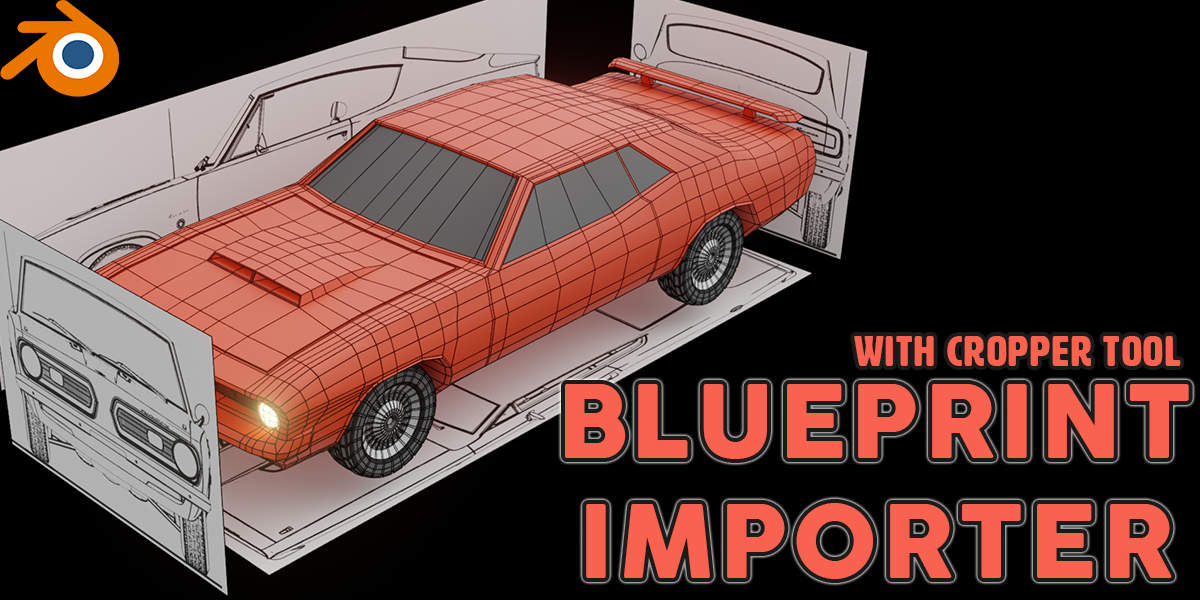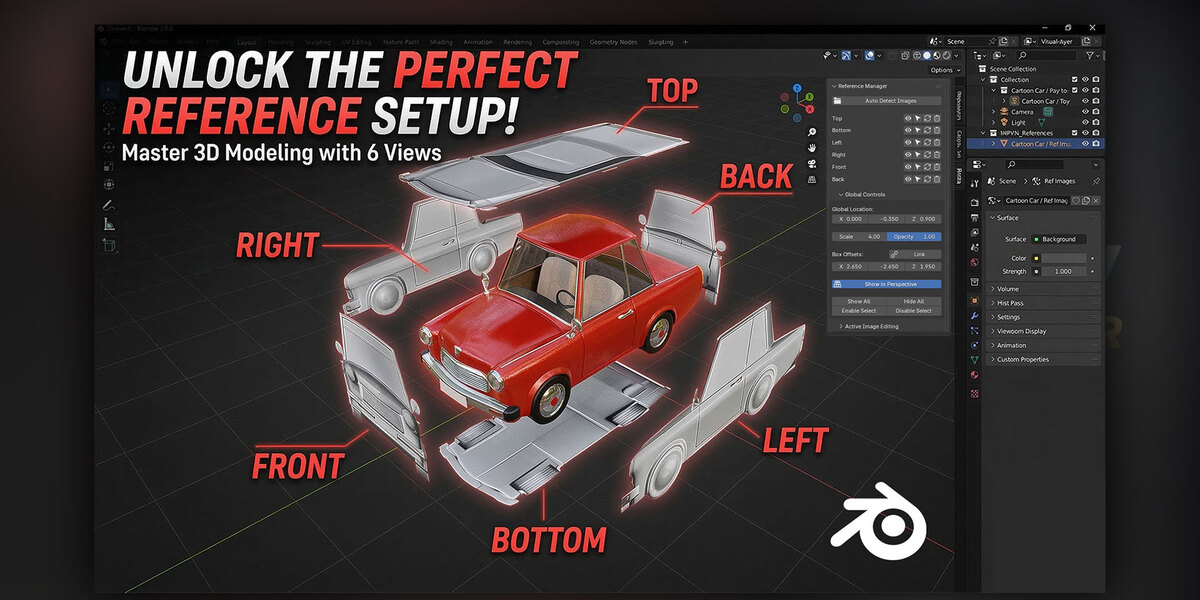
Multi-View Reference Manager is a Blender add-on from Shift4cube for arranging orthographic reference images around a model. Select a folder and Auto Detect maps images to the Top, Bottom, Left, Right, Front and Back views when their filenames contain the matching view names. The Superhive product listing describes it for character artists, vehicle modelers and hard-surface designers.
Set up a six-view reference box
The add-on loads and aligns the six images around the model. Global Box Offsets move references outward from the center grid to form a non-intersecting box. Auto Detect looks for front, back, top, bottom, left and right in filenames to assign images to the matching view slots.
Adjust references together
Master Controls let you move, scale and change the opacity of all reference images with one set of sliders. Transfer Transforms copies an image's scale, location and rotation to another image, which can help align blueprints with mismatched transforms.
Keep the scene organized
The add-on groups its images in an MVRM_References collection in the Outliner. Its Lock & Hide option locks references to help prevent accidental selection while modeling.
Formats and compatibility
The listing names PNG, JPG, JPEG, BMP, TGA, WEBP, TIFF and EXR as supported formats. The Superhive listing names Blender 4.0, 4.1 and 4.2 or later and calls Blender 5.0 API support upcoming; version 1.2.2 of the developer's documentation says the Blender 5.0 API is ready. Confirm support for your exact Blender release with the developer before installing.
The add-on is delivered as an installable multi_view_ref_manager.zip. The Superhive product page displays $2, while the AnyPlugins catalog lists the add-on as free. Superhive identifies an MIT license and says future updates are free; check the marketplace's displayed price and terms before downloading.