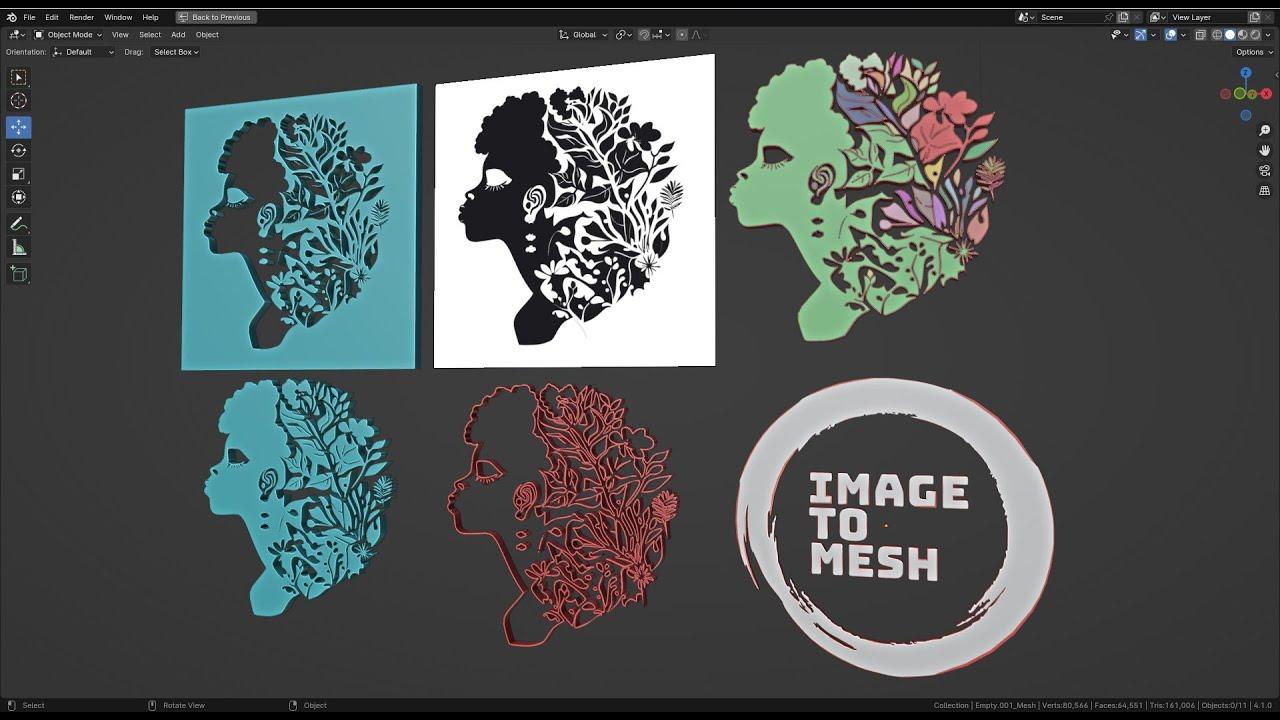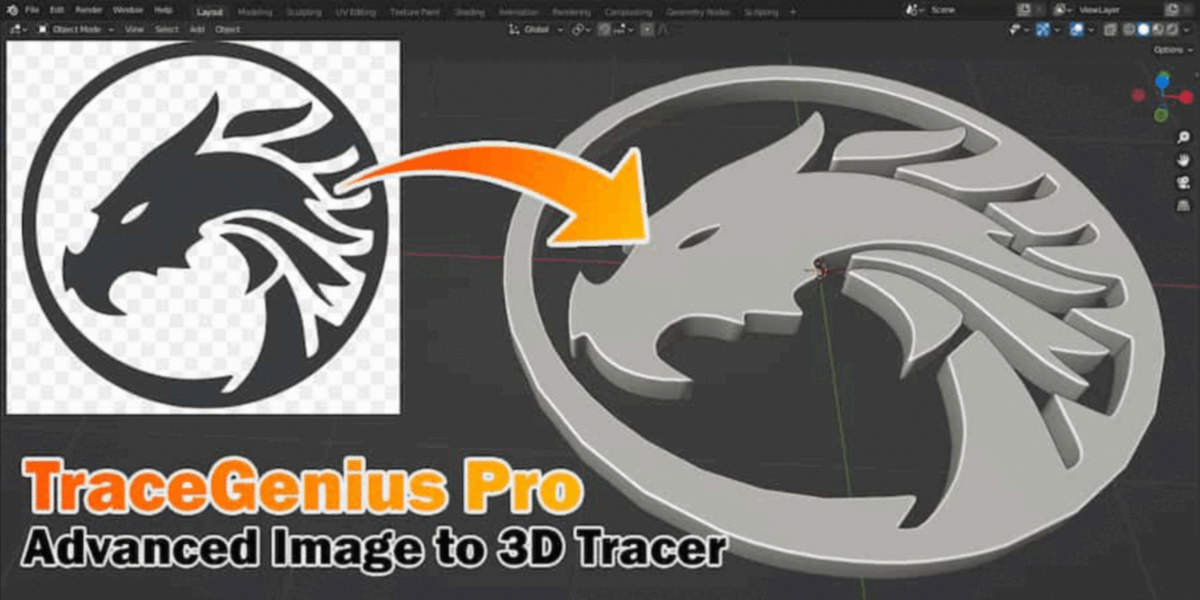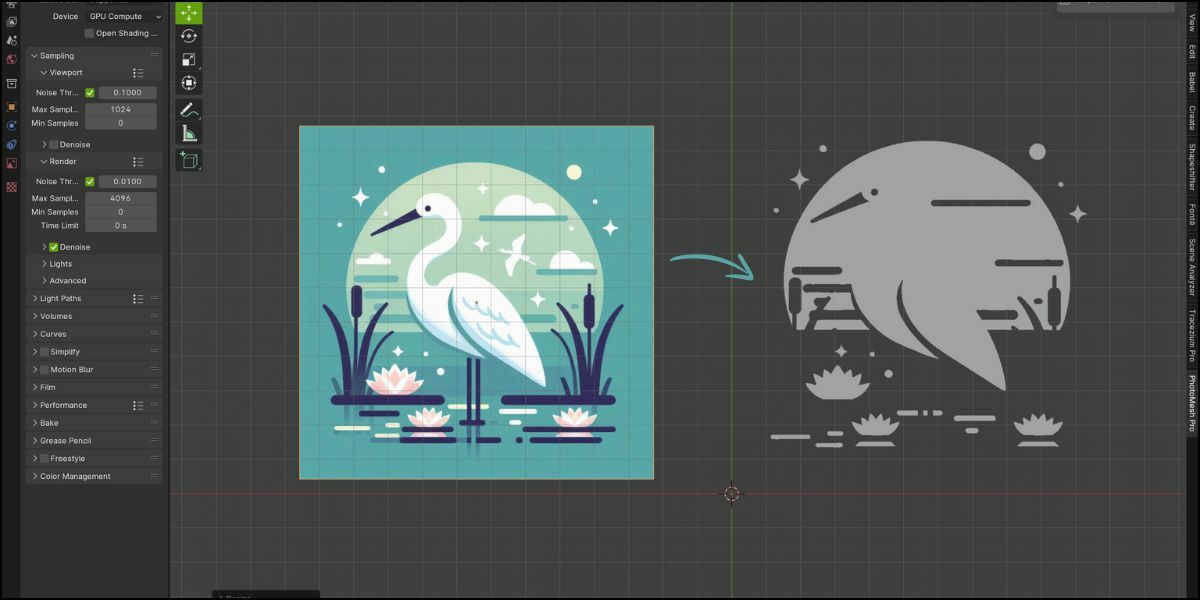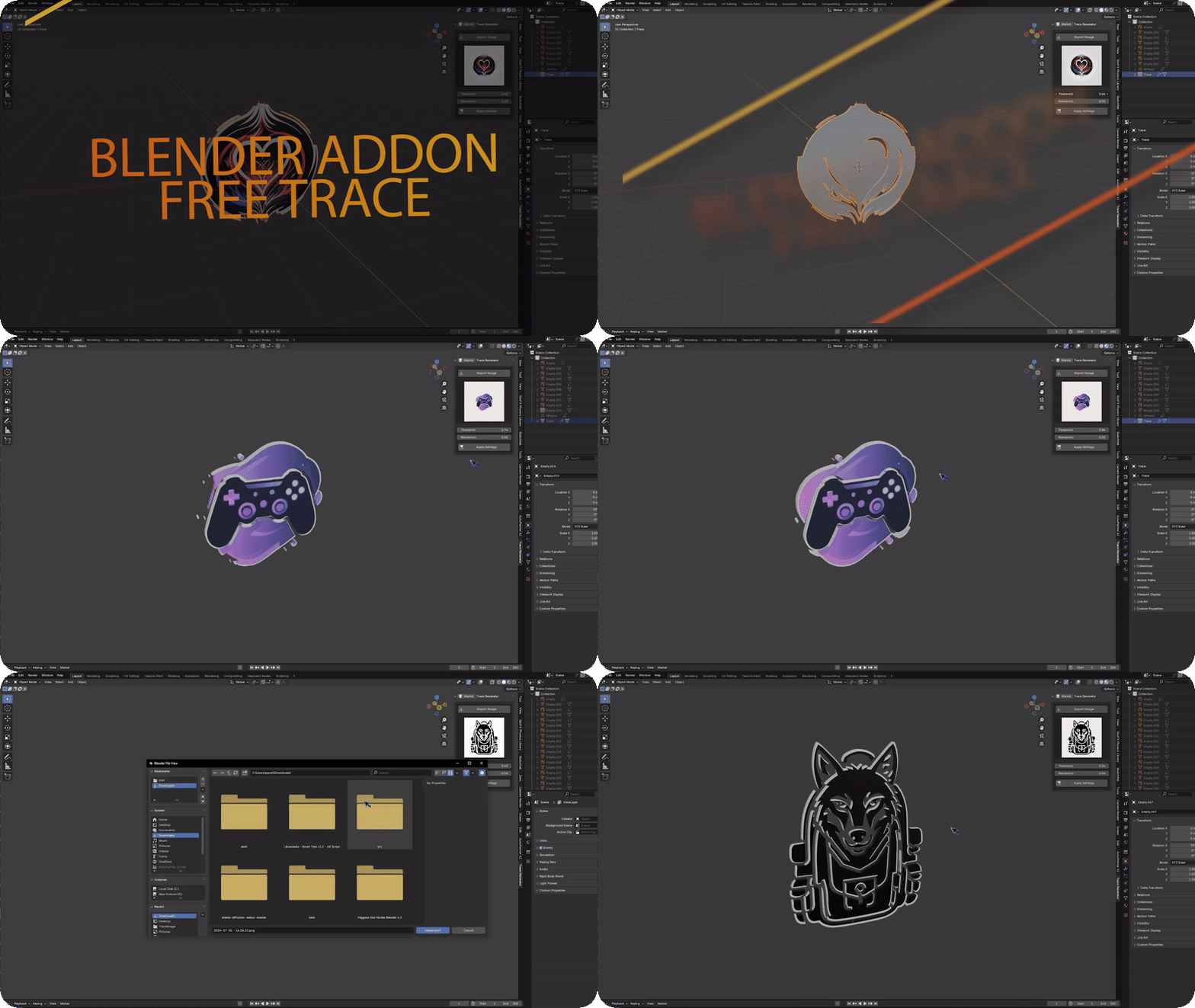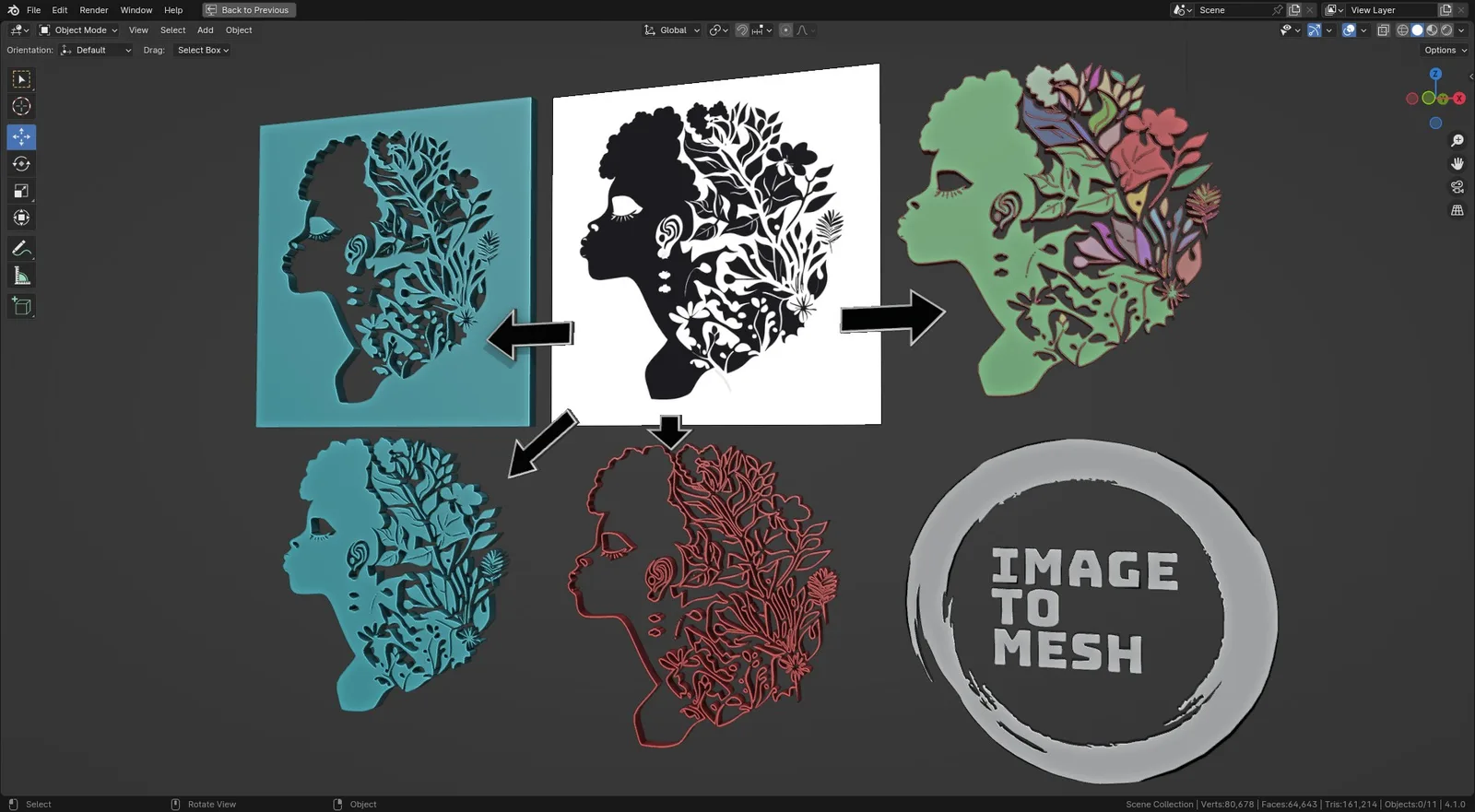
Sketch N' Trace: Image To Mesh (& Curves) is a Blender add-on by Sahin Ersoz for converting images such as JPEGs and PNGs into mesh or curve objects. You can draw, erase, deform, smooth, modify, or simplify the image during conversion, then adjust the resulting geometry.
Image tracing and output controls
For a mesh, you can set the resolution, invert the image, adjust its boundaries, and extrude the result. The add-on can also create outlines with adjustable thickness and resolution, including sketchy 2D outlines with thick and thin strokes. Bevel and automatic material options are available as well.
Sample images are included with the add-on.
Start a conversion in Blender
- For Blender 3.1 through 5.2, use version 1.2.1a or above with Blender 4.3 and later, or version 1.0.1b (Basic) or 1.0.9h with Blender 4.2 and earlier. Then drag an image into Blender and select it.
- Press Shift+T to activate Sketch N' Trace. You can also press F7 to open the SketchN Tools Pie Menu.
- Expand the panel at the bottom left of the screen and adjust the conversion settings.
Edit a trace before rebuilding
Use the Edit Trace button to create a GPencil version of the image. Edit it by drawing additions, smoothing lines, or moving them. When finished, keep the GPencil object selected, press Shift+T or F7 again, and turn off Edit Trace. Sketch N' Trace recreates the mesh using the edited trace.
The Superhive product listing identifies Sketch N' Trace as a GPL add-on.