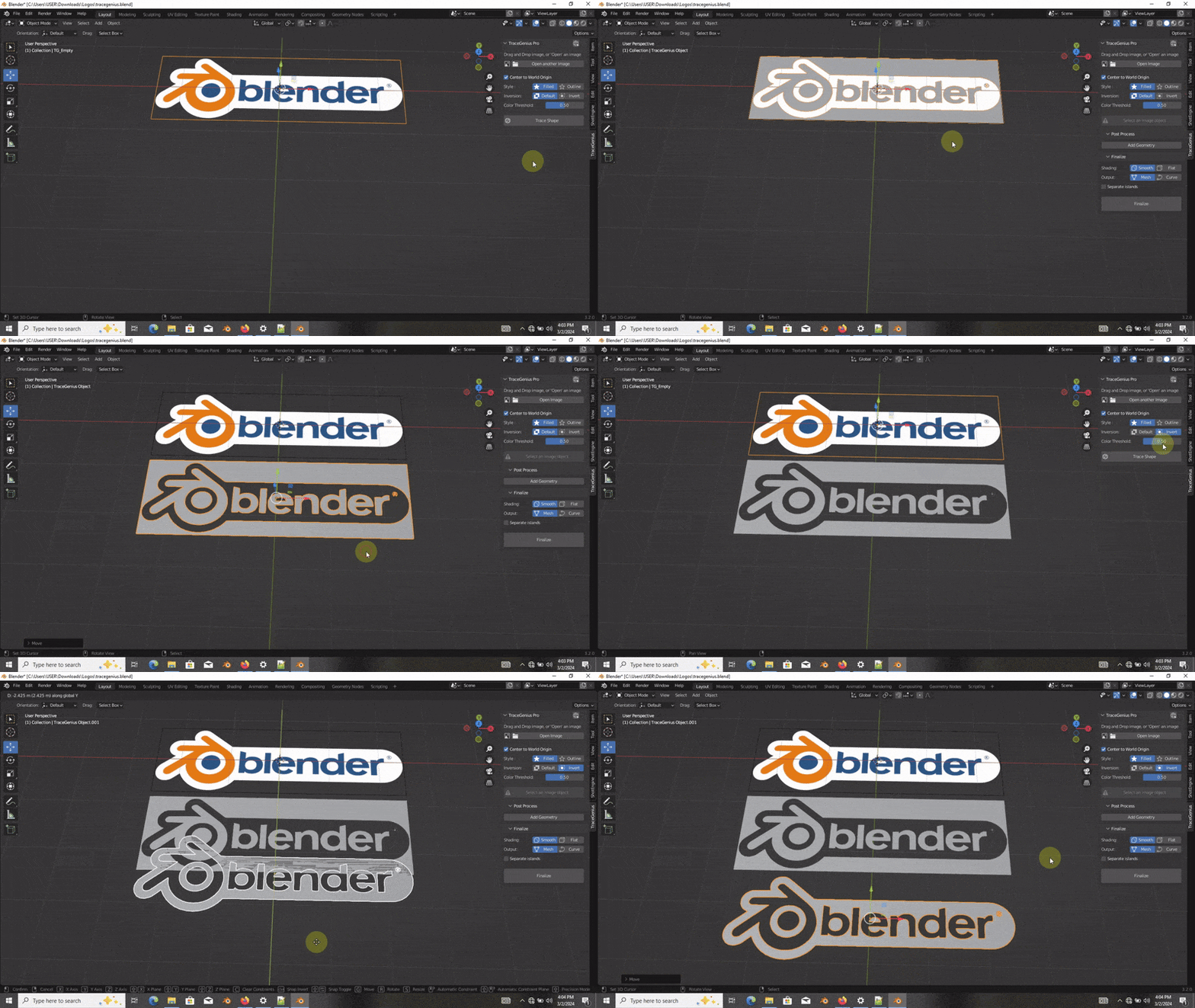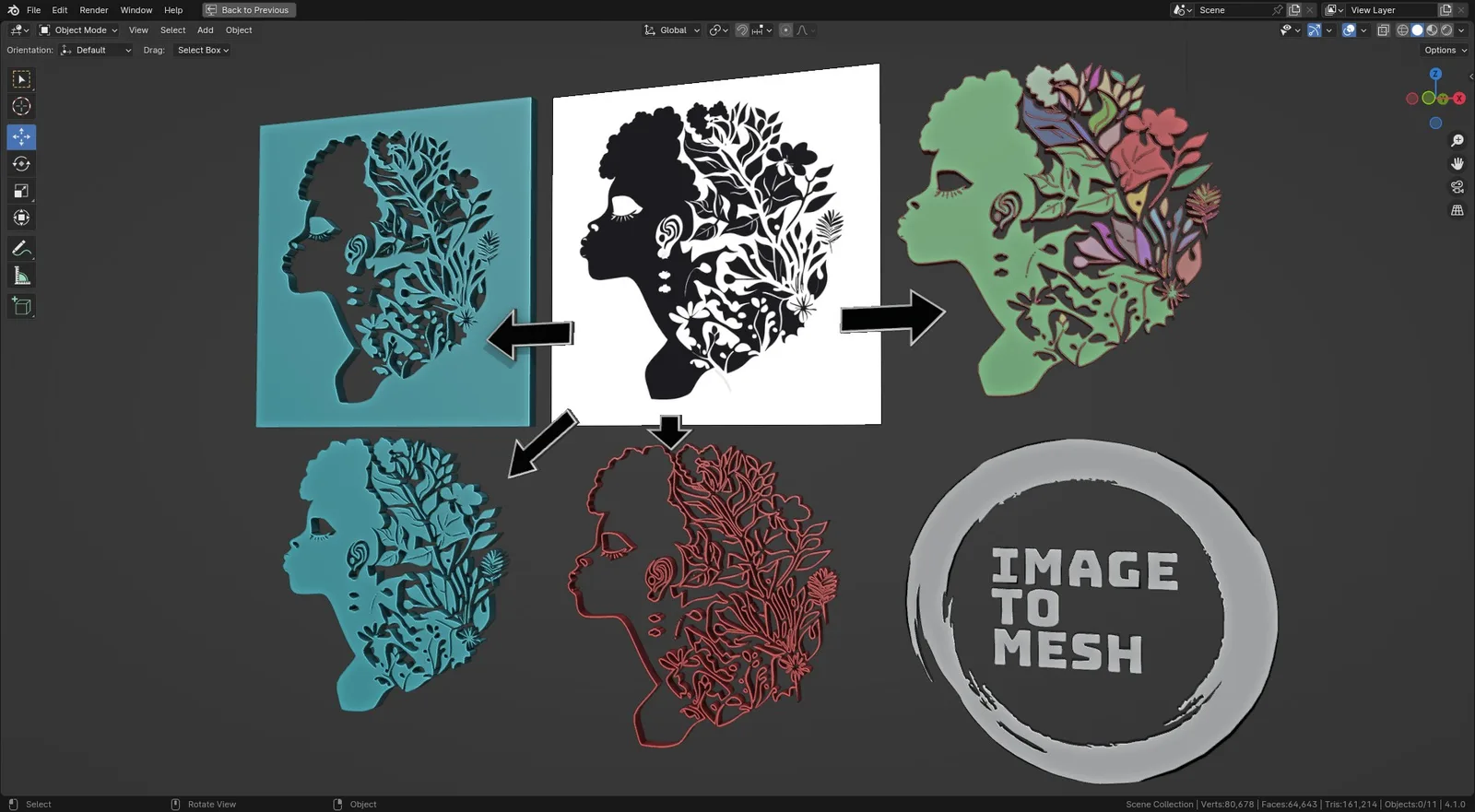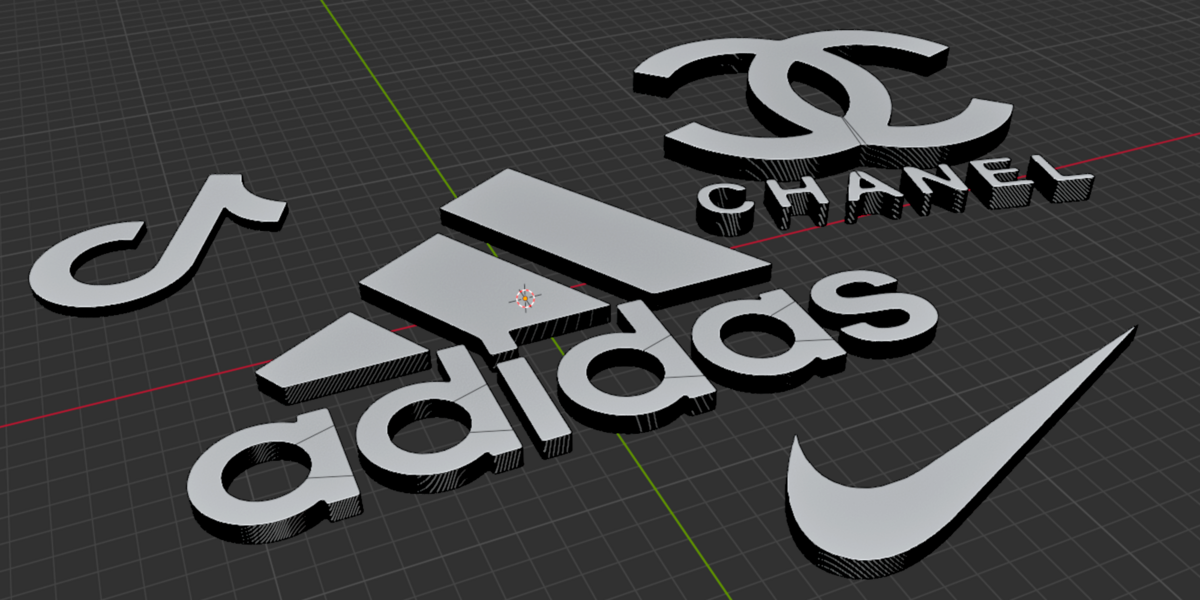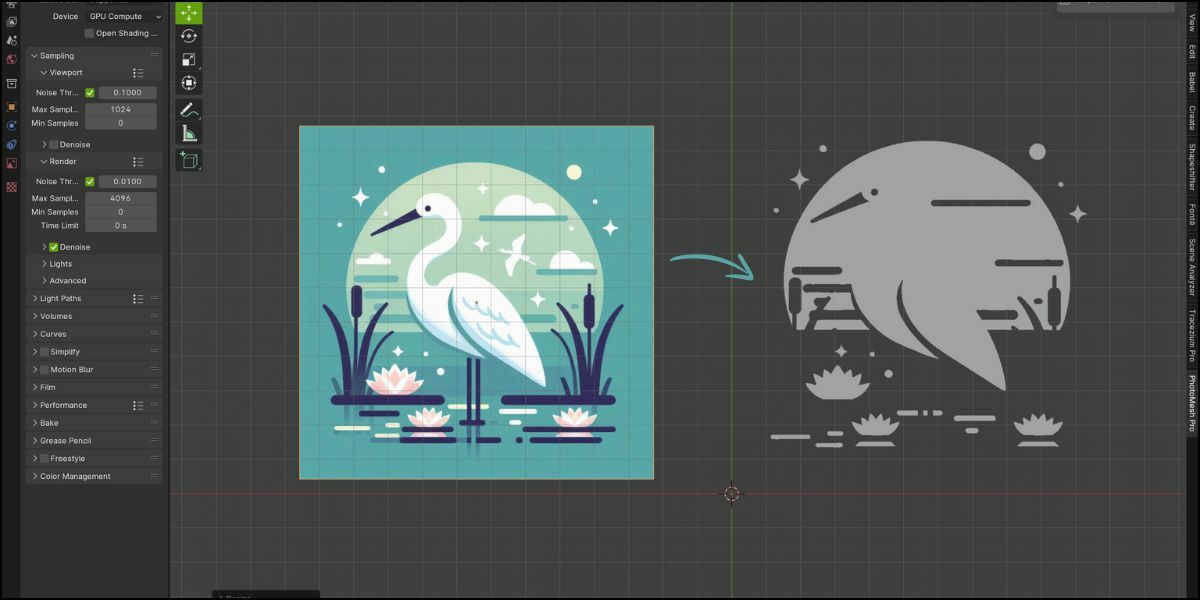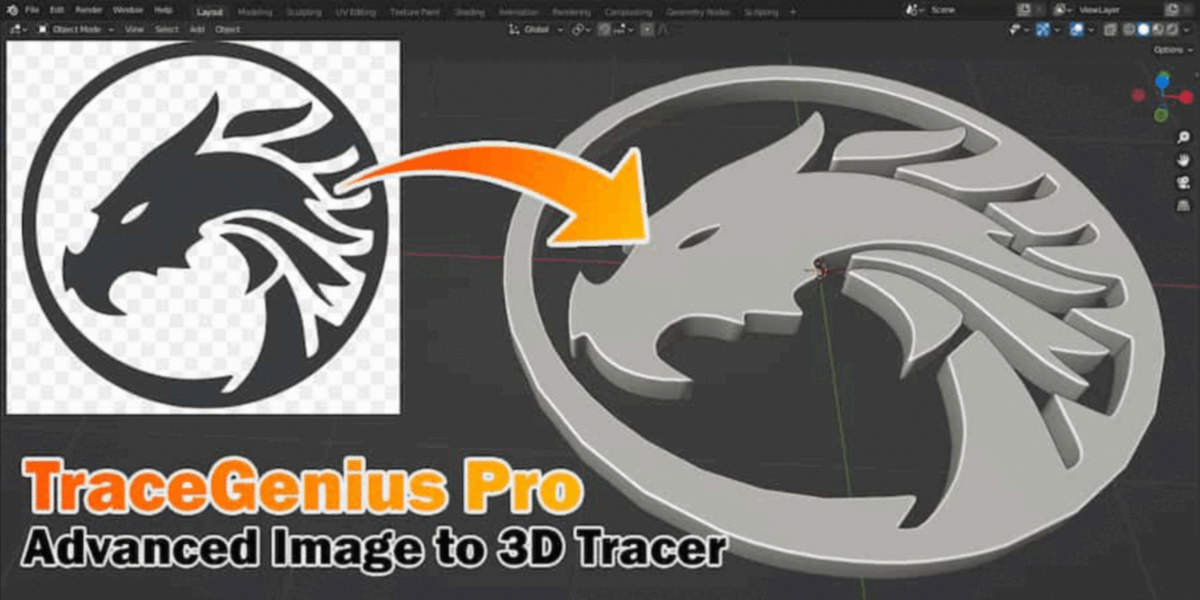
TraceGenius Pro 4.7 turns a 2D image into a mesh in Blender using the built-in Grease Pencil tracing engine. It accepts JPG, PNG, and WebP images and can extract outlines or faces, which you can then edit with extrusion or bevel controls.
Trace image areas into Blender geometry
Load an image by dragging it into the add-on or opening the file directly. TraceGenius Pro can invert the image selection and adjust color or brightness thresholds before creating geometry. After mesh generation, you can separate individual parts.
The developer recommends centering and cropping the area of interest within the image bounds before tracing. That preparation can help when you want the traced shape to focus on one part of a larger image.
Adjust the mesh after tracing
The product's release notes document a Retrace function for changing a trace and updating its mesh without undoing or starting over. They also describe Auto-Material Setup, which unwraps the traced object and applies a PBR material. These features were introduced in version 3.0.
Version 4.7 is dated January 15, 2026, and its release note lists a user experience improvement. The earlier version history also records mesh cleanup improvements in 4.5.
TraceGenius Pro and Ultimate use different engines
TraceGenius Pro and TraceGenius Ultimate are separate add-ons. Pro uses Blender's built-in Grease Pencil tracing engine. Ultimate uses a custom engine with features the built-in tracer cannot support, including color picking, transparency control, and pre-trace enhancements. The TraceGenius Pro product listing explains this distinction.
Formats, Blender versions, and license
The listed image formats are JPG, PNG, and WebP. SVG support is described as planned for a future update, so the current format list does not include it. The marketplace compatibility field lists Blender versions 2.8 through 5.0, and identifies the license as GPL. Check the product listing for current details and installation instructions.