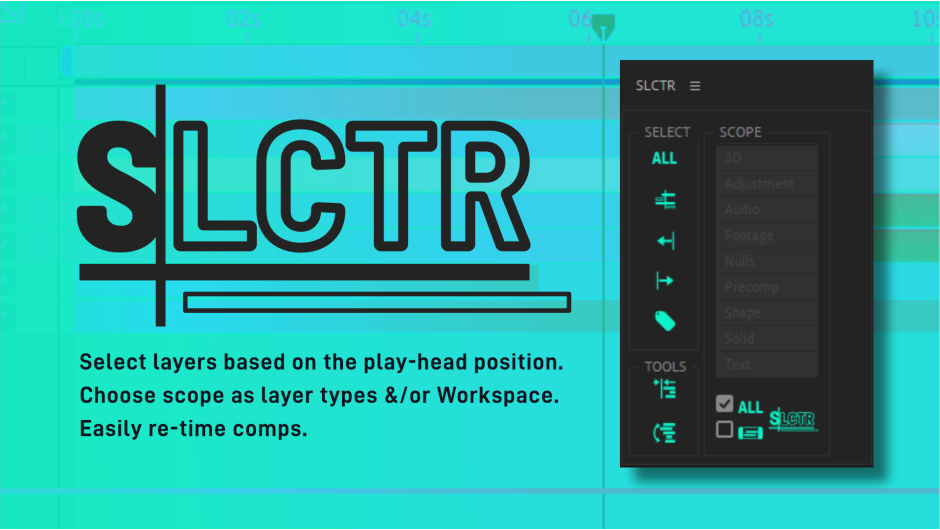
SLCTR by Tim Bywater is a layer-selection and re-timing script for After Effects. It uses the current-time indicator (CTI), also called the play-head, as a reference for choosing layers in a composition. After building a selection, you can shift those layers to line up with the play-head while preserving their relative timing. The developer describes re-timing a complex comp to a new music track as a central use case.
Select by position and layer type
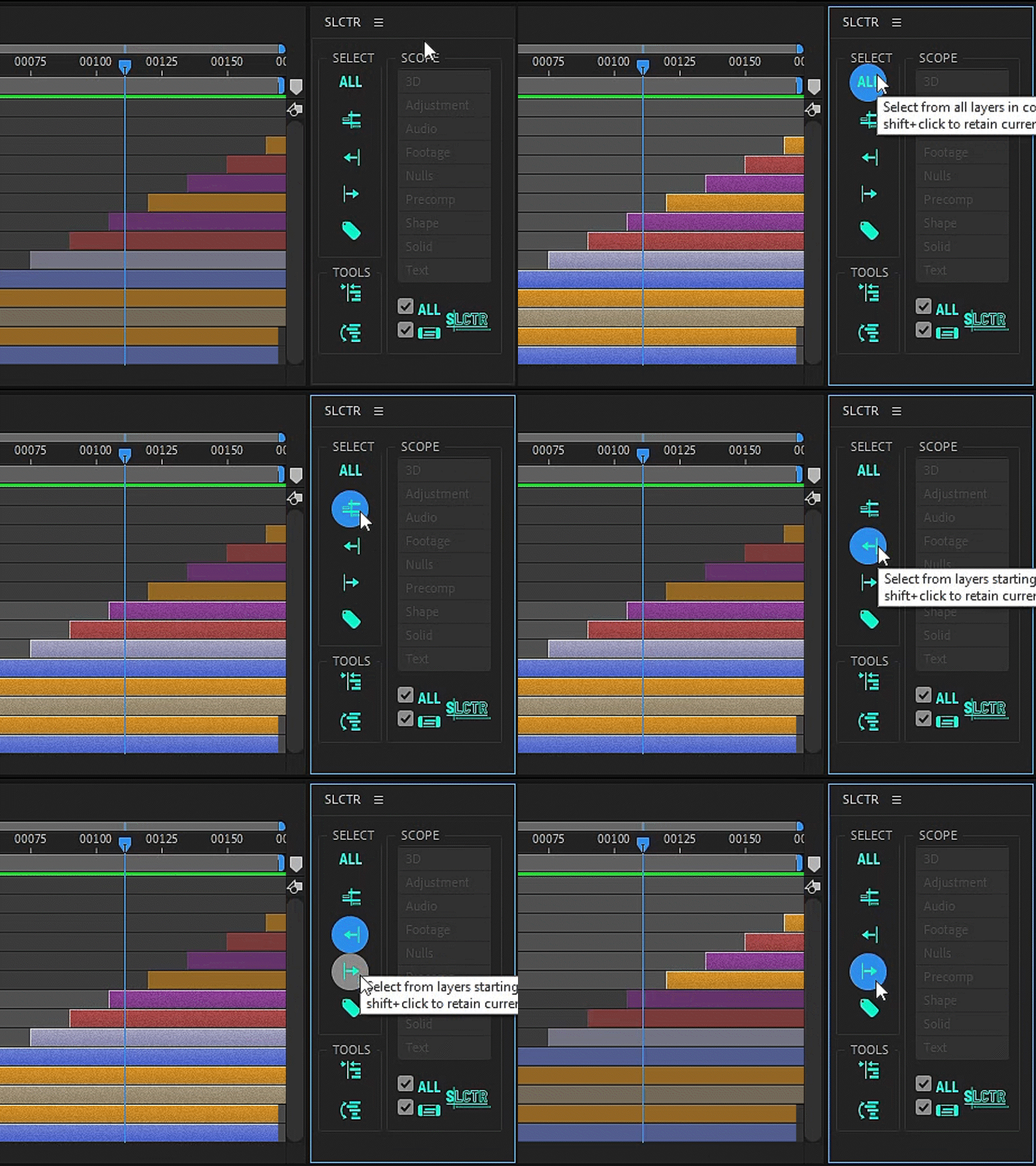
The selection controls cover all layers, layers behind the play-head, or layers ahead of it. Each selection can use a layer-type scope, so the position rule and the types of layers in scope work together. For example, choose the ahead-of-play-head option with a specific layer type in scope to limit the selection to those candidates. SLCTR can also restrict selections to the current Workspace, adding another boundary for the operation.
This is useful when a composition has different layer roles and only some layers need a timing or order change.
Match layers by label
SLCTR can select layers with the same colour or label as the currently selected layers. This is useful when labels already distinguish related parts of a composition. It gives you another way to assemble a group alongside the CTI-based choices: select by position relative to the play-head, or use the current selection's label to find matching layers.
Shift timing or flip layer order
After you select layers, SHIFT moves them to the play-head while preserving their relative timing.
FLIP reverses the selected layers' order from top to bottom. The developer describes it as useful when layers are selected and pasted in an unwanted order. SHIFT and FLIP handle different timeline tasks: one repositions a group in time, while the other reverses its layer order.
Panel placement and compatibility
SLCTR has a compact panel designed to sit on the right side of the timeline. The product listing says most selections take three clicks or fewer, which suits repeated selection work in the timeline. Position-based selection and SHIFT use the CTI; label matching uses the current selection.
The official listing identifies version 1.0 as the initial release on November 22, 2023, and lists compatibility with After Effects 2020 through 2025. Check the aescripts product listing for current availability, pricing, trial terms and compatibility details.