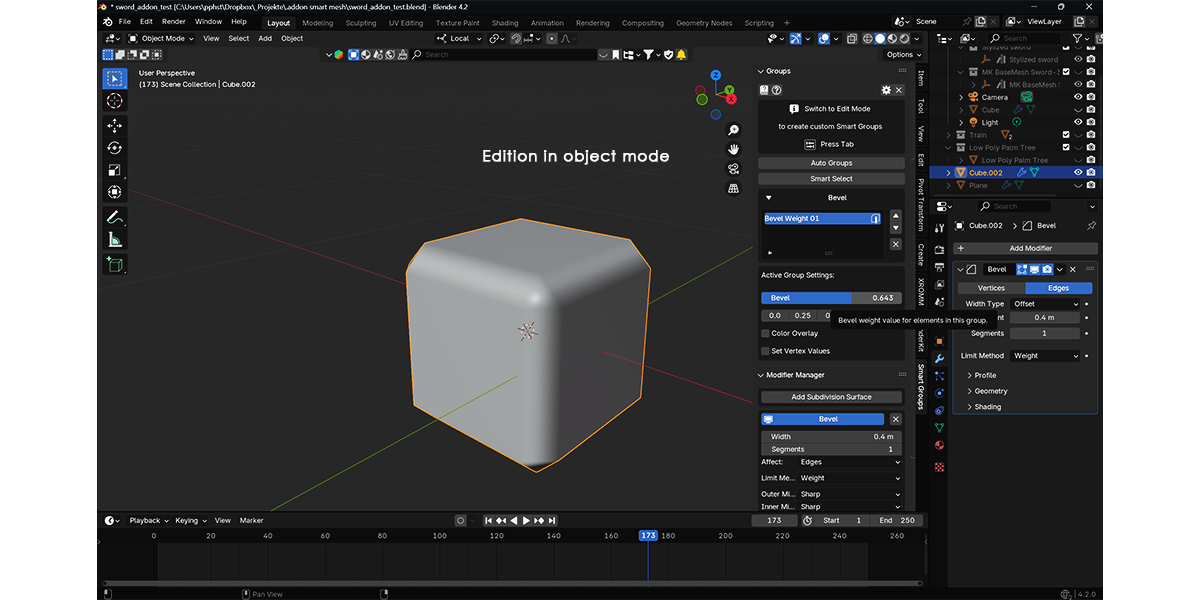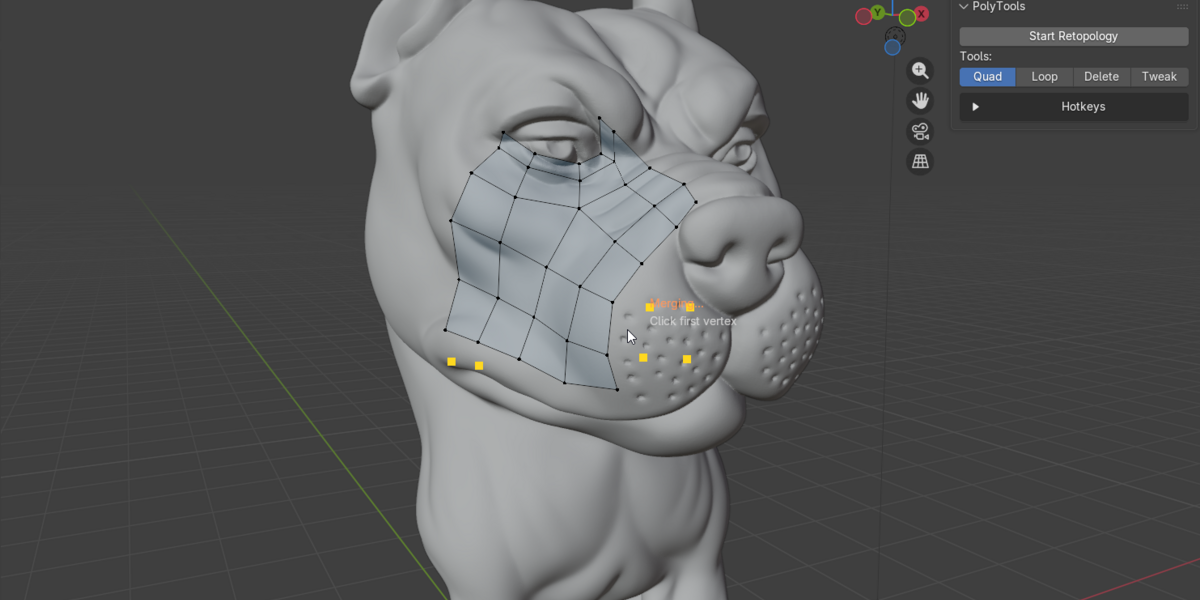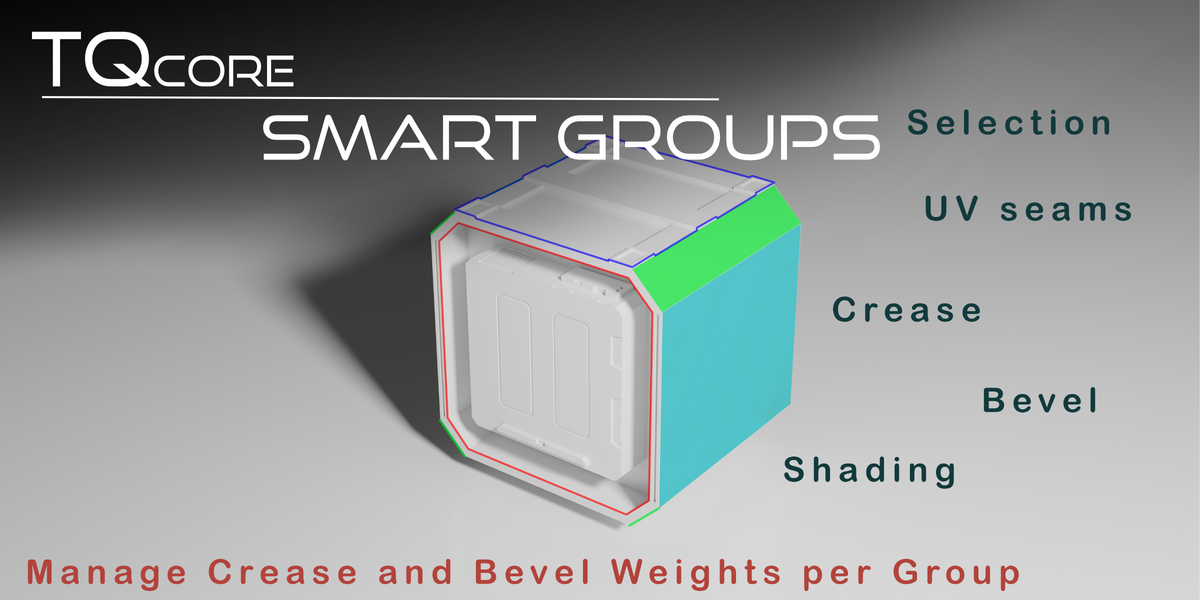
Smart Groups is a Blender add-on from Techqon core for organizing vertices, edges, and faces into reusable mesh groups. It combines group creation and automatic grouping with group selection, crease and bevel-weight controls, and viewport color overlays. The Object Mode Editing feature applies bevels and creases without switching modes.
Create reusable groups from mesh selections
In Edit Mode, select vertices, edges, or faces, then choose Create New Group, as described in the version 1.0.0 manual . Auto Groups can create groups based on mesh features. You can add selected geometry to an existing group and remove groups when they are no longer needed.
Reuse groups for selection and modeling controls
Smart Selection selects a full group when you click one of its elements, while the Selection Group Tool saves complex selections for reuse. Smart Groups handles crease and bevel-weight groups, including dynamic crease values. The version 1.0.0 manual lists crease and bevel-weight presets of 0.0, 0.25, 0.5, 0.75, and 1.0, as well as UV seam toggles and sharpness controls for faces and edges.
Keep group colors and guidance in view
The color overlay assigns colors that remain visible in Object Mode. The Smart Helper provides real-time tips, and built-in interactive tutorials help users learn the add-on's tools.
Check version and license details
The Superhive listing shows Blender versions 4.2 to 4.5 and includes a notice announcing a new version with Blender 4.5+ support. The version 1.0.0 manual lists Blender 4.0.0+. The listing does not identify which release the 4.2 to 4.5 range covers, so confirm compatibility for the Blender release you plan to use. Superhive lists Cycles and Eevee and gives the license as GPL.