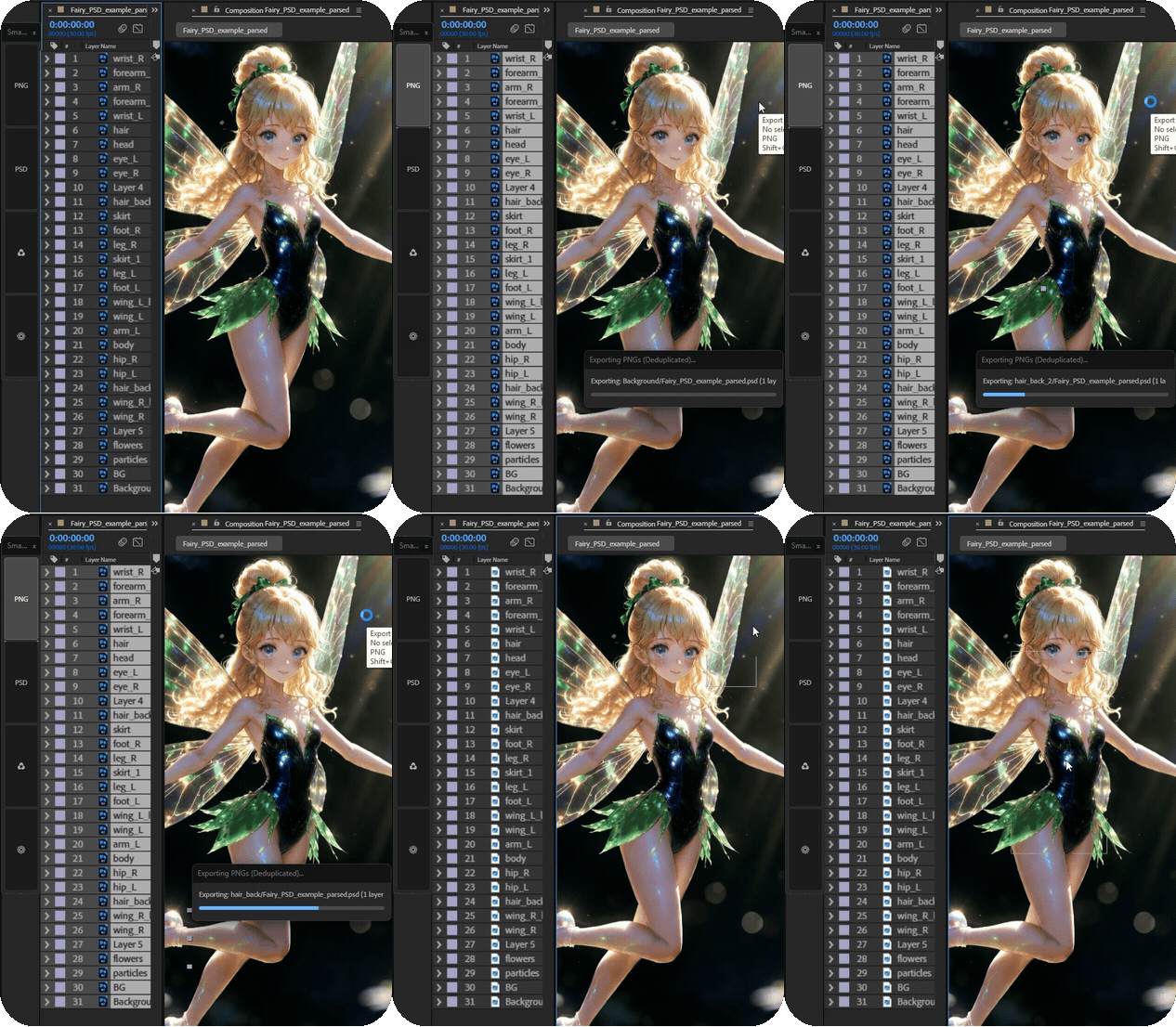
Smart PSD to PNG is an After Effects script by Kirill Starostin for replacing Photoshop layer sources with PNG files. It is intended for projects where working directly with layered PSD or PSB footage slows RAM previews or final renders. The developer describes the conversion as reversible: you can switch a converted layer back to its PSD source from within the After Effects project. See the product listing.
How PSD-to-PNG conversion works
Import a PSD or PSB into After Effects and add it to a composition. Select the layers to convert, or leave all layers unselected to convert them together, then click PNG. The script exports each layer as a PNG with premultiplied alpha, replaces its source, and moves the original PSD into an _Originals folder in the project.
Layer position, scale, rotation, and opacity are preserved. That lets you replace the footage while retaining those layer properties in the composition.
Revert, batch process, and clean up
Click PSD to restore the original Photoshop source. Smart PSD to PNG uses stored metadata for the revert, and the product listing says it can recover the PSD even if the file has been deleted from the project. Its Clean button removes unused PSD and PSB files from the _Originals folder.
For broader changes, Shift-click PNG processes all layers that share the same source across the project, rather than only the selected layers. Shift-click PSD reverts converted PNGs across the project. Check which layers share a source before using these project-wide commands.
Text layers and Fast Mode
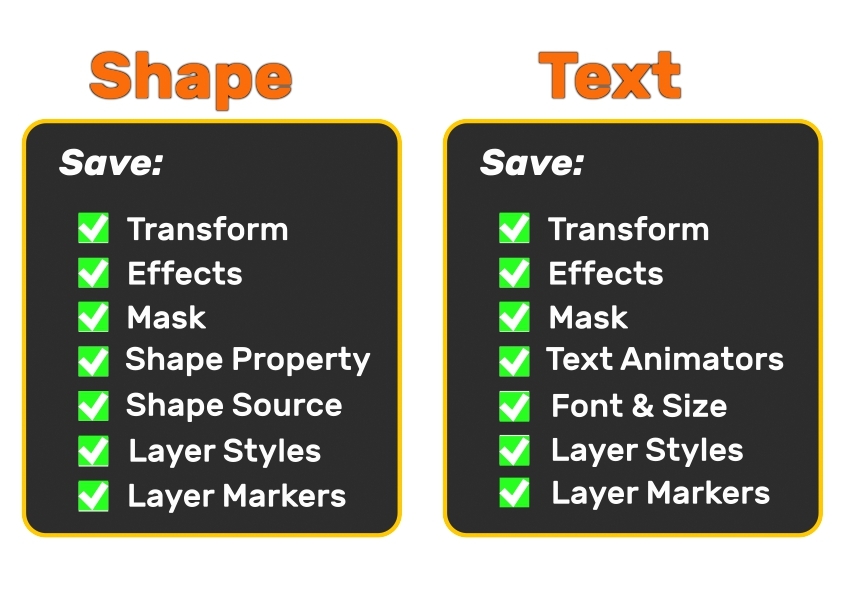
The script can convert Photoshop text layers into native After Effects text layers that remain editable in After Effects. Fast Mode, available in the gear menu, skips BridgeTalk Photoshop export for faster processing.
Compatibility
The developer lists compatibility with After Effects 2026, 2025, 2024, and 2023. Version 1.0 was released on March 22, 2026. Check the developer's listing for current product details.