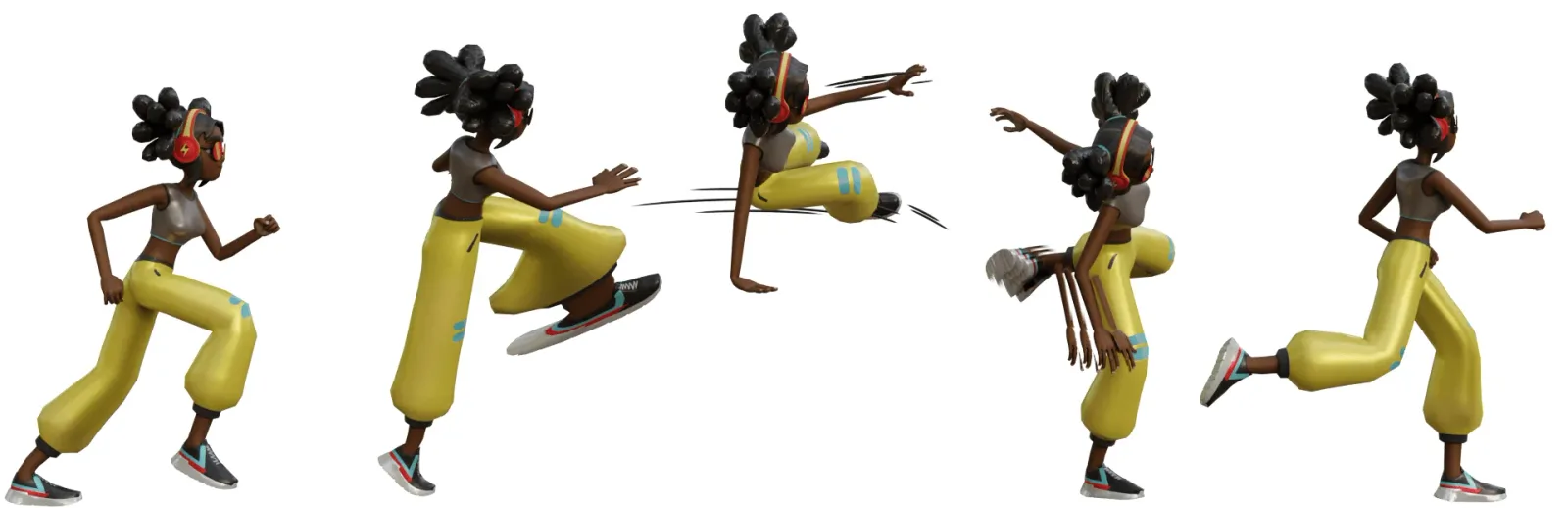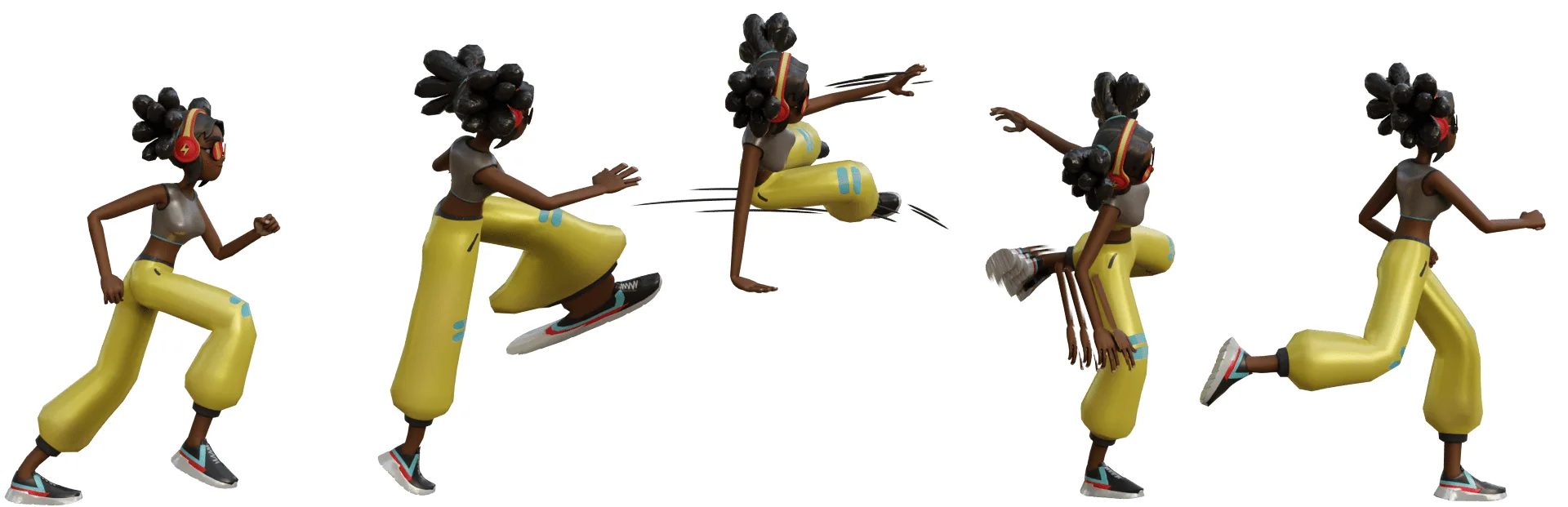
SMEAR is a Blender add-on for creating and shaping smear frames in 3D animation. It can stretch an object along its motion path, draw motion lines from selected vertices, or place copies along the path. The project README describes SMEAR as part of the MoStyle ANR Project by Jean Basset, Pierre Bénard, and Pascal Barla, and points to their SIGGRAPH 2024 paper. See the project README and the Blender Extensions listing for the project details and current release information.
Three ways to shape motion
Elongated in-betweens stretch the object along its trajectory. Controls adjust the overall smear length and its past and future lengths; optional weighting uses speed, a noise pattern, or painted vertex weights.
Motion Lines draw lines along the paths of randomly selected vertices. Their settings include length, offset, seed, selection probability, speed threshold, radius, and material. Multiple In-Betweens place copies of the object along its trajectory, with controls for copy count, opacity, displacement, overlap, and a speed threshold.
Bake the smear frames and adjust the result
SMEAR's custom UI panels include a Smear Frame Generation panel. Select an animated object, set the preprocessing options, then choose Bake Smears. After preprocessing, SMEAR applies a Geometry Node modifier to the object. You can tune the effect from that modifier or from SMEAR's panels.
For articulated characters, Ignore Skeleton makes preprocessing follow full-body movement instead of the skeleton. Prune Skeleton lets you choose bones to ignore. The Temporal Smoothing Window controls how many frames contribute to smoothing; its documented default is N=2. Camera POV calculates smear frames in camera space and is currently limited to simple objects without a skeleton.
Compatibility, license, and a reported issue
The Blender Extensions catalogue lists version 1.1.8, a minimum Blender version of 4.2.0, and the GPL-3.0-or-later license. The listing also includes a user report of a control-panel TypeError on Blender 5.2.1 LTS with that user's rig. A single report does not establish how common the problem is. If you plan to use SMEAR with a rig in Blender 5.2.1 LTS, check the listing and project issue tracker, then test it on a copy of your project.
For transparent Multiple In-Betweens, the object's material must use an alpha channel controlled by the attribute named alpha, which SMEAR creates and controls. That setup is needed for the copies to appear transparent.