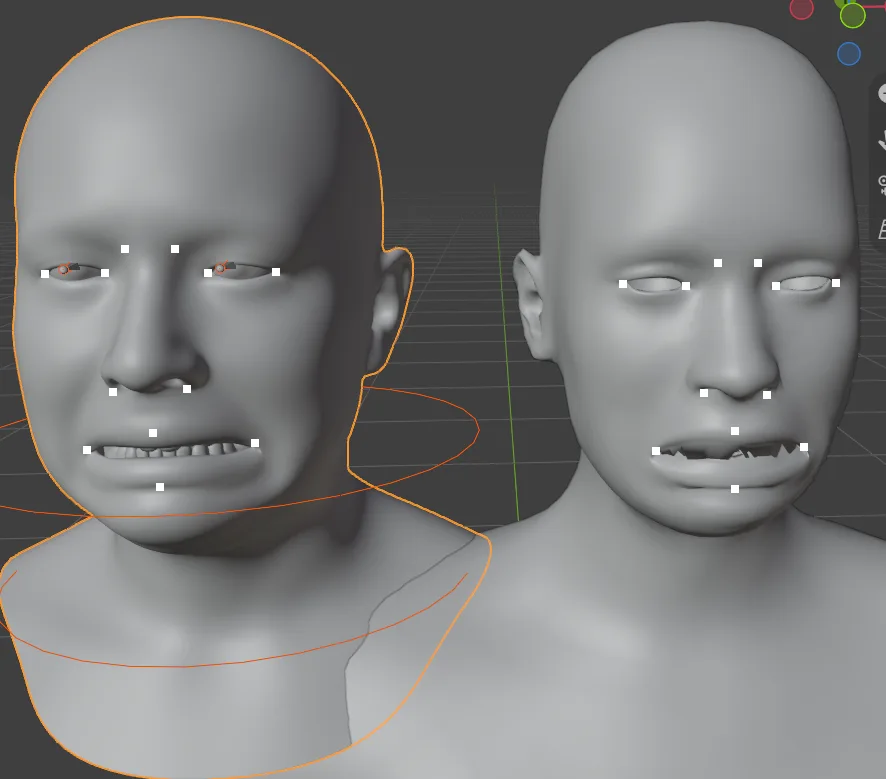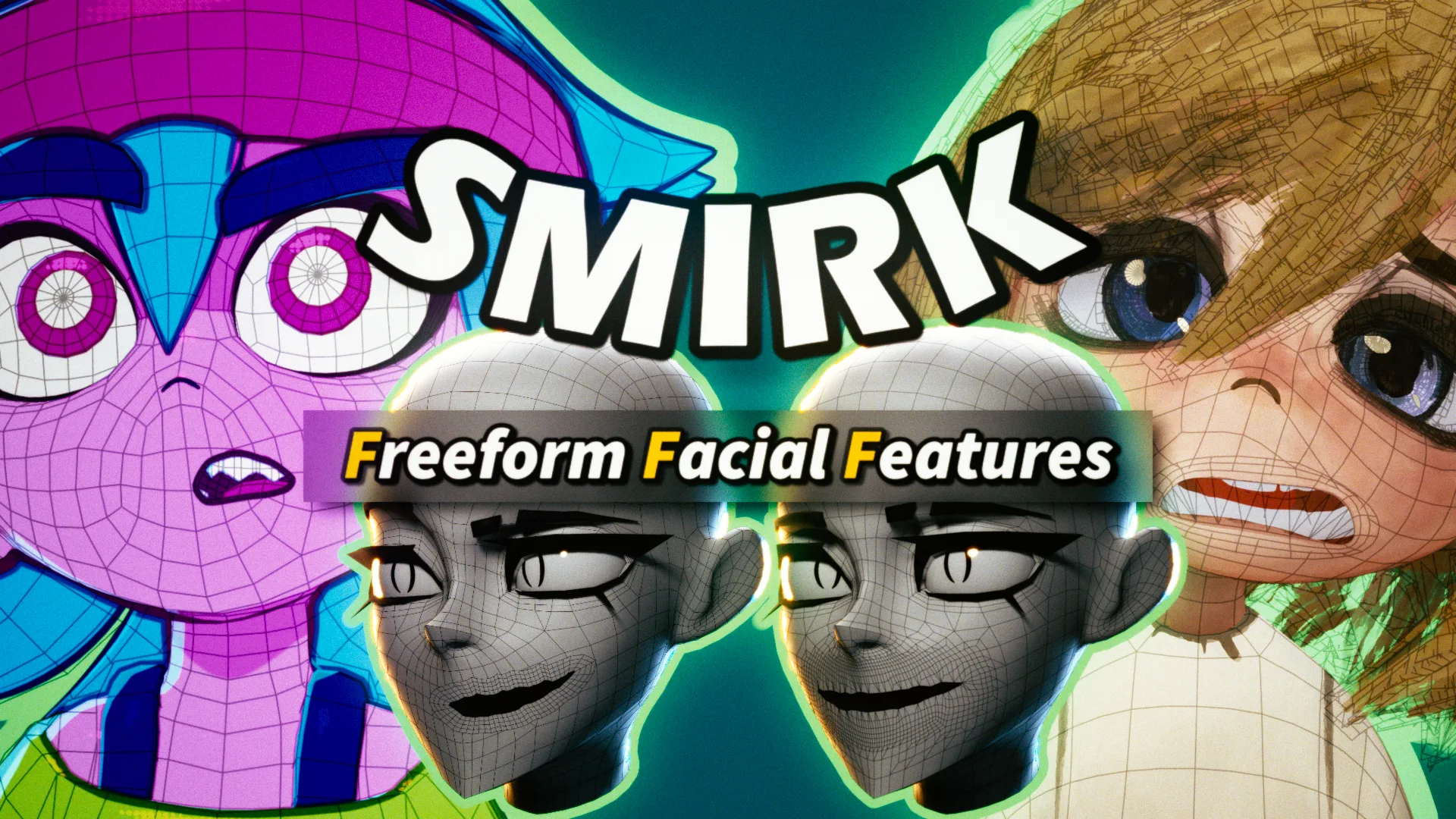
SMIRK is a Blender add-on for creating stylized facial openings in a mesh. It cuts into a surface object using a cutter object, which can be an edge loop on a mouth mesh, a mesh ribbon, or a Grease Pencil object. The workflow is sometimes called a “Boolean Mouth.” This extension wraps Krysidian’s earlier SMIRK Geometry Nodes tools with controls for setting up and adjusting the process.
How to set up a SMIRK cutter
Prepare a surface object, such as a head, and a cutter object. In Blender’s side panel, open the SMIRK panel and use these steps:
- Select the surface and click
Setup Proxy. SMIRK creates a Proxy Mesh for internal use to avoid dependency cycles. - Click
Add Smirk Modifierand choose the cutter object in the modifier fields. - In the Cutter Object subpanel, click Add SMIRK Cutter Vertex Group/GP Layer for an object or Grease Pencil cutter.
- For an object cutter, select the cutter edge loop and assign it to the
Cutter Mask Vertex Group. For Grease Pencil, edit theCutter Mask Layerand fill or draw the cutter. Make drawn strokes cyclic in Edit Mode. - Return to the surface object and adjust the modifier.
The cutter defines the opening; SMIRK does not supply a complete mouth or eye model. The extension includes some mesh generation for the Rim and Inner Area, which can help build parts of the feature around the cut.
What SMIRK does and where it stops
SMIRK is intended for stylized facial features such as mouths, eyes, and other openings. It is not an auto-rigger and does not create armatures to make those features animatable. It also does not generate complete facial features for you.
The extension relies on Blender shaders and Geometry Nodes, so its result cannot be exported to game engines as-is. A similar approach may be recreated in a game engine, but that would be a separate implementation.
Compatibility and installation
The Blender Extensions listing identifies SMIRK version 1.0.2 and a minimum Blender version of 5.2.0. The 1.0.2 release notes, dated November 9, 2026, report a fix for an ID properties issue that broke the interface in Blender 5.3.
Install SMIRK by searching for it in Blender’s Get Extensions panel. You can also download the ZIP from the extension listing and install it from disk using Blender’s extension installation instructions. The listing declares Files permission for importing node groups from blend files and icon files from disk. SMIRK is licensed under GPL-3.0-or-later. For project files and issue reporting, see the SMIRK repository and its issue tracker.