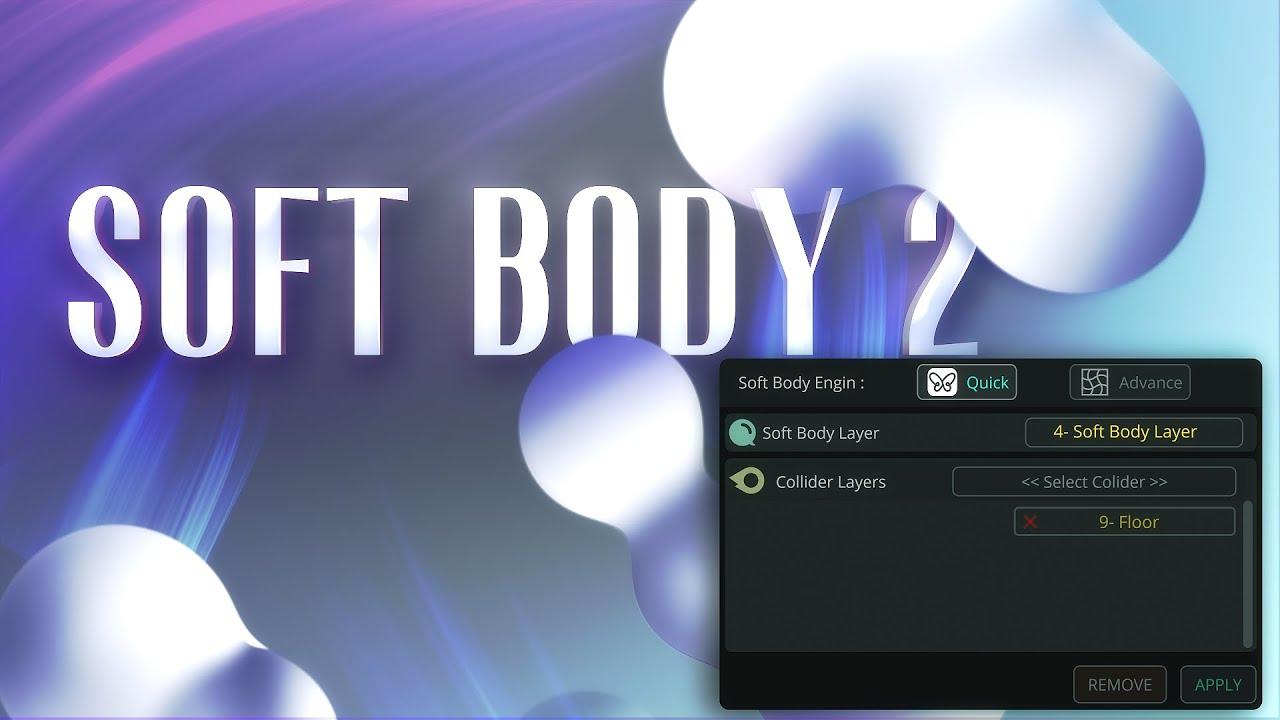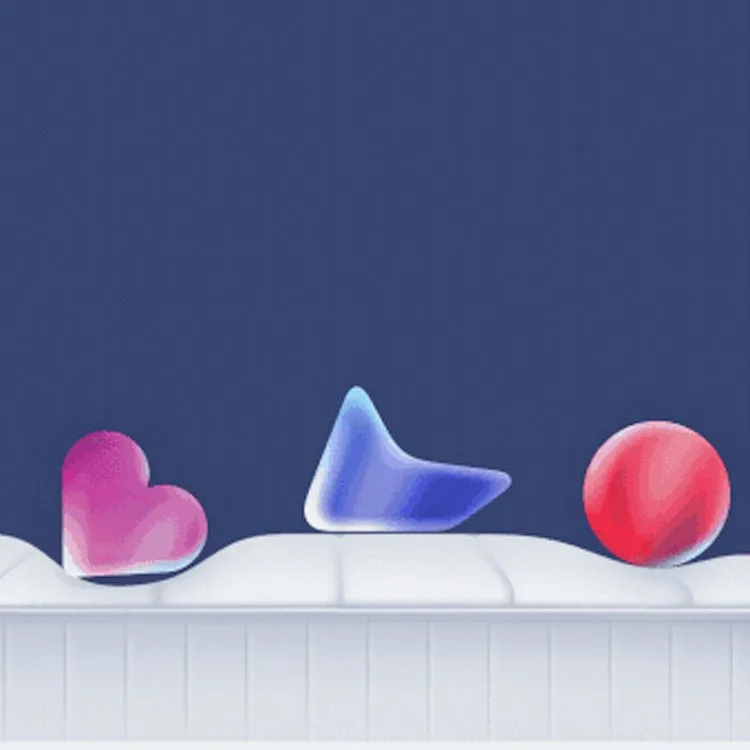
MotionDesk describes Soft Body 2 as checking layer positions for collisions and deforming the soft body layer. Soft Body 2 does not perform a physics simulation. It has Quick and Advance engines and works with shape layers, text, and pre-comps. Quick includes Wobble auto-animation, while Advance can bend images and layers.
Quick and Advance engines
The Quick engine includes Wobble, an auto-animation feature. It softens sharp angles when an object is used as a soft body, not as a collider. The Advance engine, added in version 2, can bend images and layers.
Soft Body 2 also has advanced settings for the soft layer and a multi-collider selector. You can create multiple colliders for each soft body object, giving you more than one collision shape to work with in a composition.
Layer support and limitations
Shape layers, text, and pre-comps can be used as soft body objects. The product information notes restrictions for objects used as soft bodies when they are very small or very thin, not when they are colliders. It does not specify numeric size limits, so check the result with the actual artwork and composition you plan to use.
MotionDesk's product listing does not say whether Advance preserves sharp angles on soft bodies.
Compatibility and availability
The listed After Effects versions are 2025, 2024, 2023, 2022, 2021, 2020, and CC 2019. The catalog labels Soft Body 2 as free, while the aescripts listing shows a $29 price with 25% off at checkout and a free trial. Check the listing for current licensing terms before using it in a project.