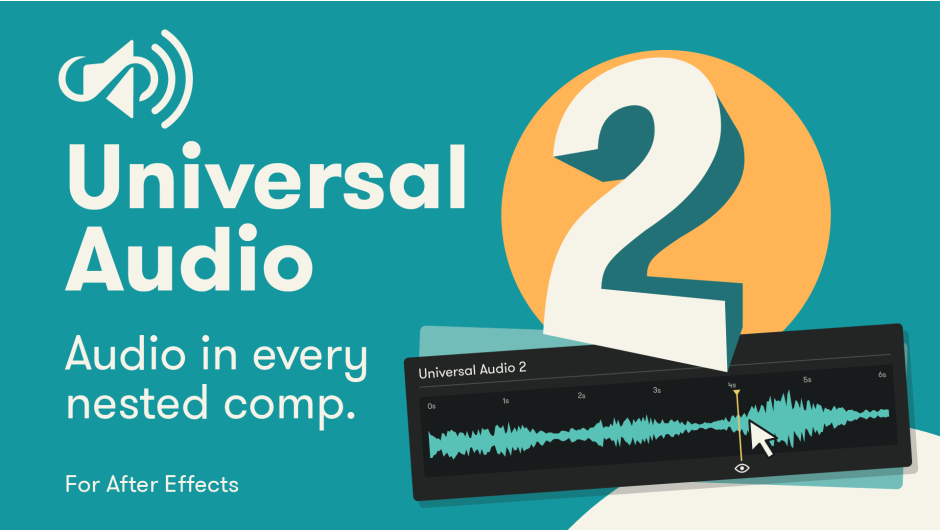
Universal Audio is an After Effects script by Steve Lewis for animators timing movement to voiceover or music. Version 2 adds a panel that shows synced waveforms from parent comps while you work in a nested precomp. You can check and scrub the surrounding audio without copying audio layers into each precomp.
See parent audio while working in a precomp
The panel finds audio in the comps above the active precomp and aligns it with your current timeline. When the same precomp is used along different comp paths, Universal Audio shows a separate waveform for each use and provides breadcrumbs to identify its context. This helps when a shot or animation needs different timing in different places.
Scrub and inspect the waveform
Drag across a waveform to hear the audio and move the After Effects playhead. Use Alt or Option with the scroll wheel to zoom around the cursor, or drag with the middle mouse button to pan. The panel keeps the playhead in sync as you work through the waveform.
Hold the eye control beneath the playhead to preview the matching frame in the root comp. The publisher also describes support for nested, stretched and time-remapped comps, which helps when the active precomp's timing differs from the larger sequence.
Add an audio guide layer for playback
The panel waveform provides a timing reference without adding audio layers to the project. When you want to hear audio in After Effects playback, select Add to comp to create an aligned audio guide layer. The panel can refresh or remove that layer afterward.
Version and compatibility
The publisher marks Universal Audio 2 as a major overhaul released on November 2, 2026. Its version history lists 2.0.4, dated November 9, 2026, with an MP3 encoding fix and a further fix addressing After Effects hanging on close. The current compatibility list on the publisher's Universal Audio page runs from After Effects 2027 through CC 2014; check that listing for your exact version before installing.
This workflow is aimed at After Effects animators who work inside nested comps and time motion to dialogue or music. If your timing work happens in a single root comp, the parent-audio panel may be less useful.