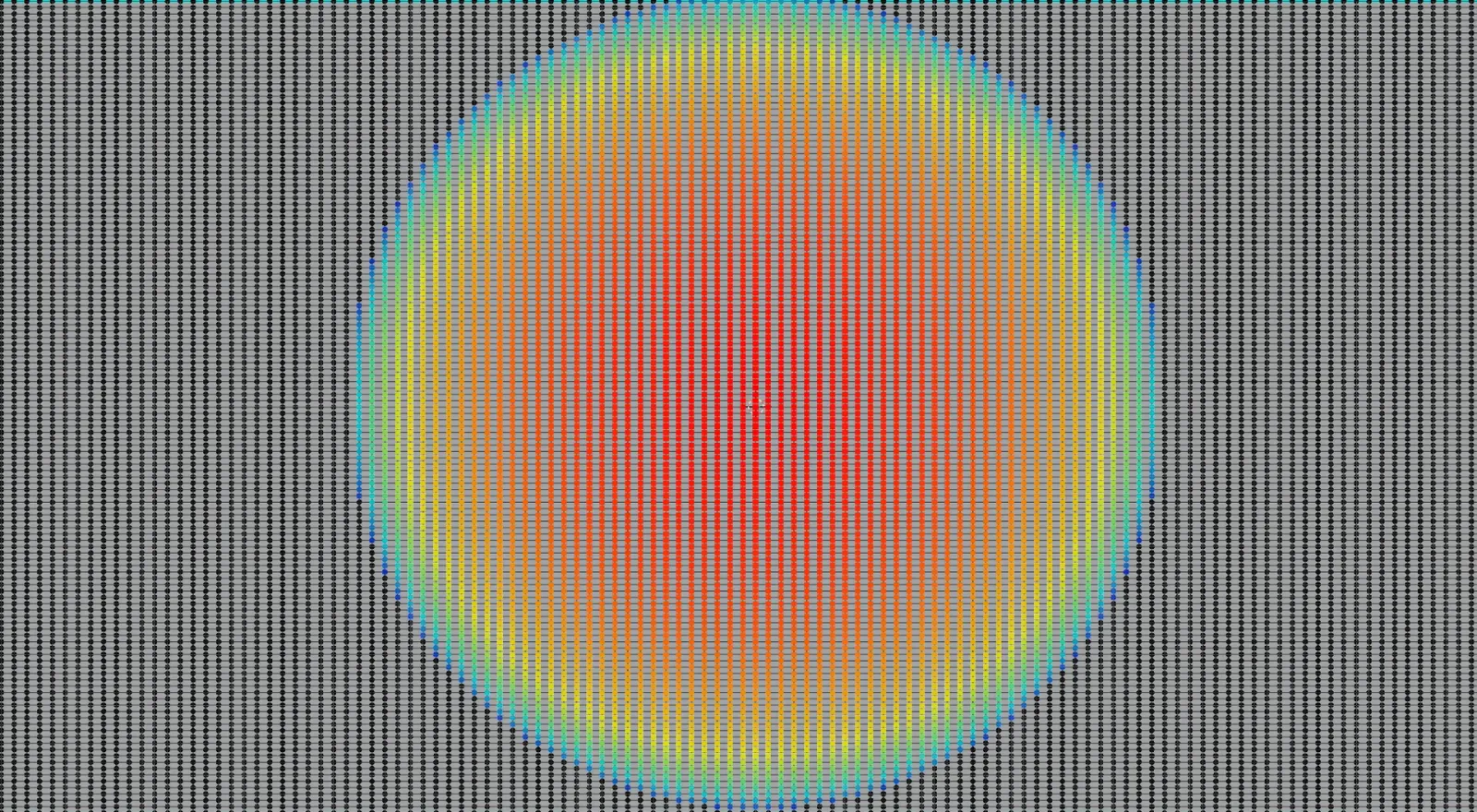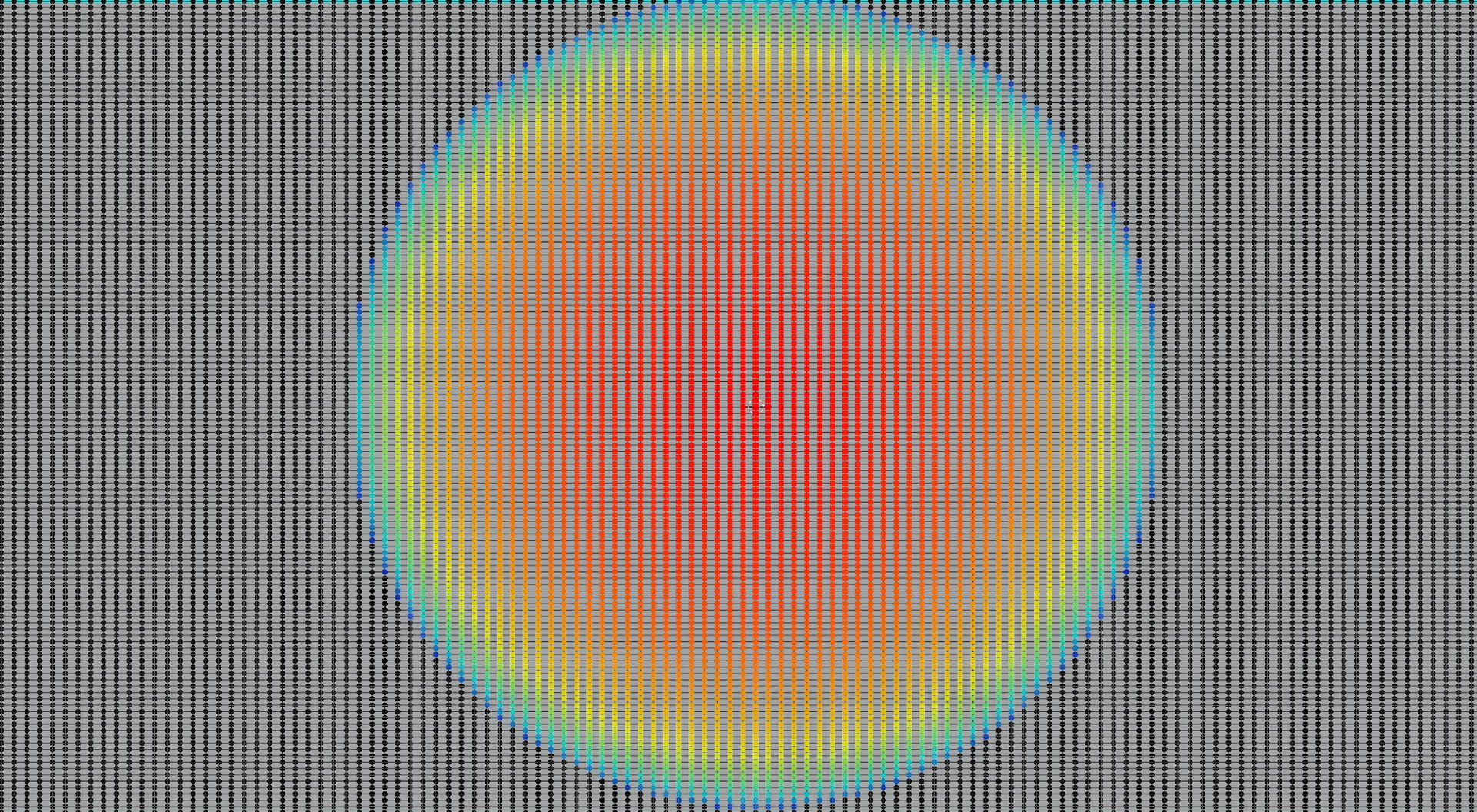
SoftViz Pro adds a GPU-drawn, per-vertex heatmap to Blender’s Proportional Editing workflow. Its heatmap shows influence on the mesh rather than only through Blender’s native 2D circle. The Blender Extensions catalog lists version 1.2.0 with Blender 4.2.0 as the minimum version. See the Blender Extensions listing.
How the heatmap measures influence
SoftViz Pro uses two distance methods controlled by the Connected setting. With Connected off, SoftViz Pro uses Euclidean distance through a KDTree, measuring straight-line distance in 3D. With Connected on, it uses geodesic distance along connected mesh edges, so the influence follows the surface and stops at mesh gaps or separate components.
The overlay draws through Blender’s GPU module. The listing also describes an X-Ray depth option to hide points behind visible polygons, plus World Space and Screen Space controls for dot size.
Using SoftViz Pro
In Edit Mode, enable Proportional Editing, open the N-panel, and use the SoftViz tab to toggle the heatmap.
Compatibility and limitations
The Blender Extensions catalog lists GPL-3.0-or-later licensing.
The extension page notes that Blender’s Python API cannot provide certain data while a modal operator is active, such as during G, R, or S transforms. As a result, the heatmap may not update live during an operation.
One reviewer on the Blender Extensions page reported frame-rate drops when editing meshes around 100,000 vertices and a Blender freeze with a one-million-polygon mesh. This is an individual report, not a benchmark for every system. If you work with dense meshes, try the add-on on a representative file before relying on it in a production workflow. The official listing links to the project issue tracker.