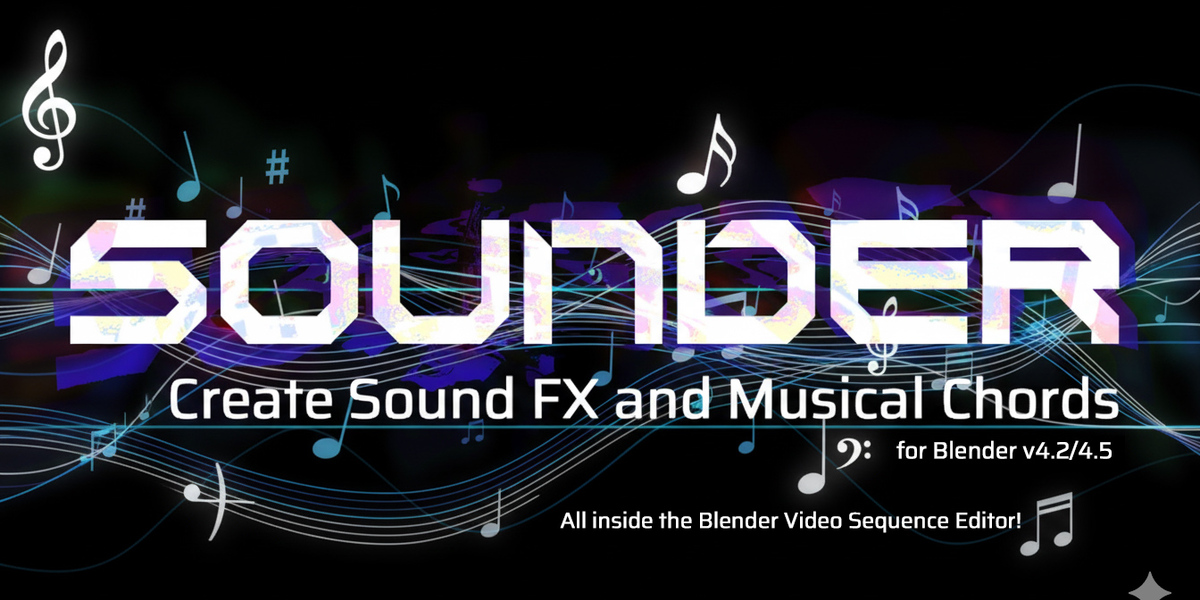
Sounder is an audio toolkit for Blender's Video Sequence Editor (VSE). It generates sound effects and music inside Blender, then places the audio directly on the VSE timeline as strips. The CONTOR product listing describes a workflow that starts with choosing SFX, Music, or Multi-Note, adjusting the sound, adding effects, and generating it on the timeline.
Sound effects in the VSE
The sound effects generator includes 12 presets, from beeps and blips to explosions and engine sounds. You can load a preset into the custom generator to adjust it. Six synthesis modes are available: Basic, FM, Additive, AM, Subtractive, and Granular. Seven waveforms, including white and pink noise, provide more starting points for building a cue.
Instruments and multi-note editing
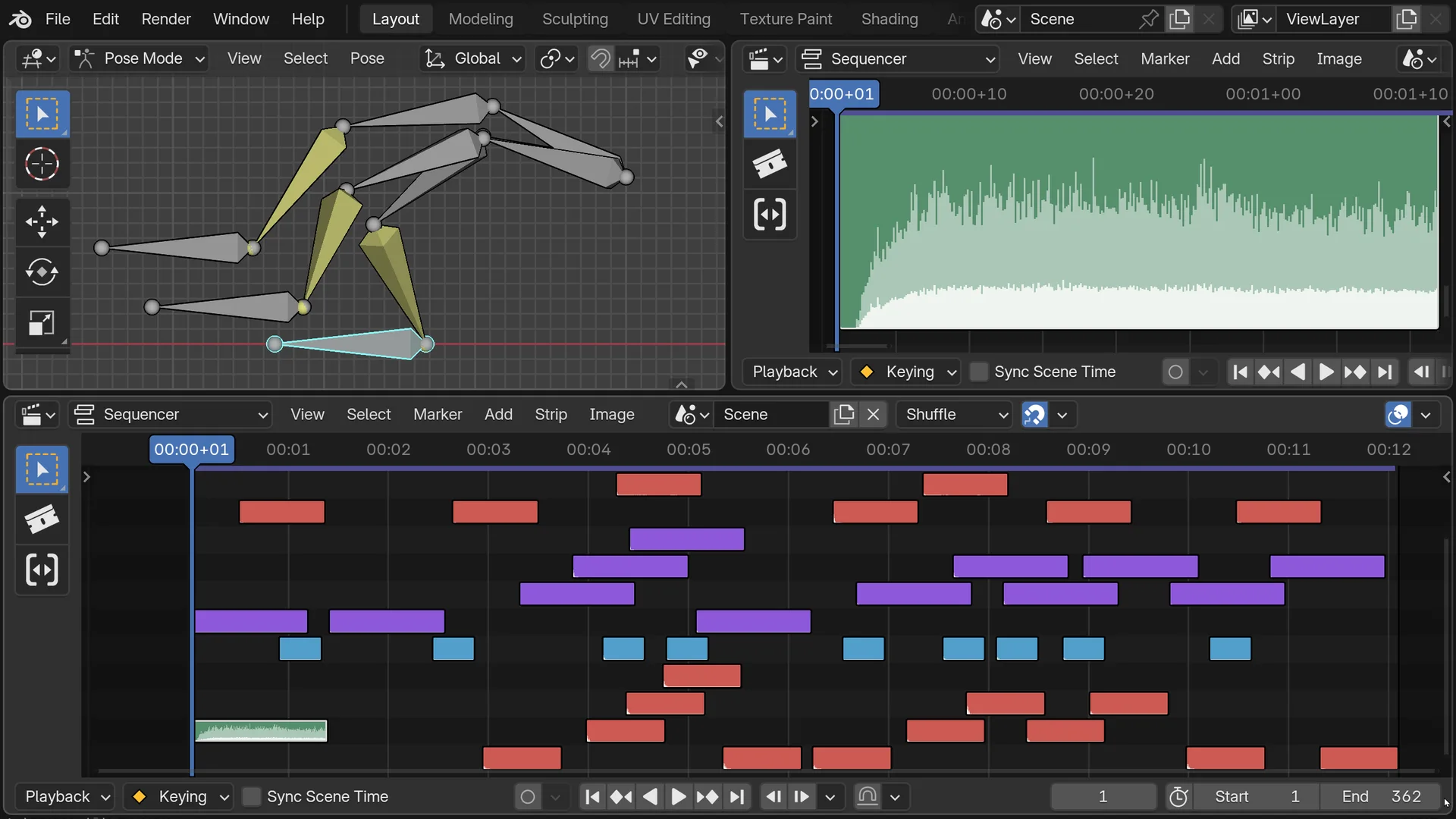
Sounder includes 22 instruments across keyboards, synths, orchestral sounds, woodwinds, bells and chimes, and bass. It can generate single notes or chords in Major, Minor, 7th, and Diminished types. In the multi-note editor, you can combine notes and chords into sequences, auto-chain notes, and edit the result on a visual timeline. Custom presets can be saved for the generators, organized in a library, and shared with a team.
Effects and recording options
The available effects depend on the generator. Sound effects include distortion, bitcrush, tremolo, vibrato, chorus, reverb, delay, pitch envelopes, and fades. Music and multi-note generation include distortion, saturation, reverb, Corpus acoustic resonance modeling, pitch envelope, and fade in/out.
MIDI recording supports an external MIDI keyboard or the computer keyboard as a virtual piano, with real-time monitoring and timeline sync. Sounder's separate microphone or system-audio recording feature is available on Windows and Linux. The product listing says it does not work on macOS because Blender cannot receive microphone permission. Basic generation has no required dependencies; optional libraries are used for MIDI and recording.
Who Sounder suits
Sounder's workflow suits Blender editors who need quick sound cues, motion graphics artists adding audio to a sequence, and game developers or music creators sketching ideas. Its tools focus on generating and arranging audio within the VSE, with the macOS recording limitation worth checking if microphone capture is part of your workflow.