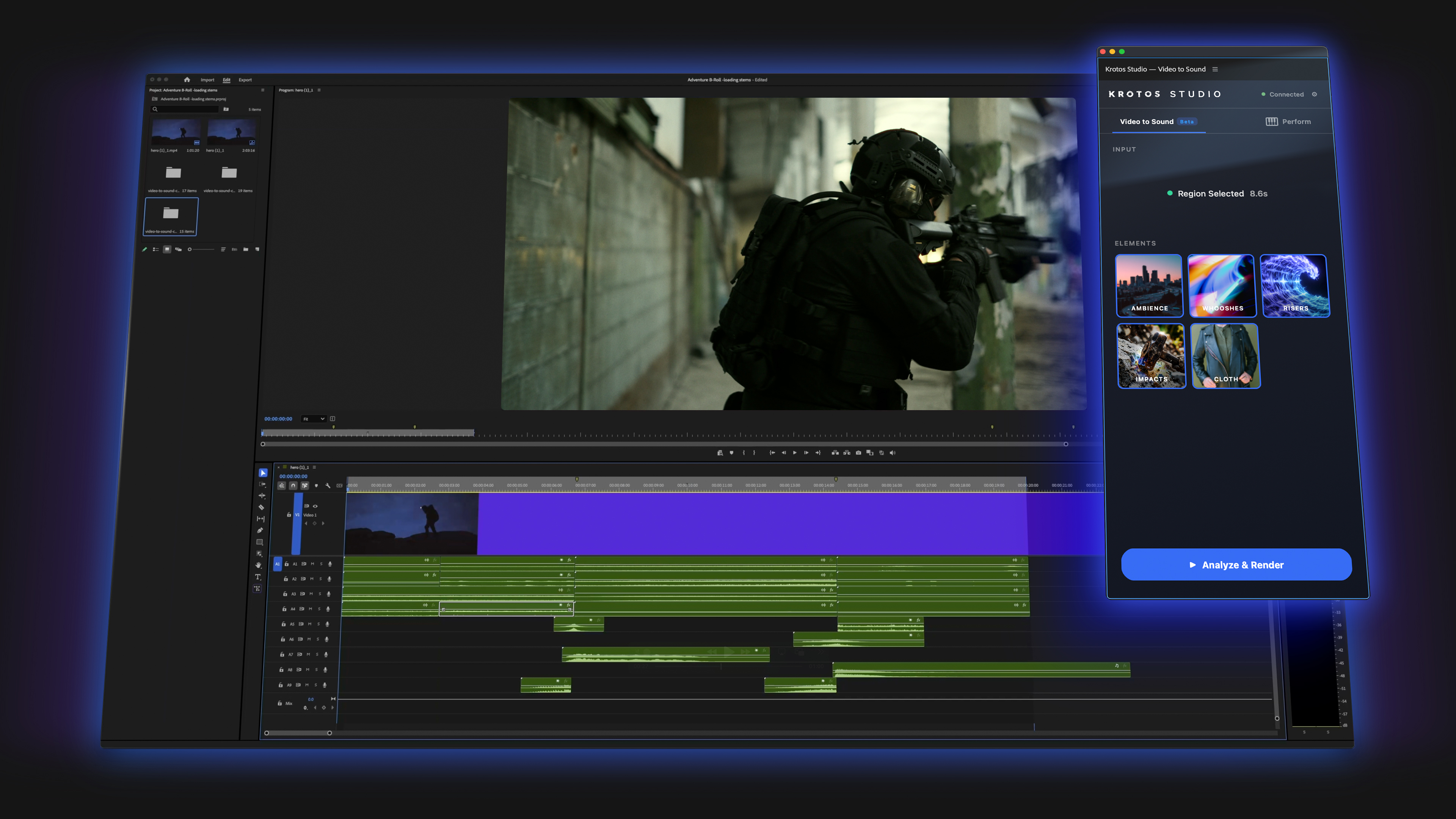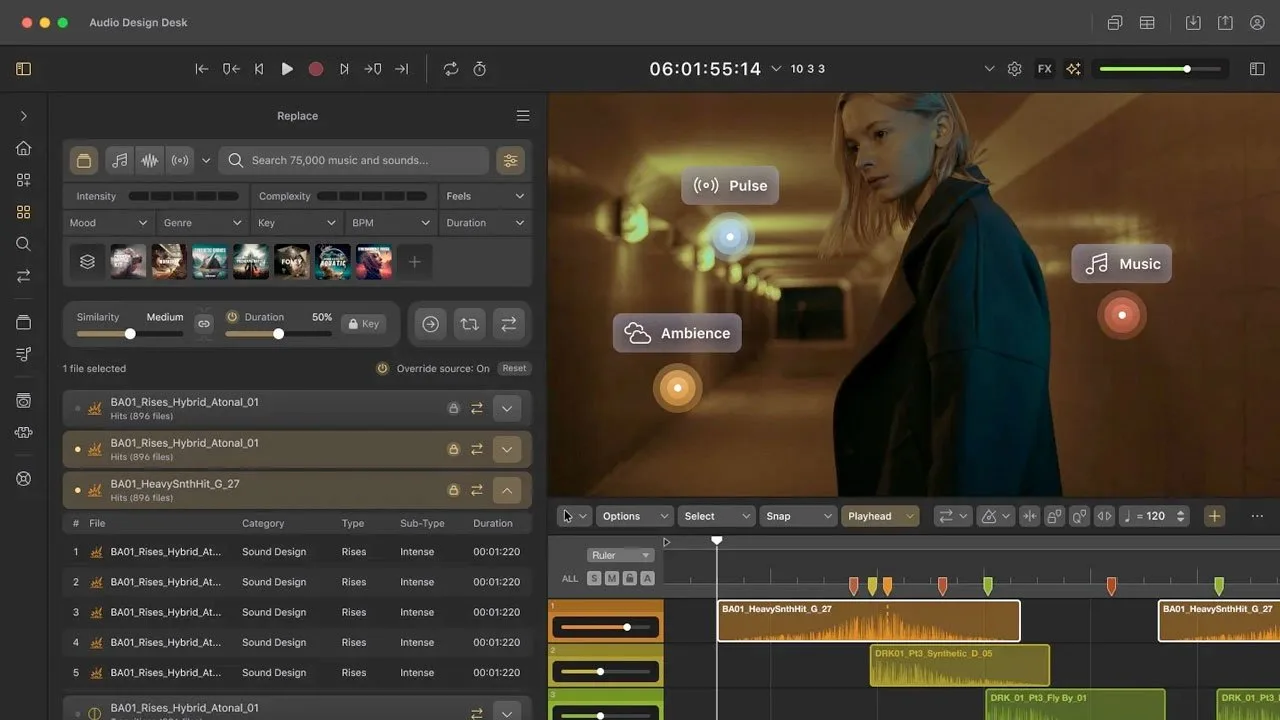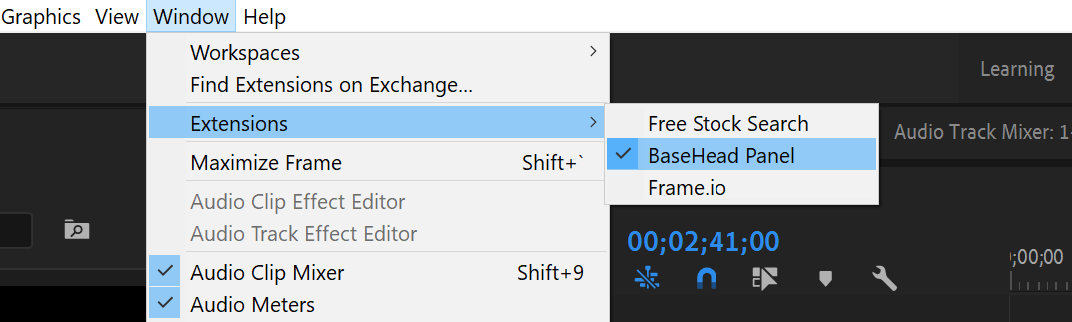
The Audiio Premiere Pro plugin lets editors browse music and sound effects, preview a selection, and place it on the timeline without leaving Premiere Pro.
How Audiio works in Premiere Pro
For example, an editor can preview a music bed before placing it on the timeline.
Compatibility and release information
Compatibility is listed for Premiere Pro 24.0 and later. Version 1.0.2 was published on July 1, 2026, and the update notes mention small bug fixes. Check the Audiio listing on Adobe Exchange for the latest version and compatibility details before installing.
Cost and music licensing
The plugin is listed as free. Audiio’s pricing information lists Premiere Pro and DaVinci Resolve plugin access with paid plans. A free plugin listing does not establish that access to the music and sound effects, or the rights to use them in every kind of project, is free. Check the current plan terms for your intended use, especially for client or commercial work. For questions about a particular project, contact Audiio.
Who may find it useful
Audiio may suit Premiere Pro editors who choose music or sound effects while assembling a cut.