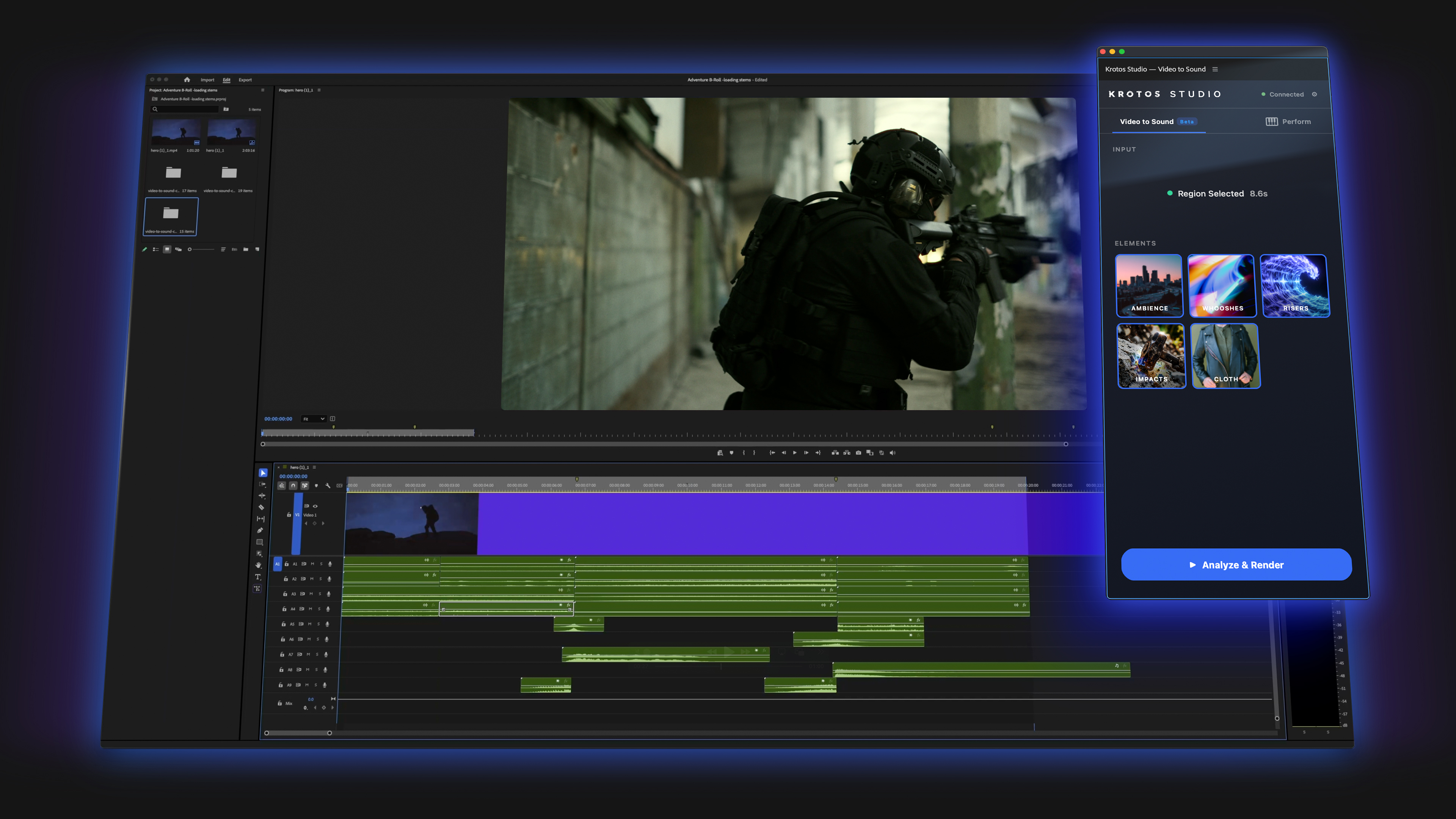
Krotos Video to Sound is a panel for Adobe Premiere Pro that analyzes a selected timeline range and places sound effects on tracks in the sequence. It uses AI to select, combine and place recorded sounds from Krotos libraries; Krotos says it does not generate or synthesize audio. Editors can adjust clips and replace some effects while keeping them in sync.
What it adds to a Premiere timeline
The June 15, 2026 Krotos getting-started guide lists Ambiences, Whooshes, Transitions, Risers, Impacts and Cloth. It says Footsteps and Spot Effects were coming soon. Krotos’ current Premiere Pro product page now describes synchronized footstep effects. Since the pages differ, check the elements available in the installed panel.
Krotos describes the panel as part of Krotos Studio, with free account access and Studio, Pro and Max subscription plans. Its current product page lists five analyses for a free account, 50 per month for Studio, 100 for Pro and 200 for Max. The June guide lists 10 for Studio, so confirm the current allowance with Krotos before relying on it.
How the Premiere Pro workflow works
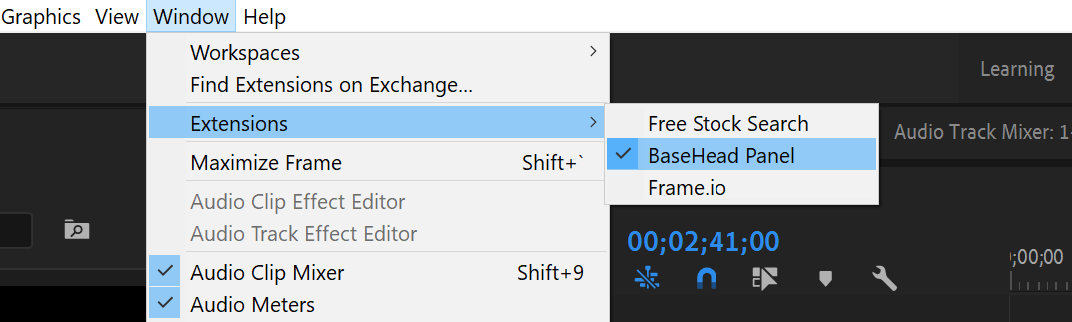
- Install the Krotos software. The installer adds the Premiere panel and Krotos Studio standalone app. In Premiere, open Window > UXP Plugins, then open the Krotos panel and sign in.
- Set the in and out points for the video range you want analyzed. Use I and O on the keyboard, or right-click the timeline to set the points. Choose the sound elements to add.
- Select Analyse and Render. The panel analyzes only the selected range and adds the chosen effects to tracks in the project.
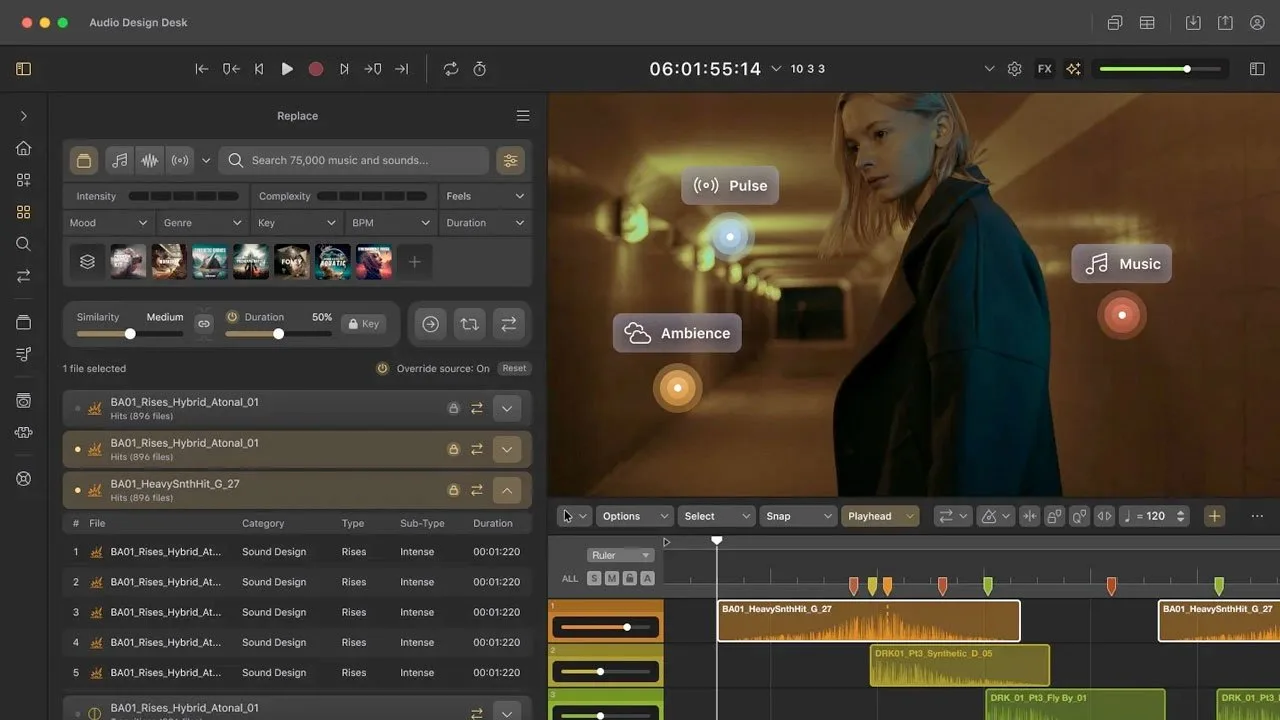
- Adjust a clip’s level or delete it directly on the timeline. In the Results tab, you can preview and swap effects while maintaining sync. Krotos says swapping is available for all elements except Cloth.
Swapping is tied to the most recently analyzed range. If you analyze a new region, the swap controls apply to that region; you cannot return later to swap effects from an earlier analysis.
Compatibility and setup details
Krotos’ current product page specifies Adobe Premiere Pro 25.6.0 or later. Its June getting-started guide says 25.0.0 or later. Check the current requirement on the Krotos product page before installing. The guide also notes that Google Sign-in is not supported inside the panel; users who normally sign in with Google need to set a password using Forgot Password, then use that password in the plugin.
The panel suits Premiere editors who want a synchronized sound-effects pass on a selected scene. Krotos presents it as a way to speed up that first pass, with clip adjustment and some replacement options available afterward.